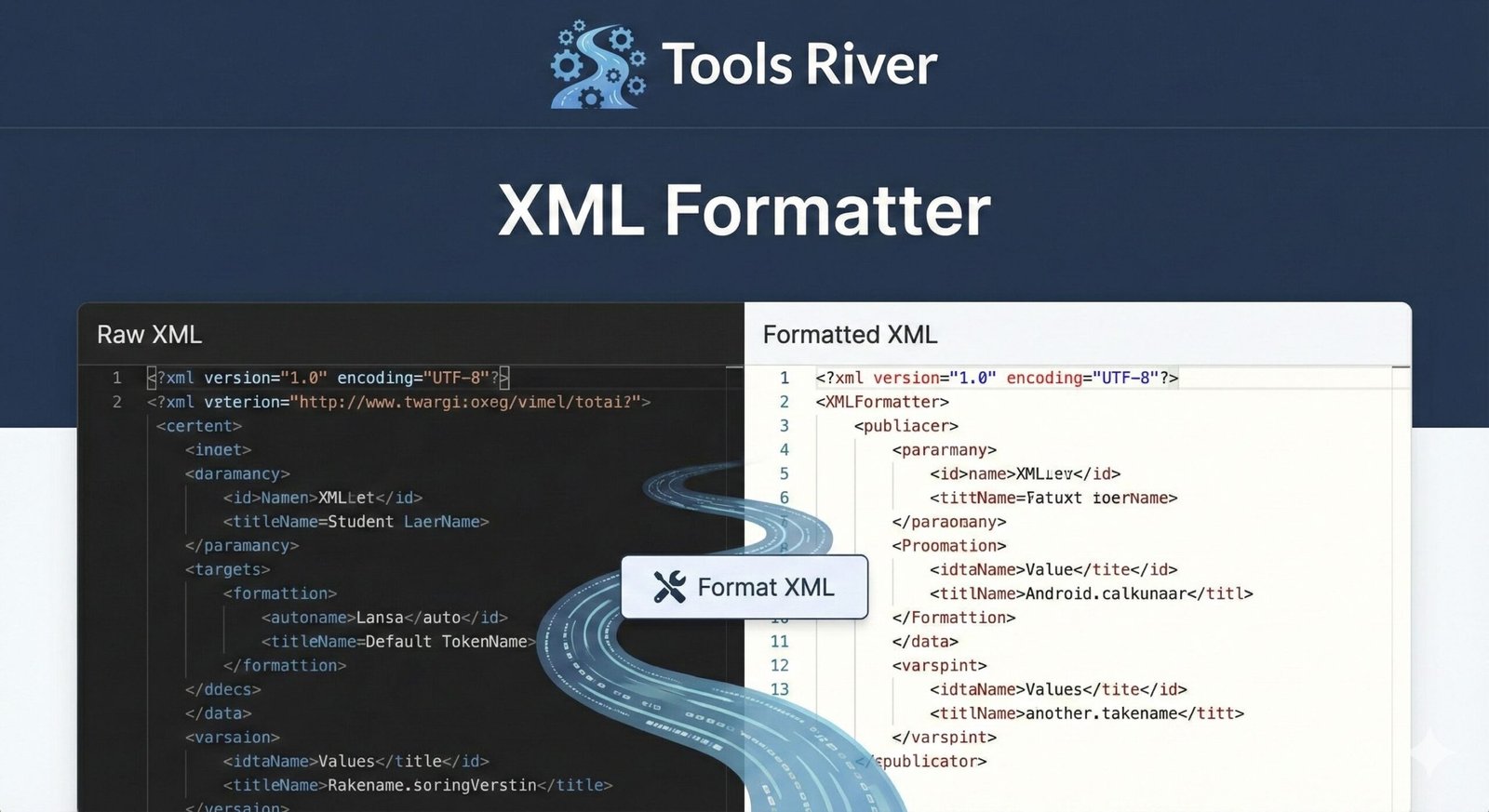
XML Formatter
This XML Formatter tool helps you beautify and format XML data with proper indentation and structure. It makes XML code more readable and easier to understand by organizing elements hierarchically.
How to use: Paste your XML code below, select formatting options, and click “Format XML” to beautify or “Minify” to compress. Errors will be shown if XML is invalid.
Free XML Formatter Online: Beautify & Validate Code
Format messy XML in seconds! Our free online XML Formatter beautifies, validates, and fixes your code for better readability and error-free files.
XML Formatter: Transform Messy Code into Readable, Valid XML
Have you ever opened an XML file only to be greeted by a massive, jumbled wall of text? This single-line, unformatted XML is incredibly difficult to read, debug, or edit. Manually fixing it is a tedious and error-prone process. This is where an XML Formatter becomes an essential tool for developers, data analysts, and anyone working with structured data. An XML Formatter, also known as an XML Beautifier or Pretty Printer, is an online utility that automatically restructures your raw, minified XML code into a clean, human-readable, and properly indented format. By using an XML Formatter, you can instantly improve your workflow, reduce errors, and ensure your data is presented clearly and professionally.
What is XML and Why Does Formatting Matter?
XML (eXtensible Markup Language) is a fundamental markup language designed to store and transport data in a structured way. Its self-descriptive nature makes it a universal standard for data exchange between applications, configuration files for software, web services (SOAP, RSS feeds), and document formats like Microsoft Office.
Proper formatting is not just about aesthetics; it’s about functionality and efficiency. Well-formatted XML is crucial for:
- Readability: Indentation and line breaks allow the human eye to quickly understand the document’s hierarchy and structure.
- Debugging: Identifying missing tags, incorrect nesting, or syntax errors is exponentially easier in a formatted file.
- Maintenance: Well-organized code is simpler to update, modify, and extend over time, especially when working in a team.
- Professionalism: Delivering clean, formatted XML files reflects a high standard of work quality.
How Our Free Online XML Formatter Tool Works
Our XML Formatter is designed with simplicity and power in mind. You don’t need to install any software or have advanced technical knowledge. The process is straightforward and takes only seconds.
- Paste Your XML Code: Locate your minified or messy XML data. Copy and paste it directly into the main input box of the formatter tool.
- Configure Formatting (Optional): Our tool often provides options like choosing indentation size (2 spaces, 4 spaces, tabs). Select your preference for ultimate control over the output’s look.
- Click the “Format” or “Beautify” Button: Initiate the formatting process with a single click.
- Get Your Beautified XML: Instantly, your formatted, easy-to-read XML will appear in the output box. You can then copy it for immediate use or download it as a file.
Using our XML Formatter tool eliminates the risk of human error that comes with manual formatting and saves you invaluable time.
Key Features of a Powerful XML Formatter
Not all formatters are created equal. A robust tool, like the one we provide, offers a suite of features that go beyond simple indentation.
1. Syntax Highlighting
This feature color-codes different parts of your XML syntax. Tags, attributes, and values appear in distinct colors, making the structure visually intuitive and helping you spot issues at a glance.
2. XML Validation
This is a critical function. As it formats your code, the tool simultaneously checks it against the fundamental rules of XML well-formedness. It will immediately flag errors such as:
- Mismatched opening and closing tags.
- Missing root elements.
- Improperly nested elements.
- Special characters that are not properly escaped (e.g.,
&,<,>).
3. Customizable Indentation
Different projects and teams have different coding standards. A good formatter allows you to customize the indentation, letting you choose between spaces and tabs and specify the number of spaces per indentation level.
4. Tree View Representation
Some advanced formatters can also display your XML as a collapsible tree view. This provides a fantastic visual overview of the entire document hierarchy, allowing you to expand and collapse nodes to navigate large files efficiently.
Just as an XML Formatter organizes your data, a well-formatted image is crucial for web presentation. For that, you can rely on our Image Resizer tool to perfectly size your visuals.
Common Issues Fixed by an XML Formatter
An XML Formatter is your first line of defense against common XML problems. Here’s what it can automatically resolve:
- Minified Files: Files that have been compressed for transmission often appear as a single, long line of text. The formatter breaks this down into a logical, multi-line structure.
- Inconsistent Indentation: Files that have been edited by multiple people or tools often have messy, inconsistent spacing. The formatter applies a uniform indentation style throughout the document.
- Lack of Line Breaks: The formatter intelligently inserts line breaks after closing tags and between elements to logically separate different parts of the data.
- Hidden Syntax Errors: During the formatting and validation process, the tool will often uncover syntax errors that were difficult to spot in the unformatted blob of text.
Step-by-Step Guide: How to Format Your XML
Let’s walk through a practical example to see the transformation in action.
Your Input (Minified XML):
xml
<?xml version="1.0" encoding="UTF-8"?><catalog><book id="bk101"><author>Gambardella, Matthew</author><title>XML Developer's Guide</title><genre>Computer</genre><price>44.95</price><publish_date>2000-10-01</publish_date><description>An in-depth look at creating applications with XML.</description></book><book id="bk102"><author>Ralls, Kim</author><title>Midnight Rain</title><genre>Fantasy</genre><price>5.95</price><publish_date>2000-12-16</publish_date><description>A former architect battles corporate zombies.</description></book></catalog>
Process:
- You paste the above code into the XML Formatter tool.
- You select an indentation of “2 spaces.”
- You click “Format.”
Your Output (Beautified XML):
xml
<?xml version="1.0" encoding="UTF-8"?>
<catalog>
<book id="bk101">
<author>Gambardella, Matthew</author>
<title>XML Developer's Guide</title>
<genre>Computer</genre>
<price>44.95</price>
<publish_date>2000-10-01</publish_date>
<description>An in-depth look at creating applications with XML.</description>
</book>
<book id="bk102">
<author>Ralls, Kim</author>
<title>Midnight Rain</title>
<genre>Fantasy</genre>
<price>5.95</price>
<publish_date>2000-12-16</publish_date>
<description>A former architect battles corporate zombies.</description>
</book>
</catalog>
The difference is night and day. The formatted output is instantly understandable.
The Technical Side: Understanding XML Well-Formedness
For an XML document to be valid, it must first be “well-formed.” This means it adheres to all of XML’s basic syntactic rules. The World Wide Web Consortium (W3C) defines these rules. An XML Formatter relies on these same rules to parse and restructure your document.
Key Rules of Well-Formed XML:
- A Single Root Element: The document must have one, and only one, root element that contains all other elements.
- Proper Nesting: All elements must be correctly nested within each other. A child element must be closed before its parent element.
- Matching Tags: Every opening tag must have a corresponding closing tag (e.g.,
<tag>and</tag>). - Case Sensitivity: Opening and closing tags are case-sensitive.
<Book>and</book>would be considered a mismatch and cause an error. - Attribute Quotes: All attribute values must be enclosed within quotation marks (either single or double).
Frequently Asked Questions (FAQs)
What is the difference between an XML Formatter and an XML Validator?
Can I format a very large XML file with your online tool?
Why did the formatter show an error?
Conclusion: Streamline Your Workflow with a Click
In the world of data and development, clarity is king. A poorly formatted XML file is more than an eyesore; it’s a source of inefficiency and potential errors. An XML Formatter is a non-negotiable tool in your digital toolkit, ensuring your code is not just functional but also clean, professional, and maintainable.
Stop wasting time manually tabbing through lines of code. Embrace the efficiency and accuracy of automation. Ready to beautify your data? Use our free, powerful XML Formatter tool now and transform your messy XML into a model of clarity and structure in seconds!
What is XML and how it works?