
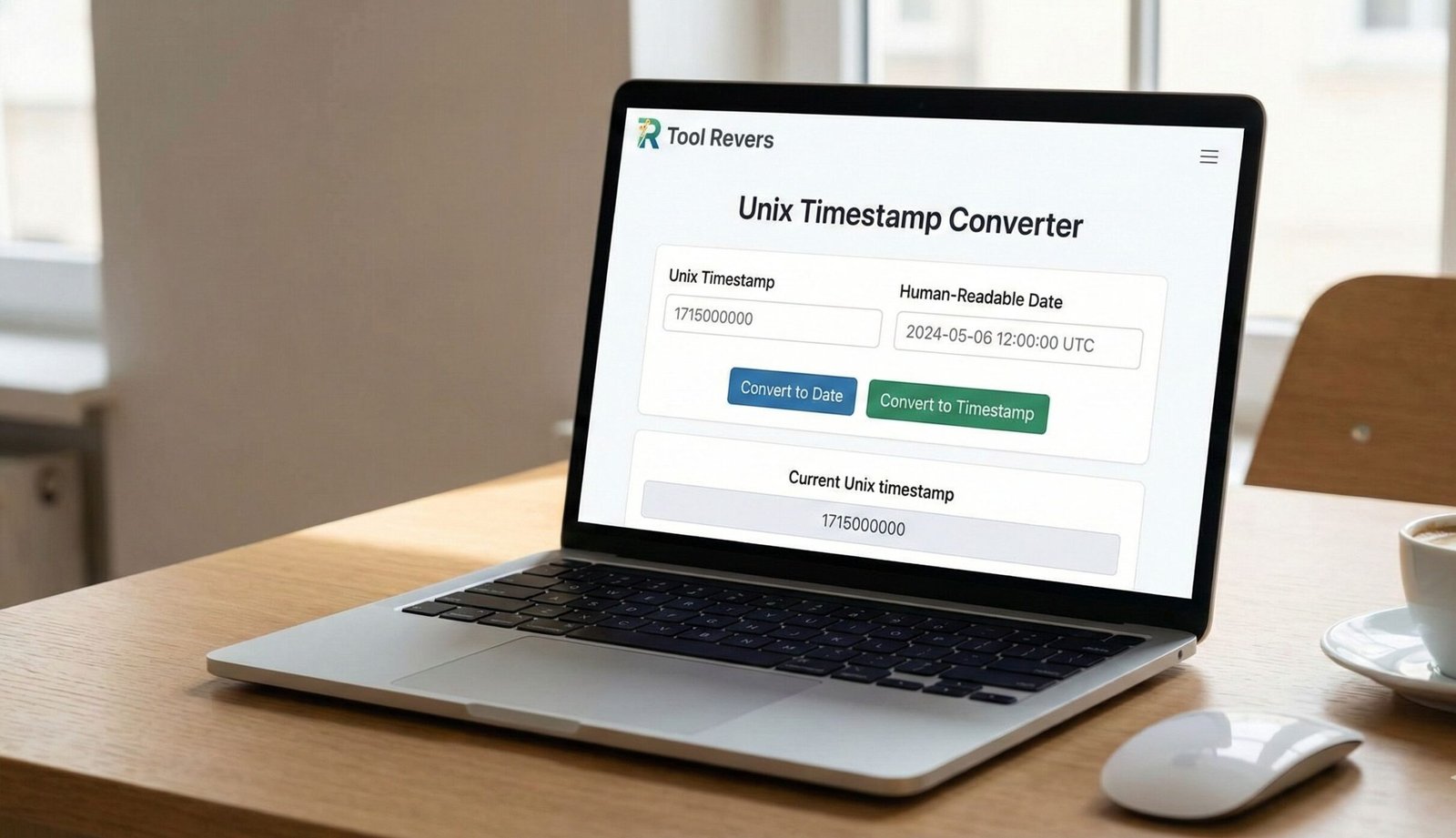
Unix Timestamp Converter: Translate Epoch Time Instantly
Convert Unix timestamps to human-readable dates and vice versa. Our free tool handles seconds, milliseconds, and time zones. Perfect for developers & analysts.
Unix Timestamp Converter: Your Bridge Between Epoch Time and Human Dates
Have you ever encountered a mysterious number like 1717250000 in a database log, API response, or system file and wondered what it meant? This number isn’t a random code; it’s a Unix timestamp, the universal language of time for computer systems. Manually deciphering this number is a complex and error-prone task. This is where a Unix Timestamp Converter becomes an essential utility for developers, system administrators, data analysts, and IT professionals. A Unix Timestamp Converter is an online tool that instantly translates these epoch timestamps into human-readable dates and times, and vice versa. By using a Unix Timestamp Converter, you can bridge the gap between machine-time and human-time, streamlining debugging, data analysis, and system logging with effortless precision.
What is a Unix Timestamp? Understanding Epoch Time
A Unix timestamp, also known as Epoch time or POSIX time, is a system for tracking time. It is defined as the number of seconds that have elapsed since the Unix Epoch, which is 00:00:00 Coordinated Universal Time (UTC) on Thursday, 1 January 1970.
This system was adopted in the early days of Unix and has since become a standard across virtually all modern operating systems and programming languages. The timestamp is stored as a simple integer, making it incredibly efficient for computers to store, calculate, and compare.
The key characteristics of a Unix timestamp are:
- It’s a single integer. This makes it easy to store in databases and use in calculations.
- It’s based on UTC. It is not affected by time zones or Daylight Saving Time (DST) at its core, providing a consistent global reference.
- It counts seconds. The standard timestamp is in seconds, though modern systems often use milliseconds (13-digit) or even microseconds for higher precision.
Our Unix Timestamp Converter tool handles all these variations, allowing you to work with time data seamlessly.
Why are Unix Timestamps So Pervasive in Computing?
The simplicity and universality of the Unix timestamp make it the de facto standard for representing time in the digital world. Its design solves several critical problems.
Efficiency in Storage and Calculation Unix Timestamp Converter
Storing a full date and time string like “Wed May 28 2024 14:30:00 GMT+0000” requires significantly more memory than storing a single integer like 1716906600. Furthermore, comparing two dates or calculating the difference between them becomes a simple matter of subtracting two integers.
Time Zone Agnosticism
Because the timestamp is rooted in UTC, it provides a neutral, universal point of reference. An event logged with a Unix timestamp in Tokyo can be perfectly synchronized with an event logged in New York without any confusion about local time offsets. The conversion to a local time zone is a presentation-layer task handled by tools like our converter.
Standardization Across Systems
From Linux and Windows servers to databases like MySQL and PostgreSQL, and programming languages from JavaScript to Python, every major technology platform understands and can generate Unix timestamps. This interoperability is crucial for APIs, distributed systems, and data exchange.
How to Use Our Unix Timestamp Converter: A Step-by-Step Guide
Our tool is designed for maximum simplicity and power. You can convert in both directions with just a few clicks.
Converting a Timestamp to a Human-Readable Date
This is the most common use case. You have a number and need to know what date and time it represents.
- Locate Your Timestamp: Find the timestamp in your logs, database, or API response (e.g.,
1717250000). - Paste into the Converter: Enter this number into the “Unix Timestamp” input field of our Unix Timestamp Converter tool.
- Select Unit: Choose whether your timestamp is in seconds (10-digit) or milliseconds (13-digit). Our tool can often auto-detect this.
- View the Result: Instantly, the tool will display the equivalent date and time in UTC and your local time zone. It will also show the day of the week.
Example:
Input: 1717250000
Output: Wednesday, May 31, 2024 9:53:20 AM UTC (and your local time equivalent).
Converting a Human-Readable Date to a Timestamp
Sometimes, you need to find the timestamp for a specific future or past event.
- Use the Date Selector: Click on the date picker in the “Human Date to Timestamp” section of the tool.
- Select Date and Time: Choose the exact year, month, day, hour, minute, and second you are interested in.
- View the Result: The tool will instantly generate the corresponding Unix timestamp in seconds and milliseconds.
Example:
Input: January 1, 2025, 00:00:00 UTC
Output: 1735689600 (in seconds).
Just as a Unix Timestamp Converter standardizes time, ensuring your visual content is standardized is crucial for web design. For that, you can use our Image Resizer tool to get the perfect dimensions.
Common Use Cases: Where You’ll Encounter Unix Timestamps
Unix timestamps are the invisible clockwork behind countless digital services.
Database Logging and Auditing
Nearly every server and application log records events using Unix timestamps. This allows system administrators to precisely trace the sequence of events during debugging or security incidents, regardless of the server’s physical location.
API Development and Integration
When you interact with an API from a social media platform, weather service, or financial institution, the returned data almost always uses Unix timestamps for any time-based field (e.g., created_at, updated_at). This provides a consistent, machine-readable format for all consumers of the API.
Cookie Expiration and Session Management
Web browsers use timestamps to know when a cookie or a user session should expire. The Expires attribute in a cookie is often set using a Unix timestamp.
Data Analytics and Reporting
Analysts use Unix Timestamp Converter to make sense of time-series data. Converting log timestamps into readable dates is the first step in analyzing user activity patterns, sales trends, or system performance over time.
The Year 2038 Problem: A Looming Technical Challenge
The standard Unix timestamp is a signed 32-bit integer. This means it has a maximum value of 2,147,483,647. This value corresponds to 03:14:07 UTC on 19 January 2038.
When systems try to increment one second past this point, the value will overflow and become negative, representing a date in 1901. This is known as the “Year 2038 Problem” or the “Y2K38” bug.
The Solution: Modern systems have largely migrated to using 64-bit integers for timestamps, which will extend the range for billions of years into the future, effectively solving the problem. As noted by the Linux Kernel documentation, the move to 64-bit time_t is a key focus for long-term system stability.
Working with Timestamps in Code: Quick Examples
Understanding how to handle timestamps programmatically is a fundamental developer skill.
JavaScript
javascript
// Get current timestamp in milliseconds
let nowInMs = Date.now(); // e.g., 1717250000123

// Get current timestamp in seconds
let nowInSeconds = Math.floor(Date.now() / 1000);

// Convert timestamp to Date object
let dateObj = new Date(1717250000 * 1000); // Multiply seconds by 1000 for JS

// Convert Date object to timestamp
let timestamp = Math.floor(new Date().getTime() / 1000);
Python
python
import time
from datetime import datetime

# Get current timestamp in seconds
now_seconds = time.time()

# Get current timestamp in milliseconds
now_ms = int(time.time() * 1000)

# Convert timestamp to datetime object
dt_object = datetime.fromtimestamp(1717250000)

# Convert datetime object to timestamp
timestamp = datetime.now().timestamp()
Frequently Asked Questions (FAQ)
What is the difference between a 10-digit and a 13-digit Unix timestamp?
Why does my converted time look wrong?
Is the Unix Timestamp Converter the same everywhere in the world?
Conclusion: Master Time in the Digital Realm
The Unix Timestamp Converter is more than just a simple utility; it is an essential key for unlocking the temporal data that drives the modern world. It empowers you to debug complex systems, analyze time-series data, and build robust, global applications with confidence. By providing instant, accurate conversions, it eliminates the friction between human intuition and machine precision.
Stop struggling to decipher epoch time manually. Embrace the clarity and efficiency of automation. Ready to translate time itself? Use our free, instant Unix Timestamp Converter tool now and seamlessly navigate between the worlds of human-readable dates and machine-optimized timestamps!
The tool calculates Unix time, which is the number of seconds that have elapsed since January 1, 1970