
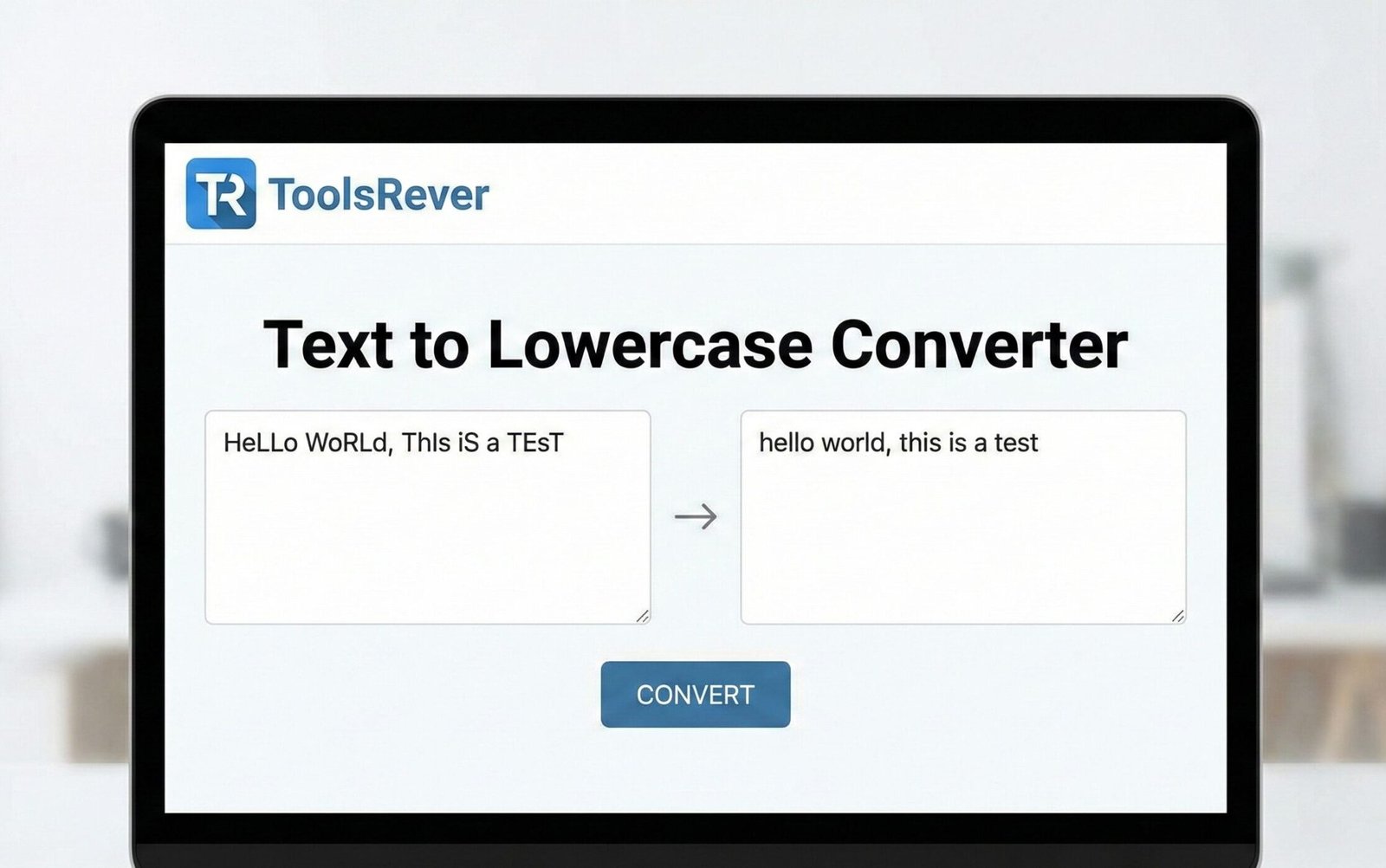
Text to Lowercase Converter
This tool converts any text you enter to lowercase. Simply paste your text in the box below and click the “Convert to Lowercase” button.
Useful for normalizing text, email addresses, usernames, or when lowercase formatting is required for consistency.
Result:
Text to Lowercase Converter: Change Case Instantly
Convert any text to lowercase online for free! Our tool ensures perfect formatting for URLs, coding, data entry, and social media. Fast, easy, and secure.
Text to Lowercase Converter: Ensure Perfect Text Formatting in Seconds
Have you ever spent precious minutes manually changing the case of a large block of text, only to miss a few capitalized letters hidden in the middle? Whether you’re a programmer ensuring case-sensitive code, a data analyst cleaning a spreadsheet, or simply someone who wants uniform text for a social media post, inconsistent capitalization is a common annoyance. A Text to Lowercase Converter is the simple, powerful online solution to this everyday problem. This utility instantly transforms any uppercase or mixed-case text into all lowercase letters, guaranteeing consistency, improving readability for specific use cases, and saving you a significant amount of time and effort. In a digital world where formatting matters, this tool is an essential part of your toolkit.
What is a Text to Lowercase Converter?
A Text to Lowercase Converter is a specialized online tool designed to perform a single task with perfect accuracy: convert all alphabetical characters in a given text input to their lowercase form.
The process is straightforward and lightning-fast:
- Input: You provide the text you want to convert.
- Processing: The tool analyzes each character, identifies all uppercase letters (A-Z), and changes them to their lowercase equivalents (a-z).
- Output: It delivers a new, transformed string where every letter is in lowercase.
Numbers, symbols, and spaces remain completely unaffected. Using our Text to Lowercase Converter is the most efficient way to achieve perfectly uniform text without the risk of human error.
Why is Text Case Consistency Important?
The case of your text might seem like a minor detail, but it has major implications across various fields. Consistency is key to professionalism, functionality, and clarity.
- Prevents Errors: In programming and data management, inconsistent case can lead to broken code, failed database queries, and incorrect data matches.
- Improves Readability: For certain contexts like URLs, filenames, and hashtags, lowercase text is often easier to read and parse.
- Ensures Compliance: Many digital systems, such as email addresses, usernames, and API endpoints, require case-specific formatting to function correctly.
- Projects Professionalism: Clean, uniformly formatted data and content reflect attention to detail and a high standard of work.
How to Use Our Text to Lowercase Converter Tool
Our tool is built for maximum simplicity and speed. You can transform your text in just three easy steps.
Step 1: Input Your Text
Navigate to our Text to Lowercase Converter tool. Paste or type your mixed-case text into the input box.
- Example Input:
Hello World! This Is a MIXED-case EXAMPLE.
Step 2: Click “Convert”
Press the “Convert to Lowercase” button. The tool processes your text instantly.
Step 3: Copy Your Result
Your perfectly formatted lowercase text will appear in the output box. Simply copy it with one click.
- Example Output:
hello world! this is a mixed-case example.
The entire process takes less than five seconds, regardless of the text’s length. Just as this tool ensures your text is perfectly formatted, our Image Resizer tool ensures your visuals are perfectly sized for any platform.
Key Applications: Who Needs a Lowercase Converter?
The use cases for this tool are surprisingly wide-ranging. It is invaluable for:
1. Programmers and Developers
In many programming languages, case sensitivity is a fundamental rule. A variable named userName is different from username or USERNAME.
- Use Case: Ensuring all variable names, function calls, and string values are in the correct case to avoid syntax errors and bugs.
- Example: Converting configuration file values or user input to lowercase before comparison to ensure accurate logic.
2. Data Analysts and SEO Specialists
Clean data is accurate data. Inconsistent casing can ruin data analysis and SEO efforts.
- Use Case: Standardizing categories, tags, or keywords in a large dataset or spreadsheet for proper grouping and analysis.
- Example: Converting all page URLs or meta tags to lowercase to ensure consistent SEO tracking and prevent duplicate content issues.
3. Writers and Content Creators
While titles and body text use standard capitalization, other elements often require lowercase.
- Use Case: Formatting email addresses, website URLs, and social media handles within content.
- Example: Preparing a long list of hashtags for an Instagram or Twitter post, where lowercase is the standard convention.
4. Students and Academics
Adhering to specific style guides (like APA or MLA) often requires certain elements, like URLs in citations, to be in lowercase.
- Use Case: Ensuring bibliographies and reference lists meet strict publishing guidelines.
The Technical Side: Understanding Character Encoding
When you use a Text to Lowercase Converter, you are leveraging a fundamental principle of character encoding standards like ASCII (American Standard Code for Information Interchange) and its modern superset, Unicode.
In the ASCII table, each character is represented by a numerical code.
- The uppercase letter ‘A’ is represented by decimal code 65.
- The lowercase letter ‘a’ is represented by decimal code 97.
The difference between an uppercase and a lowercase letter is a consistent numerical value (32 in decimal). A proficient converter tool understands this mapping for the entire alphabet and for a vast range of characters across different languages within the Unicode standard, making it a powerful tool for global text processing.
The Unicode Consortium maintains this standard, which allows tools like ours to handle text from virtually any writing system in the world.
Beyond Lowercase: A World of Text Transformation Tools
While a lowercase converter is incredibly useful, it is part of a broader family of text transformation utilities. Understanding these can help you choose the right tool for any job.
- UPPERCASE Converter: Transforms all text to capital letters. Useful for creating headings or emphasizing text.
- Title Case Converter: Capitalizes the First Letter of Each Major Word. Ideal for formatting titles, blog post headings, and book names.
- Sentence case converter: Capitalizes only the first letter of the first word in a sentence. Perfect for reformatting poorly capitalized paragraphs.
Our tool focuses on doing one job—converting to lowercase—flawlessly.
Frequently Asked Questions (FAQs)
Is there a limit to how much text I can convert at once?
Is my text safe when I use your online converter?
Can this tool handle accented or non-English characters?
Conclusion: Streamline Your Workflow with a Single Click
In the digital age, efficiency is everything. Manually editing text case is an unnecessary drain on your time and a potential source of errors. A Text to Lowercase Converter is a prime example of a simple tool solving a pervasive problem with perfect efficiency. It empowers you to maintain consistency, adhere to technical requirements, and present your work with a professional touch.
Stop manually hunting for capital letters. Embrace the speed and accuracy of automation. Ready to perfect your text formatting? Use our free, instant Text to Lowercase Converter tool now and transform your text with a single, effortless click!