
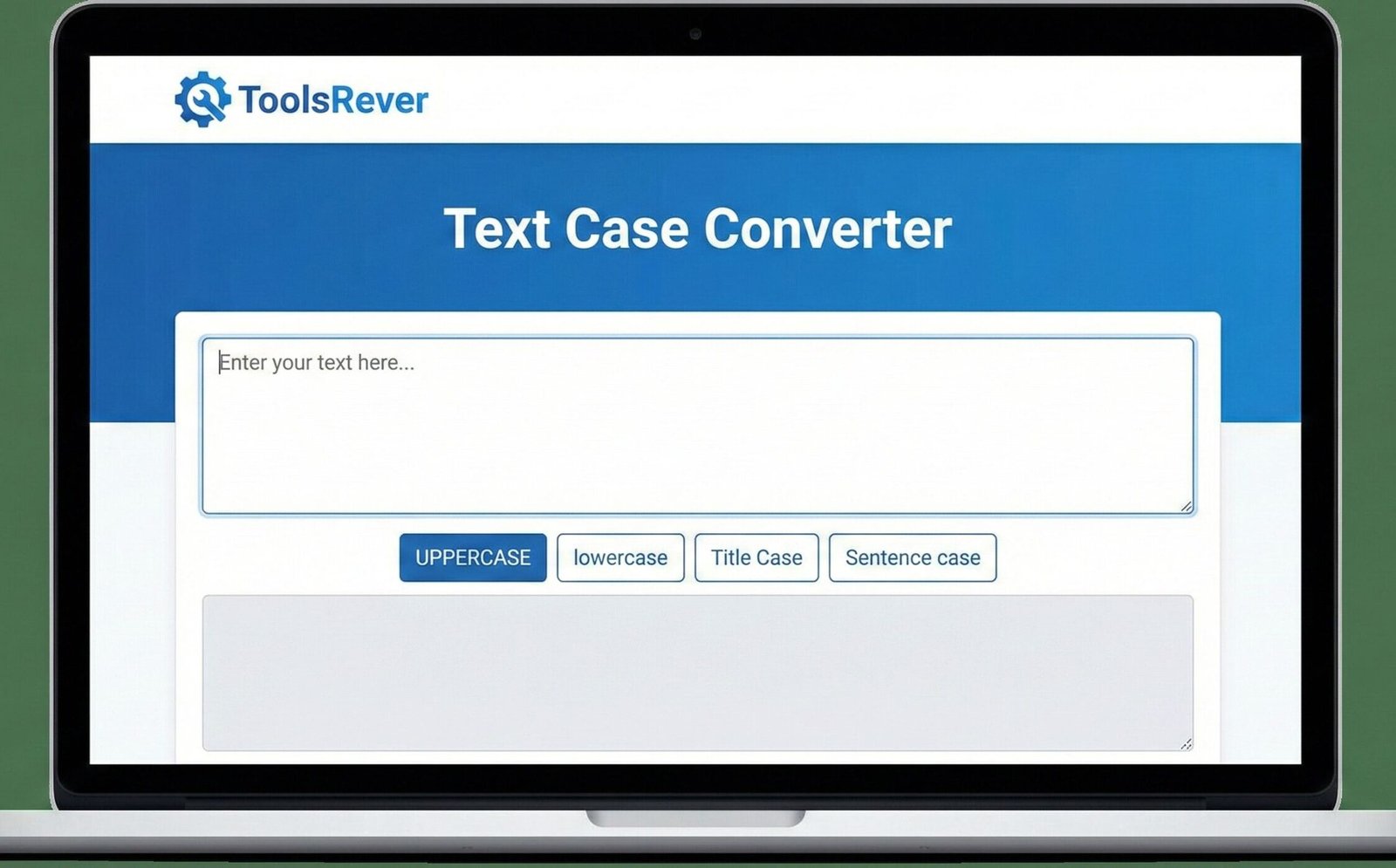
Text Case Converter
This tool allows you to convert text between different cases. Simply enter your text below and choose one of the case conversion options.
Perfect for formatting text for headings, titles, code conventions, or any specific text formatting requirements.
Result:
Text Case Converter: Change Text Case Online Instantly
Fix text formatting in seconds! Our free Text Case Converter transforms between UPPERCASE, lowercase, Title Case & more. Perfect for coding & writing.
Text Case Converter: Master Your Text Formatting in a Single Click
Have you ever received a block of text in ALL CAPS and felt like you were being yelled at? Or perhaps you’ve painstakingly written a headline, only to realize the capitalization is inconsistent and looks unprofessional? Manually fixing text case is one of the most tedious digital tasks, wasting precious minutes of your time. A Text Case Converter is the simple, powerful solution to this universal frustration. This essential online tool instantly transforms the capitalization of any text, allowing you to switch between uppercase, lowercase, sentence case, title case, and more with unparalleled speed and accuracy. Whether you’re a writer, programmer, student, or social media manager, this tool eliminates formatting headaches and ensures your text always makes the right impression.
What is a Text Case Converter and How Does It Work?
A Text Case Converter is a specialized online utility designed to automatically change the capitalization style of a given string of text. It uses smart algorithms to parse your input and apply specific capitalization rules, delivering perfectly formatted text in milliseconds.
The core functionality is both simple and brilliant:
- Input: You paste your inconsistently formatted text into the tool.
- Selection: You choose your desired text case style (e.g., Title Case, lowercase).
- Processing: The tool’s algorithm analyzes each word and character, applying the complex grammatical and stylistic rules of your chosen case.
- Output: You receive a perfectly transformed block of text, ready to be copied and used.
Using our Text Case Converter tool guarantees error-free results, saving you from the mind-numbing task of manually retyping letters and ensuring consistency across all your documents.
The Essential Text Cases: A Comprehensive Guide
Understanding the different case styles is key to using the tool effectively. Each has its own purpose and set of rules.
UPPERCASE (OR CAPS LOCK)
This style capitalizes every single letter in the text.
- Example:
THIS IS AN IMPORTANT ANNOUNCEMENT. - Common Uses: Headlines for emphasis, acronyms (NASA), database entries requiring standardization, and legal disclaimers.
lowercase
This style converts every single letter to lowercase.
- Example:
this is a sentence in all lowercase letters. - Common Uses: Email addresses, URLs, filenames, and creating a casual, modern tone in branding and design.
Sentence case
This capitalizes only the first letter of the first word in a sentence, along with any proper nouns.
- Example:
This is a properly formatted sentence. It looks clean and professional. - Common Uses: Standard body text in articles, essays, reports, and most professional communication. It is the most readable format for long passages.
Title Case (Capital Case)
This is one of the most complex conversions. Title Case capitalizes the first letter of most words. Our converter intelligently handles the rules, which typically involve capitalizing:
- The first and last word of the title.
- All nouns, pronouns, adjectives, verbs, adverbs, and subordinating conjunctions.
- It correctly leaves short articles, prepositions, and coordinating conjunctions lowercase (e.g.,
a,an,the,and,but,for,in). - Example:
The Quick Brown Fox Jumps Over the Lazy Dog - Common Uses: Book titles, blog post headlines, song names, and presentation titles.
Alternating Case (sPoNgEbOb CaSe)
This style alternates between lowercase and uppercase letters, often starting with a lowercase letter. It’s primarily used for informal, humorous, or mocking effect in internet culture.
- Example:
hElLo WoRlD, tHiS iS aLtErNaTiNg CaSe. - Common Uses: Social media posts, memes, and informal online communication.
Inverse Case
This cleverly inverts the current case of every letter. Uppercase becomes lowercase, and lowercase becomes uppercase.
- Example Input:
Hello WorldbecomeshELLO wORLD. - Common Uses: Coding experiments, data normalization, and creating visual contrast.
Who Needs a Text Case Converter? (Real-World Applications)
This tool is far more versatile than it first appears. It serves a critical role across numerous professions and tasks.
For Writers, Editors, and Content Creators
Consistency is king in professional writing. A Text Case Converter helps you:
- Format Headlines: Instantly apply perfect Title Case to all your blog post and article titles.
- Clean Up Drafts: Fix text that was accidentally typed with Caps Lock on.
- Maintain Style Guides: Ensure all your content adheres to a specific capitalization style (e.g., APA, MLA, Chicago).
For Programmers and Developers
In the world of code, case sensitivity is not just about style—it’s about functionality.
- Converting Variable Names: Switch between naming conventions like
camelCase,PascalCase, andsnake_case. - Standardizing Data: Ensure user input or data from an API is in a consistent case before processing.
- String Manipulation: Quickly test how different case outputs affect your code’s logic.
For Students and Academics
Presenting your work professionally is crucial.
- Formatting Essay Titles: Ensure your title page and headers are in the correct case as required by your institution.
- Preparing Bibliographies: Correctly format the titles of cited works and authors’ names.
- Creating Presentations: Maintain consistent capitalization across all your slides.
For Social Media Managers and Marketers
Brand voice is everything. This tool helps you:
- Create Consistent Branding: Ensure your social media bios and post captions use a consistent capitalization style.
- Optimize Hashtags: Convert multi-word hashtags to the preferred
CamelCaseformat for better accessibility and readability (e.g.,#ThrowbackThursdayinstead of#throwbackthursday).
Just as a Text Case Converter ensures your words are perfectly formatted, our Image Resizer tool ensures your visuals are the perfect size for any platform.
The Technical Deep Dive: How Case Conversion Works
The process behind a Text Case Converter is a fascinating exercise in computational linguistics and pattern recognition. It’s far more complex than simply changing letter ASCII values.
The Algorithmic Process:
- Tokenization: The input text is broken down into smaller units, typically words and sentences.
- Part-of-Speech Tagging (for Advanced Cases): For sophisticated conversions like Title Case, the tool uses a natural language processing (NLP) library to identify the grammatical role of each word (noun, verb, preposition, etc.).
- Rule Application: The converter applies a specific set of rules based on your selected case style.
- String Transformation: Each character is individually transformed to uppercase or lowercase based on the rules and its position.
- Reassembly: The transformed tokens are reassembled into the final output string, preserving original punctuation and spacing.
According to the Unicode Standard, case mapping is not always a 1:1 conversion, especially for characters outside the basic Latin alphabet, which is why a robust tool is essential for handling international text.
A Step-by-Step Guide to Using Our Text Case Converter
Using our tool is a straightforward process that delivers professional results in seconds.
Step 1: Input Your Text
Navigate to our Text Case Converter and paste the text you want to transform into the input box.
- Example Input:
the qUICK brOWN fOx jumps over THE lazy dog.
Step 2: Select Your Desired Case
Choose from the available case options. For our example, let’s select “Title Case.”
Step 3: Click “Convert”
Initiate the conversion process with a single click.
Step 4: Copy Your Perfectly Formatted Text
The tool will instantly generate the output in a new box.
- Example Output:
The Quick Brown Fox Jumps over the Lazy Dog.
You can now copy this text and use it directly in your document, code, or social media post.
Common Problems Solved by a Text Case Converter
This tool is a direct antidote to several everyday digital frustrations.
- The “Caps Lock Accident”: Instantly fix an entire paragraph typed with Caps Lock enabled.
- Inconsistent Blog Titles: Ensure every headline on your website follows the same Title Case rules, enhancing professionalism.
- Data Entry Headaches: Standardize names, addresses, or product titles in a spreadsheet or database.
- Code Syntax Errors: Quickly convert variable names between different coding conventions without introducing typos.
Frequently Asked Questions (FAQs)
What is the difference between Camel Case and Title Case?
This is a common point of confusion. Title Case is used for human-readable titles and includes spaces (e.g., The Art of Programming). Camel Case is a programming convention where words are joined without spaces, and each word after the first is capitalized (e.g., theArtOfProgramming). Pascal Case is similar but also capitalizes the first word (e.g., TheArtOfProgramming). Our tool can help you format text for both writing and coding contexts.
Will the Text Case Converter remove my original formatting?
The converter is designed to change only the letter case. It will preserve spaces, line breaks, and punctuation from your original text. However, it will override any existing capitalization to apply the new, uniform style you have selected.
Is there a character limit for the conversion?
Our tool can handle very large blocks of text, typically up to 100,000 characters or more, which is sufficient for entire chapters of a book or long-form articles. For extremely large texts, we recommend converting in sections to ensure optimal browser performance.
Conclusion: Achieve Flawless Formatting with Unmatched Speed
Text formatting should be a facilitator of communication, not a barrier. A Text Case Converter is one of those deceptively simple tools that, once integrated into your workflow, becomes indispensable. It elevates the quality of your writing, ensures consistency across your projects, and frees up your mental energy for the tasks that truly matter. In a world where details define professionalism, this tool ensures your text is always perfectly presented.
Stop manually editing text letter by letter. Embrace the efficiency and precision of automation. Ready to transform your text with perfect precision? Use our free, instant Text Case Converter tool now and give your words the professional polish they deserve!
letter case” or “capitalization rules“