
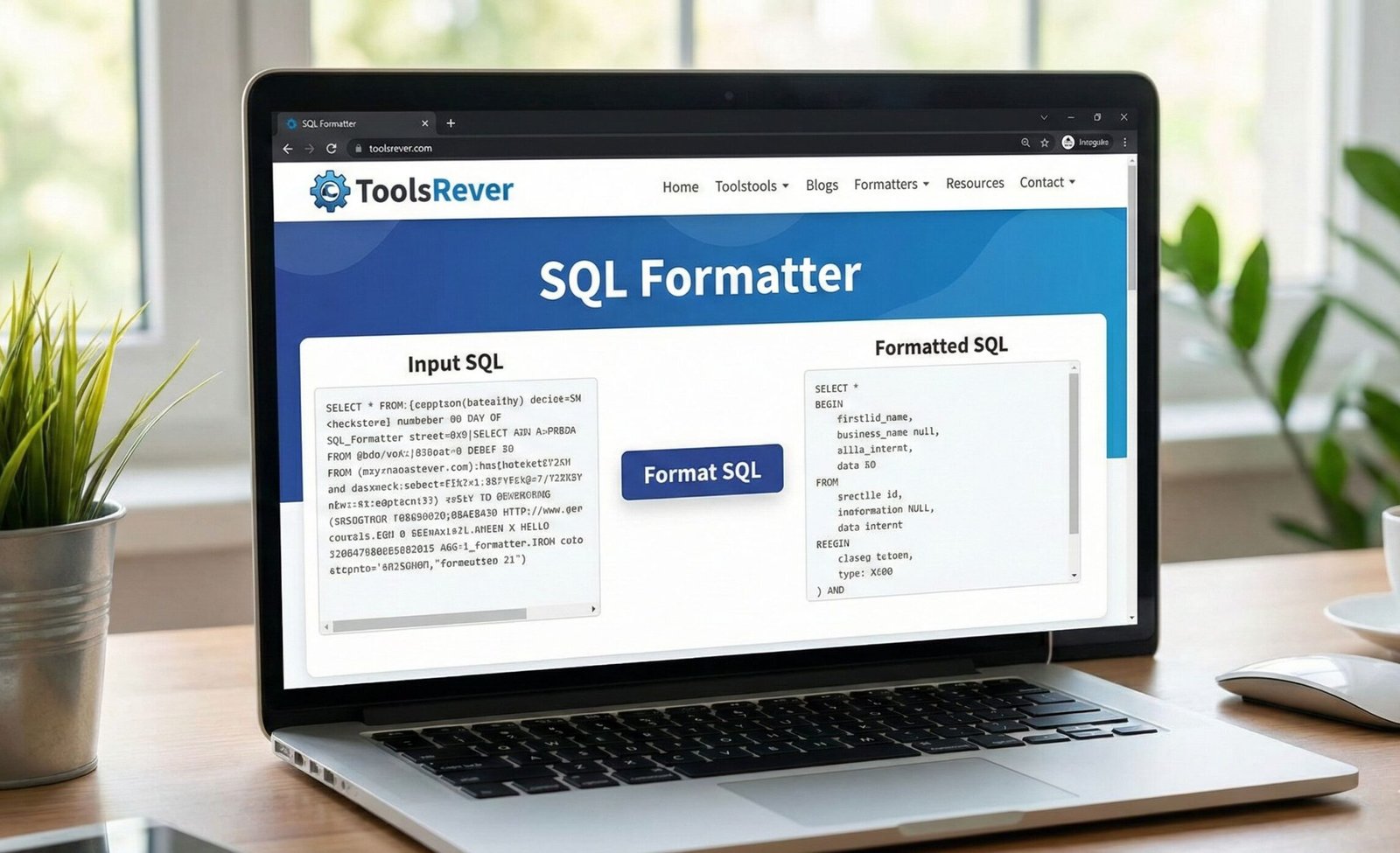
SQL Formatter
About this tool: Format and beautify your SQL queries to make them more readable and maintain consistent style.
How to use:
- Paste your SQL query in the input field
- Click “Format SQL” to beautify your query
- Use “Copy to Clipboard” to copy the formatted SQL
- Choose uppercase/lowercase keywords as preferred
Formatted SQL will appear here…
SQL Formatter: Beautify & Format SQL Code Online
Format messy SQL instantly! Our free SQL Formatter beautifies queries with proper indentation, syntax highlighting, and error checking. Readable code in seconds.
SQL Formatter: Transform Unreadable Queries into Perfectly Structured Code
Have you ever inherited a massive, jumbled SQL query that was impossible to decipher? Or pasted together a quick query that turned into a single, confusing line of code? Working with unformatted SQL is a major source of errors, inefficiency, and frustration for developers, analysts, and database administrators. This is where an SQL Formatter becomes an indispensable part of your workflow. An SQL Formatter, also known as an SQL Beautifier or Pretty Printer, is an online utility that automatically restructures your raw SQL code into a clean, readable, and standardized format. By using an SQL Formatter, you can instantly improve code clarity, simplify debugging, enforce team coding standards, and ensure your database queries are both professional and maintainable.
What is SQL Formatting and Why Does It Matter?
SQL formatting is the practice of applying consistent spacing, line breaks, and indentation to SQL code to enhance its human readability. While database engines ignore this whitespace, it is critical for the developers who write and maintain the code.
Proper SQL formatting is not a luxury; it’s a fundamental aspect of professional database development. Well-formatted SQL is crucial for:
- Readability: Clear indentation and logical line breaks allow you to quickly understand the query’s structure, especially complex queries with multiple JOINs and subqueries.
- Debugging and Maintenance: Identifying missing commas, incorrect logic, or syntax errors is exponentially easier in a well-formatted file. It also makes modifying queries safer and faster.
- Team Collaboration: A consistent format allows every team member to read and understand each other’s code effortlessly, reducing onboarding time and confusion.
- Professionalism: Delivering clean, formatted SQL reflects a high standard of work quality and attention to detail.
How Our Free Online SQL Formatter Tool Works
Our SQL Formatter is engineered for both simplicity and power. You don’t need to install any software or be a formatting expert.
- Paste Your SQL Code: Copy your unformatted SQL query from your editor, application, or log file and paste it directly into the main input box of the formatter tool.
- Choose Your Formatting Style (Optional): Many formatters, including ours, offer options like keyword casing (UPPERCASE or lowercase), indentation size (2 or 4 spaces), and comma placement.
- Click the “Format” or “Beautify” Button: Initiate the formatting process with a single click.
- Get Your Beautified SQL: Instantly, your formatted, easy-to-read SQL will appear in the output box. You can then copy it for immediate use or share it with your team.
Using our SQL Formatter tool eliminates the tediousness of manual formatting and enforces a consistent style automatically.
Key Features of a Powerful SQL Formatter
A basic tool adds line breaks. A robust tool, like the one we provide, offers a suite of features that handle the complexity of real-world SQL.
1. Syntax Highlighting
This feature color-codes different parts of your SQL syntax. Keywords (SELECT, FROM, WHERE), functions, data types, and values appear in distinct colors. This visual cue makes the structure intuitive and helps you spot errors at a glance.
2. Intelligent Indentation
The formatter doesn’t just add random spaces. It intelligently indents clauses and subqueries to visually represent their relationship and nesting level. For example, the contents of a WHERE clause or a subquery in the FROM clause are typically indented further than the main clauses.
3. Keyword Standardization
You can choose to automatically convert all SQL keywords to UPPERCASE. This is a widely adopted best practice as it makes keywords stand out from table and column names, improving readability.
4. SQL Validation and Error Detection
As it formats your code, the tool simultaneously checks it for basic syntactic errors. It can often flag issues like mismatched parentheses, missing commas, or incorrect keyword usage, helping you catch problems before execution.
Just as an SQL Formatter organizes your code, ensuring your website’s visual assets are perfectly sized is crucial. For that, you can rely on our Image Resizer tool.
Common SQL Formatting Standards and Best Practices
Our formatter is built around widely accepted SQL style guidelines. Here’s what it automates for you:
Capitalization of Keywords
Standard practice is to write SQL keywords in UPPERCASE (e.g., SELECT, INSERT, UPDATE, WHERE). This clearly distinguishes commands from your database-specific identifiers.
Indentation for Clarity
- Main clauses (
SELECT,FROM,WHERE,GROUP BY,HAVING,ORDER BY) should start on a new line and be left-aligned. - Elements within a clause (e.g., multiple columns in the SELECT list) can be placed on new lines, indented from the clause.
- Subqueries and complex conditions should be indented further to show their nested structure.
Alignment and Line Breaks
- Place each column name in a
SELECTstatement on its own line for easy scanning. - Align operators (like
=,AND,OR) vertically where it improves readability. - Always use line breaks before main keywords.
A Step-by-Step Example: From Chaos to Clarity
Let’s walk through a practical example to see the transformative power of formatting.
Your Input (Messy, Unformatted SQL):
sql
SELECT
  customer_id,
  first_name,
  last_name,
  order_date,
  product_name,
  quantity
FROM
  customers c
  INNER JOIN orders o ON c.customer_id = o.customer_id
  INNER JOIN order_items oi ON o.order_id = oi.order_id
WHERE
  o.order_date > '2023-01-01'
  AND c.country = 'USA'
ORDER BY
  last_name,
  order_date DESC;
Process:
- You paste the above code into the SQL Formatter tool.
- You select “Uppercase Keywords” and an indentation of “2 spaces.”
- You click “Format.”
Your Output (Beautified SQL):
sql
SELECT customer_id, first_name, last_name, order_date, product_name, quantity FROM customers c INNER JOIN orders o ON c.customer_id = o.customer_id INNER JOIN order_items oi ON o.order_id = oi.order_id WHERE o.order_date > '2023-01-01' AND c.country = 'USA' ORDER BY last_name, order_date DESC;
The difference is profound. The formatted output is instantly understandable, revealing the query’s logic and making it easy to verify joins and conditions.
The Impact of Formatting on Debugging and Performance
Faster Debugging
Consider a complex query with multiple nested subqueries. In its minified form, a missing parenthesis is a nightmare to find. When formatted, the indentation makes the structure clear, and the error becomes visually obvious because the alignment will be off.
Preventing Costy Errors
A poorly formatted query can easily hide logical mistakes, such as an AND/OR confusion in the WHERE clause. Proper formatting and indentation make these logic gates much easier to parse and validate, preventing incorrect data results.
A Note on Performance
It’s important to remember that formatting only affects readability for humans. It has no impact on the performance of the query itself. The database query optimizer ignores all whitespace and comments. The goal of formatting is to make the code easier for people to work with, which indirectly leads to better, more efficient queries being written and maintained.
Advanced SQL Formatting: Handling Complex Queries
Our formatter is designed to handle the full spectrum of SQL complexity.
Formatting Common Table Expressions (CTEs)
CTEs are formatted with clear separation, making them look like building blocks.
sql
WITH monthly_sales AS (
  SELECT
    customer_id,
    SUM(amount) as total_amount
  FROM
    orders
  WHERE
    order_date >= '2024-01-01'
  GROUP BY
    customer_id
)
SELECT
  c.first_name,
  c.last_name,
  ms.total_amount
FROM
  customers c
  JOIN monthly_sales ms ON c.customer_id = ms.customer_id
ORDER BY
  ms.total_amount DESC;
Formatting Complex WHERE Clauses and CASE Statements
The formatter neatly aligns multiple conditions and handles the nested logic of CASE statements, making their flow easy to follow.
Frequently Asked Questions (FAQ)
Is it safe to format my SQL queries using an online tool?
Does the SQL Formatter support different SQL dialects like MySQL, PostgreSQL, and T-SQL?
Can formatted SQL code be executed directly in a database management system?
Conclusion: Elevate Your SQL Game with a Click
In the world of data, clarity is synonymous with efficiency. A poorly formatted SQL query is more than an eyesore; it’s a source of bugs, miscommunication, and wasted time. An SQL Formatter is a non-negotiable tool in your development toolkit, ensuring your code is not just functional but also clean, professional, and maintainable.
Stop wasting time manually tabbing through lines of code. Embrace the efficiency and consistency of automation. Ready to write flawless, readable SQL? Use our free, powerful SQL Formatter tool now and transform your messy queries into a model of clarity and structure in seconds!