
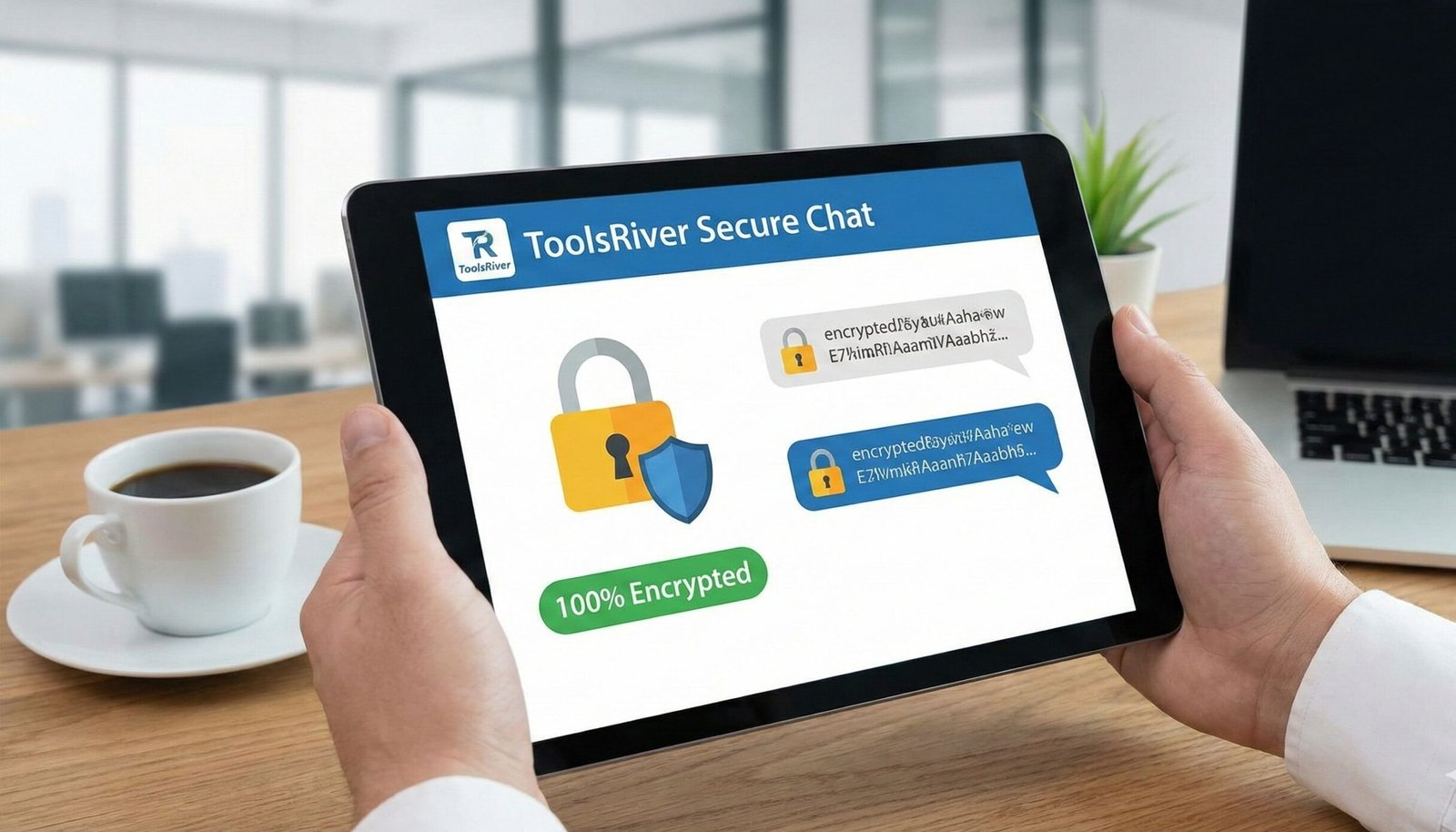
Secure Chat Online: Private, Encrypted Messaging Tool
Chat securely with end-to-end encryption! Our free Secure Chat tool protects your conversations with AES-256 encryption. No registration, no data stored.
Secure Chat: Experience Truly Private Conversations in the Digital Age
In an era where digital privacy feels increasingly scarce, how can you be sure your private conversations actually stay private? Most popular messaging apps collect metadata, store messages on servers, or have backdoors that compromise your confidentiality. This Secure Chat tool offers a fundamentally different approach to digital communication. It is a browser-based, end-to-end encrypted messaging platform that ensures your conversations remain completely confidential, temporary, and inaccessible to anyone except you and your intended recipient. Using military-grade AES-256 encryption and a secure MQTT protocol, this tool provides a level of privacy that even surpasses many commercial messaging applications, all without requiring downloads, registrations, or personal information.
What is Secure Chat and How Does It Differ from Regular Messaging?
A Secure Chat tool is a specialized communication platform designed with privacy as its core principle, not an afterthought. Unlike conventional messaging apps that may claim privacy while still collecting metadata or storing messages on central servers, a truly secure chat operates on a different framework.
Key Differentiators:
- End-to-End Encryption (E2EE): Messages are encrypted on your device before transmission and only decrypted on the recipient’s device.
- No Message Storage: Conversations exist only in RAM (temporary memory) and disappear when the browser closes.
- No User Registration: No phone numbers, email addresses, or personal information required.
- Peer-to-Peer Architecture: Messages route directly between participants without permanent storage on intermediate servers.
Our Secure Chat tool implements all these principles, creating a private communication channel that leaves virtually no digital footprint.
The Critical Importance of Digital Privacy in Modern Communication
Digital privacy isn’t just for whistleblowers or journalists—it’s a fundamental right for everyone in the digital age.
The Limitations of Popular Messaging Apps
While apps like WhatsApp claim end-to-end encryption, they still collect significant metadata—who you’re talking to, when, for how long, and from where. This metadata can reveal patterns of behavior, social connections, and sensitive information even if message content is encrypted.
Growing Cybersecurity Threats
According to a report by Cybersecurity Ventures, cybercrime damages are expected to reach $10.5 trillion annually by 2025. Unencrypted communications are vulnerable to interception, especially on public Wi-Fi networks where man-in-the-middle attacks are common.
Business and Professional Confidentiality
Professionals discussing sensitive business strategies, financial information, or legal matters need assurance their communications won’t be intercepted or stored indefinitely. A secure chat provides this confidentiality without complex enterprise software.
Personal Privacy Rights
Every individual has the right to private conversations without surveillance or data mining. As expressed by the Electronic Frontier Foundation, digital privacy is essential for freedom of thought, association, and expression.
How Our Secure Chat Tool Works: The Technology Behind True Privacy
Our secure chat implementation uses a sophisticated but user-friendly technical architecture that prioritizes security at every layer.
AES-256 Encryption: The Gold Standard
All messages are encrypted using AES-256 (Advanced Encryption Standard with 256-bit keys), the same encryption standard adopted by the U.S. government for classified information and used by security experts worldwide. This symmetric encryption algorithm ensures that even if messages are intercepted, they remain completely unreadable without the secret key.
Secure MQTT Protocol Over SSL
The tool uses MQTT (Message Queuing Telemetry Transport) over SSL, a lightweight messaging protocol designed for reliable real-time communication. The SSL layer encrypts the entire connection, while MQTT efficiently handles message delivery between participants in real-time.
Ephemeral Message Storage (RAM Only)
Unlike traditional chats that store messages in databases, our system keeps messages only in temporary RAM (Random Access Memory). When you close your browser or refresh the page, all conversation history is permanently erased—similar to a secure, digital “burn after reading” system.
Room-Based Access Control
Conversations are organized by room numbers, acting as secure channels. Only users with the exact room number can join the conversation, creating a simple yet effective access control mechanism.
Step-by-Step Guide: How to Start Your First Secure Chat
Using our secure chat is straightforward, but understanding the process helps you maximize its security benefits.
Step 1: Access the Tool
Navigate to our Secure Chat tool from any modern web browser.
Step 2: Create or Join a Secure Room
Enter a room number that you and your contact have agreed upon in advance. This functions like a shared secret—both parties need the same number to connect.
Step 3: Establish Connection
Click “Join Room” to establish a secure connection. The status indicator will show “Connected” when you’ve successfully joined the encrypted channel.
Step 4: Send Encrypted Messages
Type your message and click send. The message is instantly encrypted on your device, transmitted securely, and decrypted on the recipient’s device.
Step 5: Use Secret Mode for Sensitive Information
For highly sensitive information, activate the “Secret Mode” (toggle the lock icon). This creates encrypted message bubbles that require an extra click to reveal, adding a layer of obscurity.
Step 6: Exit Securely
When finished, click “Exit” to leave the room. This clears the local conversation history and severs the connection.
Understanding the Encryption: What Makes This Chat Secure
To truly appreciate the security, it helps to understand what happens behind the scenes when you send a message.
The Encryption Process:
- Key Generation: A secret key is derived from your passphrase on your device.
- Message Encryption: Your text is converted to ciphertext using AES-256 encryption before it leaves your browser.
- Secure Transmission: The encrypted message travels through SSL-secured MQTT protocol.
- Message Decryption: The recipient’s browser uses the same secret key to decrypt the message back to readable text.
Why This Approach is Secure:
- No Key Transmission: The encryption key never travels over the network.
- Forward Secrecy: Even if one conversation is compromised, others remain secure.
- Minimal Metadata: The system collects virtually no information about participants.
Just as our Secure Chat protects your conversations, ensuring your images don’t reveal sensitive information is also crucial. For safe image sharing, use our Image Resizer tool to remove metadata before sharing.
Real-World Use Cases: When You Truly Need Secure Communication
Business and Professional Scenarios
- M&A Discussions: Lawyers and executives discussing sensitive merger details.
- HR Conversations: Confidential discussions about employee matters or investigations.
- Journalist-Source Communication: Protecting whistleblowers and confidential sources.
- Healthcare Coordination: Doctors discussing patient cases without violating HIPAA.
Personal Privacy Situations
- Financial Planning: Discussing sensitive financial information with advisors or family.
- Relationship Conversations: Private discussions that should remain strictly confidential.
- Travel Planning: Sharing itinerary details without broadcasting your movements.
- Academic Research: Collaborating on unpublished research or sensitive topics.
Technical and Development Uses
- Security Teams: Coordinating responses to security incidents.
- IT Administrators: Discussing system vulnerabilities or passwords.
- Developers: Sharing API keys or configuration details during debugging.
Comparing Secure Chat with Other Privacy Tools
vs. WhatsApp/Signal
While these apps offer end-to-end encryption, they still require phone numbers, create persistent identities, and may collect metadata. Our secure chat requires no personal information and leaves no permanent trace.
vs. Encrypted Email
Encrypted email (like PGP) is complex to set up and use correctly. Our tool provides similar security with a much simpler user experience, ideal for quick, secure conversations.
vs. Corporate Chat Platforms
Platforms like Slack or Teams store extensive message history and metadata. Our tool prioritizes ephemerality—conversations exist only during the active session.
Best Practices for Maximum Security
To get the most from our secure chat tool, follow these security practices:
Before Chatting:
- Establish Room Numbers Securely: Share room numbers through a different channel than you plan to use for the secure chat.
- Verify Participant Identity: Confirm you’re chatting with the right person through a secondary verification method.
- Use Updated Browsers: Ensure your browser is current with security patches.
During Conversation:
- Activate Secret Mode for Sensitive Content: Use the lock feature for particularly confidential information.
- Avoid Sending Permanent Files: Remember that the chat is ephemeral—don’t send content you need to retain.
- Watch for Connection Drops: If the status shows disconnected, pause sensitive conversations.
After Chatting:
- Always Exit Properly: Use the exit button to clear local session data.
- Close Browser Tabs: Ensure all chat tabs are closed when finished.
- Clear Browser Data Periodically: Regularly clear browser cache and history for additional privacy.
The Limitations: Understanding What Secure Chat Can and Cannot Do
While highly secure, it’s important to understand the tool’s limitations for realistic expectations.
What It Protects:
- Message content from interception
- Your identity from the service provider
- Conversation persistence beyond the session
What It Doesn’t Protect:
- Screen Recording: Someone with physical access to your device could record your screen.
- Endpoint Security: Malware on your device could compromise security.
- User Error: Sharing room numbers insecurely undermines the protection.
- Traffic Analysis: While difficult, sophisticated adversaries might detect that communication is occurring.
Frequently Asked Questions (FAQs)
Is this secure chat really anonymous?
What happens if I lose connection during a chat?
Can I use this secure chat on mobile devices?
Conclusion: Take Control of Your Digital Privacy Today
In a world of pervasive digital surveillance and data collection, taking proactive steps to protect your private communications is no longer optional—it’s essential. This Secure Chat tool empowers you with enterprise-grade security in an accessible, user-friendly interface that requires no technical expertise. By combining military-grade encryption with ephemeral messaging, it offers a level of privacy that respects your fundamental right to confidential communication.
Stop trusting your private conversations to platforms with questionable privacy practices. Ready to experience truly secure communication? Use our free, encrypted Secure Chat tool now and take the first step toward reclaiming your digital privacy—no downloads, no registration, and no permanent records of your conversations!