
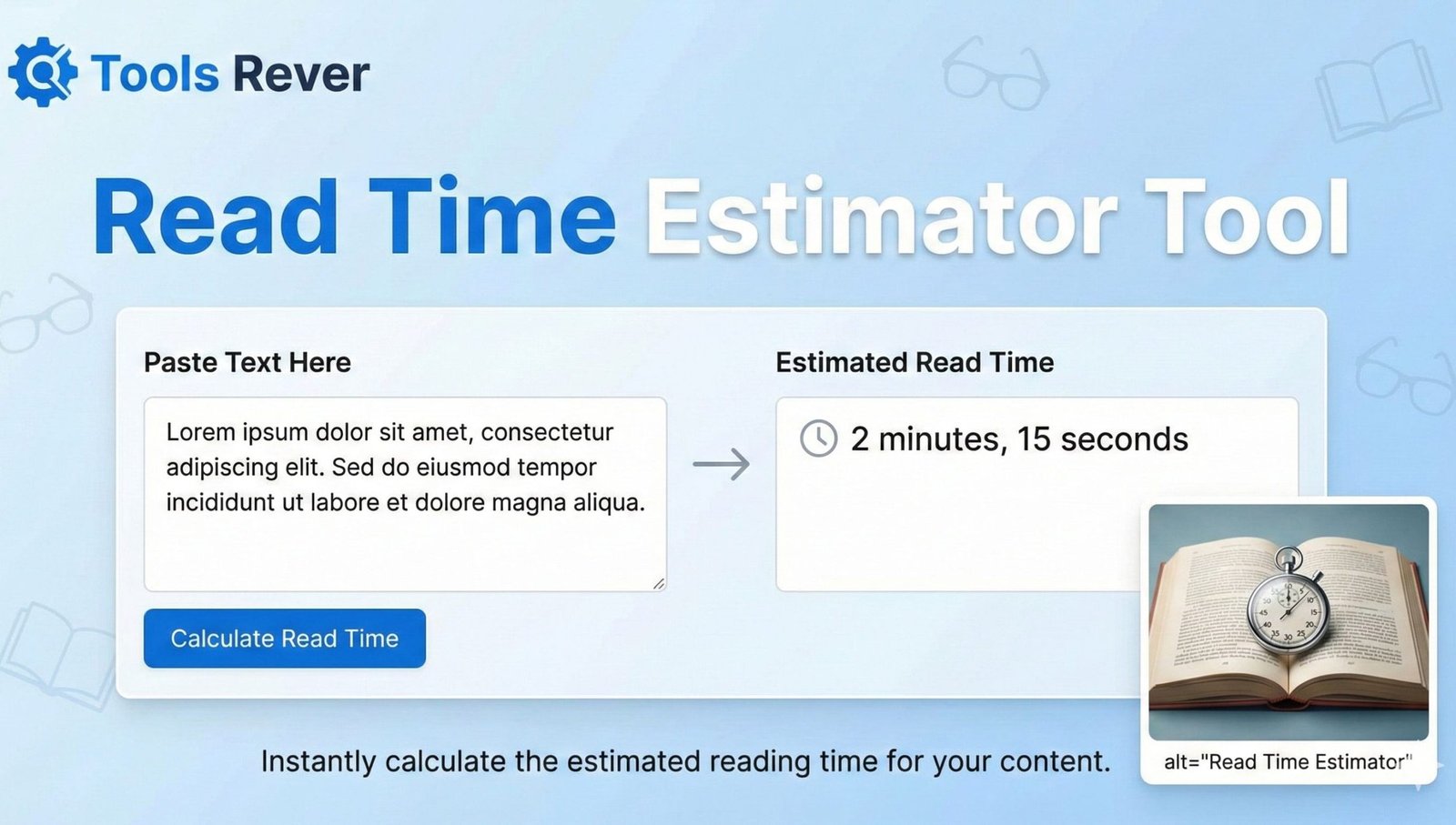
Read Time Estimator
Estimate reading and speaking time for your content. Adjust words-per-minute to match your audience.
Words
0
Reading Time
0m 0s
Speaking Time
0m 0s
Read Time Calculator: Estimate Article Reading Time
Instantly calculate how long your article takes to read. Our free Read Time Estimator helps bloggers and publishers improve user engagement. Accurate and fast.
Read Time Estimator: Boost Engagement by Setting Reader Expectations
In the fast-paced digital world, a reader’s time is their most valuable currency. When a user clicks on your article, one of their first subconscious questions is: “How long will this take me?” A Read Time Estimator is a strategic tool that answers this question directly, building trust and setting clear expectations from the outset. By displaying an estimated reading time, you respect your audience’s time, reduce bounce rates, and can even increase content consumption. This simple metric is a powerful psychological trigger that tells visitors your content is worth their investment. For bloggers, news publishers, and content marketers, implementing a read time is no longer a nice-to-have—it’s a core component of a modern, user-friendly content strategy.
What is a Read Time Estimator and How Does It Calculate Time?
A Read Time Estimator is an algorithm-based tool that calculates the average time required for a person to read a specific piece of text. It provides a data-driven approximation, transforming a word count into a tangible time commitment.
The calculation is typically based on a few key variables:
- Read Time Estimator: The cornerstone of the calculation. The standard benchmark is 200-250 words per minute (WPM) for an average adult reading English text for comprehension.
- Total Word Count: The tool first counts every word in your text.
- Simple Calculation: The core formula is: Reading Time = Total Word Count / Words Per Minute.
Our Read Time Estimator tool automates this math, providing you with an instant, reliable estimate that you can confidently display on your blog posts, articles, and publications.
Why Displaying Reading Time is Crucial for User Engagement
The benefits of using a read time go far beyond a simple number. It directly influences user behavior and perception.
- Manages Reader Expectations: A clear time estimate prevents readers from being overwhelmed by a long article or disappointed by a short one. It allows them to mentally prepare and decide if now is the right time to read.
- Reduces Bounce Rate: If a user knows an article is a 5-minute read, they are more likely to stay and commit rather than bouncing away because they fear an indefinite time sink.
- Increases Content Consumption: Platforms like Medium and Blinkist have proven that showing a time commitment increases the likelihood of a user starting and finishing the content.
- Improves User Experience (UX): It’s a small but significant UX enhancement that shows you value and respect your audience’s time, fostering loyalty and trust.
How to Use Our Read Time Estimator Tool: A Step-by-Step Guide
Using our tool is a straightforward process that takes just seconds.
Step 1: Access the Tool
Navigate to our Read Time Estimator page.
Step 2: Input Your Text
Paste the entire text of your article, blog post, or document into the main input box. You can also type directly into the field.
Step 3: Adjust Reading Speed (Optional)
Our tool uses the standard 200 WPM by default, but you can often adjust this slider to reflect your specific audience (e.g., a technical audience might read complex material more slowly).
Step 4: Calculate
Click the “Calculate Reading Time” or “Estimate” button.
Step 5: Get Your Result
The tool will instantly display the estimated reading time in minutes and seconds. You can then copy this to use in your article’s meta description or display it prominently near the title.
Just as this tool helps manage your readers’ time, managing your visual content is also key. For perfectly sized images for your blog, use our Image Resizer tool.
The Science Behind Read Time Estimator: How We Arrived at 200 WPM
The 200-250 WPM standard isn’t arbitrary. It’s based on extensive research into average reading comprehension. According to a study published by the American Press Institute, the average adult reads prose text at about 250-300 WPM, but for optimal comprehension of complex information, a speed of 200 WPM is more realistic and widely adopted by major platforms.
Several factors can influence an individual’s reading speed:
- Text Complexity: Dense, academic, or technical text naturally slows down reading speed.
- Typography and Layout: Font size, line spacing, and contrast all play a significant role.
- Device: Reading on a mobile phone may be slower for some than reading on a desktop monitor.
Advanced Applications: Beyond Basic Blog Posts
While the primary use is for articles, the Read Time Estimator has several other powerful applications.
For Email Newsletters
Include an estimated read time in the subject line or pre-header text of your newsletter. This can dramatically improve open rates as subscribers can quickly triage their inbox. Example: “Weekly Update (3 min read)”.
For E-Learning and Course Platforms
Displaying the estimated time to complete a lesson module helps students plan their study sessions effectively, leading to better course completion rates.
For Speech Writing and Presentations
If you write a speech, you can use the tool to estimate its delivery length. While speaking pace is different from reading pace, it provides a excellent baseline (typically, a speech is delivered at around 130-150 WPM).
For Social Media Content
When sharing a link to a long-form article on platforms like LinkedIn or Twitter, you can manually add the read time to the post. Example: “How I grew my business in 6 months (8 min read)”. This increases the click-through rate.
Implementing Read Time on Your Website: A Practical Guide
Once you have the estimated time from our tool, how do you display it? Here are a few common and effective methods.
1. Read Time Estimator
This is the most common and intuitive placement.
- Example: “Published on October 26, 2023 | 5 min read”
2. At the Top of the Article
Place it in a prominent spot right below the title to set expectations immediately.
3. In a Sticky Table of Contents
For very long articles, a sticky menu that shows the read time and progress through the article can enhance the user experience.
Best Practice: Always round the time to the nearest minute. For pieces under one minute, display “1 min read” or “Less than a minute.” This keeps it clean and simple.
Frequently Asked Questions (FAQs)
How accurate is the read time estimation?
Does the calculator count words in image captions and alt text?
What is the difference between read time and listening time for podcasts/audio?
Conclusion: Transform Reader Anxiety into Confident Engagement
A Read Time Estimator is a small tool with an outsized impact on your content’s performance. It bridges the gap between your content and your audience by fostering transparency and respect. In an era of endless distractions and content overload, giving your readers a clear time commitment is a simple yet profound way to stand out, build trust, and encourage deeper engagement.
Stop leaving your readers guessing. Empower them with the information they need to fully invest in your content. Ready to enhance your user experience and boost engagement? Use our free, instant Read Time Estimator tool now and give your audience the clarity they deserve!