
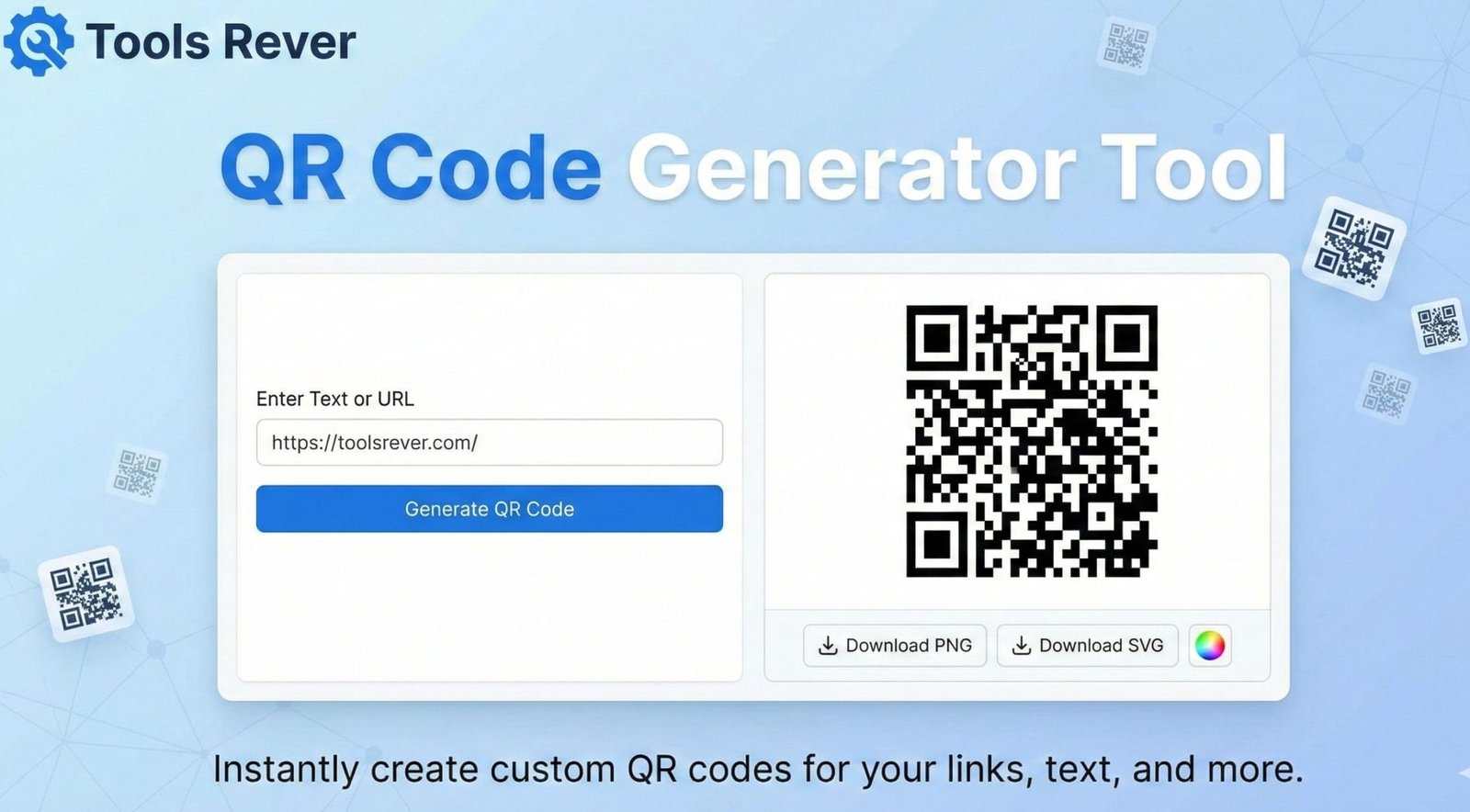
QR Code Generator
About this tool: Generate customizable QR codes for websites, text, contact information, Wi-Fi credentials, and more. QR codes can be scanned by smartphone cameras and QR code readers.
How to use:
- Select the type of content you want to encode
- Enter the required information
- Customize the QR code appearance if desired
- Click “Generate QR Code”
- Download or save your QR code as a PNG image
Free QR Code Generator: Create Custom QR Codes Online
Generate QR codes instantly! Our free online QR Code Generator creates custom, scannable codes for URLs, WiFi, contact info & more. No sign-up required.
QR Code Generator: Bridge the Physical and Digital Worlds Instantly
Have you ever wanted to share a website link without typing a long URL? Or provide your contact information to someone without fumbling with business cards? The solution to these modern problems is elegantly simple: the QR code. A QR Code Generator is an essential online tool that transforms any piece of digital information into a scannable, two-dimensional barcode. These pixelated squares have become ubiquitous in marketing, retail, and everyday life, offering a frictionless way to connect the physical and digital worlds. Whether you’re a business owner, a event organizer, a teacher, or just someone looking to share information efficiently, understanding and using a QR Code Generator is a fundamental skill for the connected age.
What is a QR Code Generatorand How Does It Work?
QR stands for “Quick Response,” and that’s exactly what these codes are designed for. Invented in 1994 by the Japanese company Denso Wave for tracking automotive parts, QR codes are two-dimensional matrix barcodes that can store significantly more data than traditional one-dimensional barcodes.
The technology is both simple and brilliant:
- Data Encoding: A QR code generator converts your input (a URL, text, etc.) into a binary pattern of black and white squares.
- Structural Elements: Every QR code contains finder patterns (the squares in three corners) that help a scanner orient and read the code from any angle.
- Error Correction: Built-in error correction allows the code to be scanned even if it’s partially damaged or dirty.
- Scanning: A smartphone camera captures the image, and a dedicated app or the phone’s native camera software decodes the pattern back into the original information.
Using our QR Code Generator tool allows you to create these powerful codes in seconds, without any technical knowledge or design skills.
Why QR Code Generator Are More Relevant Than Ever
The COVID-19 pandemic acted as a massive catalyst for QR code adoption, but their utility ensures they are here to stay.
- Contactless Interaction: They minimize physical contact for menus, payments, and information access.
- Smartphone Ubiquity: Over 6.8 billion people globally own a smartphone, and virtually all modern devices have built-in QR scanners in their camera apps.
- User Convenience: Scanning a code is faster and more accurate than typing a long web address or manually entering data.
- Marketing Power: They provide a seamless bridge from offline media (like billboards, brochures, and product packaging) to online experiences.
According to a report by Statista, the number of QR code users in the United States alone is expected to surpass 100 million by 2025, highlighting their massive and growing adoption.
What Can You Create with a QR Code Generator?
The versatility of QR codes is one of their greatest strengths. Our generator can create codes for a wide array of data types.
URL and Website Links
This is the most common use. Instantly direct people to your homepage, a specific product, a landing page, or a promotional offer.
- Example: A restaurant menu QR code that links directly to their online ordering system.
vCard and Contact Information
Create a digital business card. When scanned, the code can automatically add your name, phone number, email, and company to the user’s phone contacts.
- Example: Adding a QR code to your physical business card for instant contact sharing.
Wi-Fi Network Login
Eliminate the need to verbally share complex Wi-Fi passwords. Generate a QR code that, when scanned, automatically connects a guest’s device to your network.
- Example: Placing a Wi-Fi QR Code Generator in a coffee shop, office lobby, or your home.
Plain Text
Share any snippet of text, from a simple message to a poem or a secret code.
- Example: A museum placing QR codes next to exhibits with detailed historical descriptions.
Email and SMS Pre-population
Generate a code that opens the user’s email client with a pre-filled recipient, subject, and body, or their messaging app with a pre-written text and number.
- Example: A “Contact Us” QR Code Generator that automatically drafts an email to your support team.
Event Details
Easily share calendar events. Scanning the code can add an event with the title, date, time, and location directly to the user’s calendar.
- Example: Sending out invitations with a QR Code Generator to easily add the event to digital calendars.
How to Use Our QR Code Generator: A Step-by-Step Guide
Creating your first QR code is a quick and simple process that takes less than a minute.
Step 1: Access the Tool
Navigate to our QR Code Generator tool.
Step 2: Select Your Content Type
Choose what you want to encode from the available options (e.g., URL, Text, WiFi, vCard).
Step 3: Enter Your Data
Input the specific information. For a URL, paste the web address. For WiFi, enter your network name (SSID) and password.
Step 4: Customize Your Code (Optional)
Many generators, including ours, offer customization options:
- Colors: Change the code’s colors to match your brand (e.g., a blue code on a white background).
- Logo: Add your company logo to the center of the code for brand recognition.
- Frame: Add a decorative frame with a call-to-action like “Scan Me!”
Step 5: Generate and Download
Click the “Generate QR Code” button. Your custom code will appear instantly. Download it in a high-resolution format like PNG or SVG for printing or web use.
Just as a QR Code Generator creates scannable visuals, ensuring your other images are perfectly sized is crucial. For that, you can use our Image Resizer tool.
Best Practices for Creating Effective QR Codes
A poorly implemented QR code can frustrate users and damage your brand’s credibility. Follow these guidelines for success.
1. Always Provide Context
Don’t just display a random code. Tell people what to expect when they scan it. Use a call-to-action like “Scan to View Our Menu” or “Scan to Get a Discount.”
2. Ensure Scannability
- Size Matters: For print, a minimum size of 2 x 2 inches (5 x 5 cm) is recommended. For digital screens, ensure it’s large enough to be easily captured by a camera.
- Maintain Contrast: Use high contrast between the code and its background (e.g., black on white). Avoid complex patterns behind the code.
- Test Thoroughly: Always test your QR code with multiple devices and scanning apps before distributing it.
3. Use a Dynamic QR Code for URLs
While our generator creates static codes, many advanced platforms offer dynamic QR codes. These allow you to change the destination URL without changing the QR code image itself. This is invaluable for tracking scans and updating links for ongoing campaigns.
4. Consider the User’s Environment
Where will the code be scanned? If it’s on a highway billboard, it’s useless. If it’s in a subway with poor reception, linking to a heavy video will frustrate users. Match the code’s purpose to the physical context.
The Technical Deep Dive: How QR Codes Store Data
The structure of a QR code is a marvel of information engineering.
Key Components:
- Finder Patterns: The three identical structures in the corners that allow the scanner to detect the code’s orientation and size.
- Alignment Patterns: Smaller patterns that help with correction if the code is distorted or scanned at an angle.
- Timing Pattern: A line of alternating black and white modules that helps the scanner determine the size of the data matrix.
- Quiet Zone: The critical empty white border around the code. Without it, scanners cannot properly distinguish the code from its surroundings.
- Data and Error Correction Modules: The bulk of the code, which contains the actual encoded information and the Reed-Solomon error correction data.
The error correction capability is what makes QR codes so robust. There are four levels (L, M, Q, H), with H being the highest, allowing for up to 30% of the code to be damaged or obscured while still remaining scannable.
Common QR Code Mistakes to Avoid
Avoid these pitfalls to ensure your QR code campaign is successful.
- Linking to Non-Mobile-Friendly Pages: The user is on a phone. Sending them to a desktop-optimized website creates a poor experience.
- Broken or Incorrect Links: Always double-check that your encoded URL is correct and active.
- Making the Code Too Small or Low-Resolution: A pixelated code will fail to scan.
- Placing it Where There’s No Internet: A QR code linking to a website is useless in a basement with no cell service.
- Not Tracking Performance: For business use, not using a dynamic QR code to track scans means you’re missing valuable data on your campaign’s effectiveness.
Frequently Asked Questions (FAQs)
Are QR codes secure to scan?
What is the difference between a static and a dynamic QR code?
Can I customize the design of my QR code without breaking it?
Conclusion: Create Your First QR Code in Seconds
The humble QR code is a powerful tool for connection, efficiency, and engagement. It turns complex information into a simple, scannable action, bridging the gap between physical objects and digital experiences. A QR Code Generator demystifies this process, putting the power of creation directly in your hands. Whether for personal convenience or professional marketing, the ability to generate a custom QR code is an indispensable skill.
Stop typing out long URLs and start sharing information with a simple scan. Ready to create your own seamless connection between the physical and digital worlds? Use our free, easy, and powerful QR Code Generator tool now and create your first custom code in under a minute!