
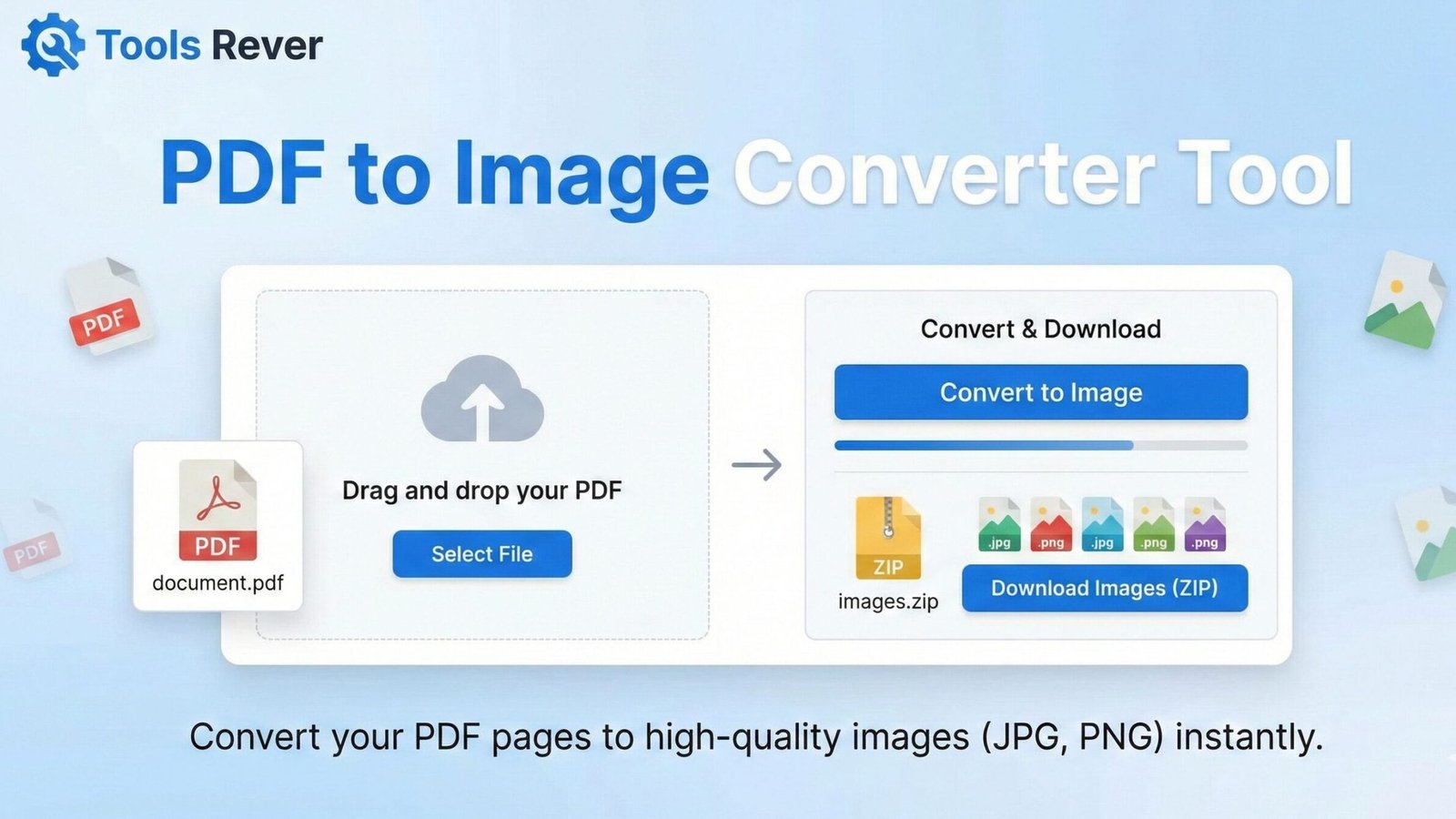
PDF to Image Converter
Convert PDF pages to high-quality image files
About This Tool
Our PDF to Image converter transforms PDF documents into various image formats including JPG, PNG, and TIFF. This tool is perfect for extracting images from PDF files, creating visual presentations, or making your document content more accessible in image format.
The converter maintains the original quality and resolution of your PDF while giving you options to customize the output format and quality settings.
Upload Your PDF File
Drag & drop your PDF file here or click to browse
How to Use
Image Format Comparison
| Format | Best For | Pros | Cons |
|---|---|---|---|
| JPG | Photos, complex images | Smaller file size, good for web | Lossy compression, no transparency |
| PNG | Graphics, text, diagrams | Lossless quality, supports transparency | Larger file size than JPG |
| TIFF | Professional printing, archiving | Highest quality, multiple compression options | Very large file size, less web compatible |
PDF to Image Converter: Convert PDF to JPG, PNG Online
Convert PDF pages to high-quality JPG, PNG, or TIFF images instantly. Our free online tool preserves formatting and resolution. No registration required.
PDF to Image Converter: Transform Your Documents into Shareable, Editable Visuals
Have you ever needed to extract a chart from a PDF report for a presentation, share a single page from a multi-page document, or convert a scanned form into an editable image? Manually taking screenshots of PDF pages results in poor quality, inconsistent sizing, and a frustratingly inefficient workflow.
This is where a PDF to Image Converter becomes an essential tool for students, professionals, and creatives alike. A PDF to Image Converter is an online utility that transforms Portable Document Format (PDF) files into high-quality image formats like JPG, PNG, and TIFF. By using a PDF to Image Converter, you can unlock the visual content trapped within your PDFs, enabling easy sharing, editing, and integration into various digital projects while preserving the original layout and quality.
What is a PDF to Image Converter and How Does It Work?
A PDF to Image Converter is a sophisticated software tool that processes each page of a PDF file and renders it as a raster image. Unlike a simple screenshot, which only captures what's visible on your screen at a fixed resolution, a dedicated converter processes the underlying vector and text data of the PDF to produce a high-fidelity image at your chosen resolution and format.
The conversion process typically involves:
- Parsing: The tool reads the complex structure of the PDF to Image Converter file, interpreting its text, fonts, vector graphics, and raster images.
- Rendering: It processes each page and "draws" it onto a virtual canvas at a high resolution, effectively taking a perfect, high-DPI picture of the page.
- Encoding: The rendered page is then encoded into your chosen image format (e.g., JPG, PNG) and saved as a separate image file.
Our PDF to Image Converter automates this technically complex process, delivering studio-quality results with just a few clicks, regardless of your technical expertise.
Why PDF to Image Converter? The Critical Benefits
While PDFs are excellent for preserving document integrity, they are often cumbersome to work with. Converting them to images solves numerous everyday problems.
Enhanced Sharing and Compatibility
Images are universally supported. You can easily insert a JPG from a PDF into any messaging app, social media platform, or forum where PDF files might be problematic or require a download. This simplifies sharing specific information without sending an entire document.
Simplified Editing and Integration
Need to use a diagram from a PDF in a PowerPoint presentation or a WordPress blog post? Converting that page to a PNG allows you to drag and drop it directly into your project. Images are much easier to manipulate in graphic design software than PDF elements.
Preservation of Visual Layout
Sometimes, the precise visual formatting of a document—the fonts, colors, and spacing—is what matters most. Converting to an image guarantees that the recipient sees the content exactly as you intended, with zero risk of formatting shifts across different devices or software.
Improved Website Performance and Display
Web developers often PDF to Image Converter-based graphics, menus, or flyers into optimized PNG or JPG files. This can lead to faster loading times and a more seamless user experience compared to embedding a full PDF document on a webpage.
How to Use Our Online PDF to Image Converter
Our tool is designed for maximum simplicity without sacrificing power. The entire process takes less than a minute.
- Upload Your PDF File: Click the "Upload" or "Choose File" button and select the PDF you wish to convert from your computer. Our tool supports files from various sources.
- Select Your Output Format: Choose your preferred image format. We recommend:
- JPG: For photographs or documents with many colors. It offers a good balance of quality and file size.
- PNG: For documents with text, line art, or graphics that require a transparent background. It uses lossless compression.
- TIFF: For high-quality archival purposes or professional printing.
- Configure Quality Settings (Optional): Adjust the DPI (Dots Per Inch) setting if you need higher resolution for printing or zooming. A standard screen resolution is 72 DPI, while print typically requires 300 DPI.
- Choose Pages to Convert: Select whether you want to convert the entire document or specific page ranges.
- Click "Convert": Initiate the conversion process. For multi-page PDFs, the tool will create a ZIP file containing all the converted images.
- Download Your Images: Once processing is complete, download your high-quality image files instantly.
Key Features of a Professional PDF to Image Converter
A basic converter might simply output low-res images. A robust tool, like the one we provide, offers features that handle professional requirements.
Batch Conversion and Page Selection
Save immense time by converting multiple PDFs at once or selecting specific pages from a long document. You don't have to convert a 100-page report if you only need the summary on page 5.
Multiple Output Format Support
Different projects demand different image formats. The ability to choose between JPG, PNG, and TIFF ensures you have the right tool for the job, whether it's for web, print, or editing.
High-Resolution Output and DPI Control
A professional converter allows you to control the output resolution. This is critical for producing images that are clear and sharp when printed or viewed on high-resolution displays.
Strong Security and Privacy Protection
A trustworthy converter processes files securely. Our tool often uses client-side processing, meaning your sensitive PDFs are never stored on a server or viewed by a third party. They are processed directly in your browser and then deleted.
Just as a PDF to Image Converter transforms your documents, ensuring your resulting images are the perfect size is crucial. For that, you can use our Image Resizer tool to fine-tune them for any platform.
Choosing the Right Image Format: JPG vs. PNG vs. TIFF
Selecting the correct output format is key to getting the best results for your specific need.
JPEG/JPG (Joint Photographic Experts Group)
- Best For: Photographs, complex graphics, and documents with many colors and gradients.
- Pros: Creates smaller file sizes, widely compatible.
- Cons: Uses "lossy" compression, which can reduce quality and introduce artifacts. Does not support transparency.
PNG (Portable Network Graphics)
- Best For: Documents with text, screenshots, logos, and line art that require sharp edges and transparency.
- Pros: Uses "lossless" compression, preserving perfect quality. Supports transparent backgrounds.
- Cons: File sizes are typically larger than JPG for photographic content.
TIFF (Tagged Image File Format)
- Best For: Archival quality, professional printing, and situations where no quality loss is acceptable.
- Pros: Extremely high quality, supports layers and various compression schemes.
- Cons: Very large file sizes, not suitable for web use.
Real-World Applications: Who Needs This Tool and Why?
For Students and Academics
- Extract specific graphs, charts, or diagrams from research papers and textbooks for inclusion in presentations or thesis documents.
- Create visual study aids by converting important textbook pages into images for flashcards or summary sheets.
For Business Professionals
- Convert invoice PDFs to JPG for easy attachment to accounting software entries or expense reports.
- Transform scanned, signed contracts into image files for digital storage and email correspondence.
- Create marketing materials by extracting high-quality graphics from brand guideline PDFs.
For Designers and Developers
- Use PDF-based UI mockups and convert them to PNGs for slicing and integration into websites and applications.
- Extract logos and vector assets from PDF brand kits when the original source files are unavailable.
For Real Estate Agents
- Convert multi-page property brochures into a series of JPG images for easy posting on social media platforms and real estate portals.
The Technology Behind PDF Conversion: Rasterization
The core process that a PDF to Image Converter uses is called rasterization. This is the conversion of vector graphics (which use mathematical equations to define shapes) into a raster image (a grid of pixels).
According to the International Organization for Standardization (ISO), which now maintains the PDF standard (ISO 32000), a PDF can contain a mix of vector and raster data. A high-quality converter accurately interprets all these elements—text as text, vectors as vectors, and images as images—before compositing them together into a single, high-resolution raster image. This is what sets it apart from a simple screen capture.
Frequently Asked Questions (FAQ)
Is it legal to convert a PDF to an image?
Can I convert a scanned PDF (non-searchable) to an image?
Conclusion: Unlock the Visual Power of Your PDFs
A PDF to Image Converter is a bridge between the structured world of documents and the flexible world of digital imagery. It solves a fundamental problem of digital workflow: how to free specific, visually-rich content from the constraints of a multi-page document. By providing a fast, secure, and high-quality conversion process, this tool empowers you to share, edit, and present your information with unparalleled ease and professionalism.
Stop taking low-quality screenshots and struggling with incompatible formats. Embrace the power of dedicated conversion technology. Ready to transform your documents? Use our free, high-quality PDF to Image Converter tool now and turn your PDF pages into perfect, shareable images in seconds!