
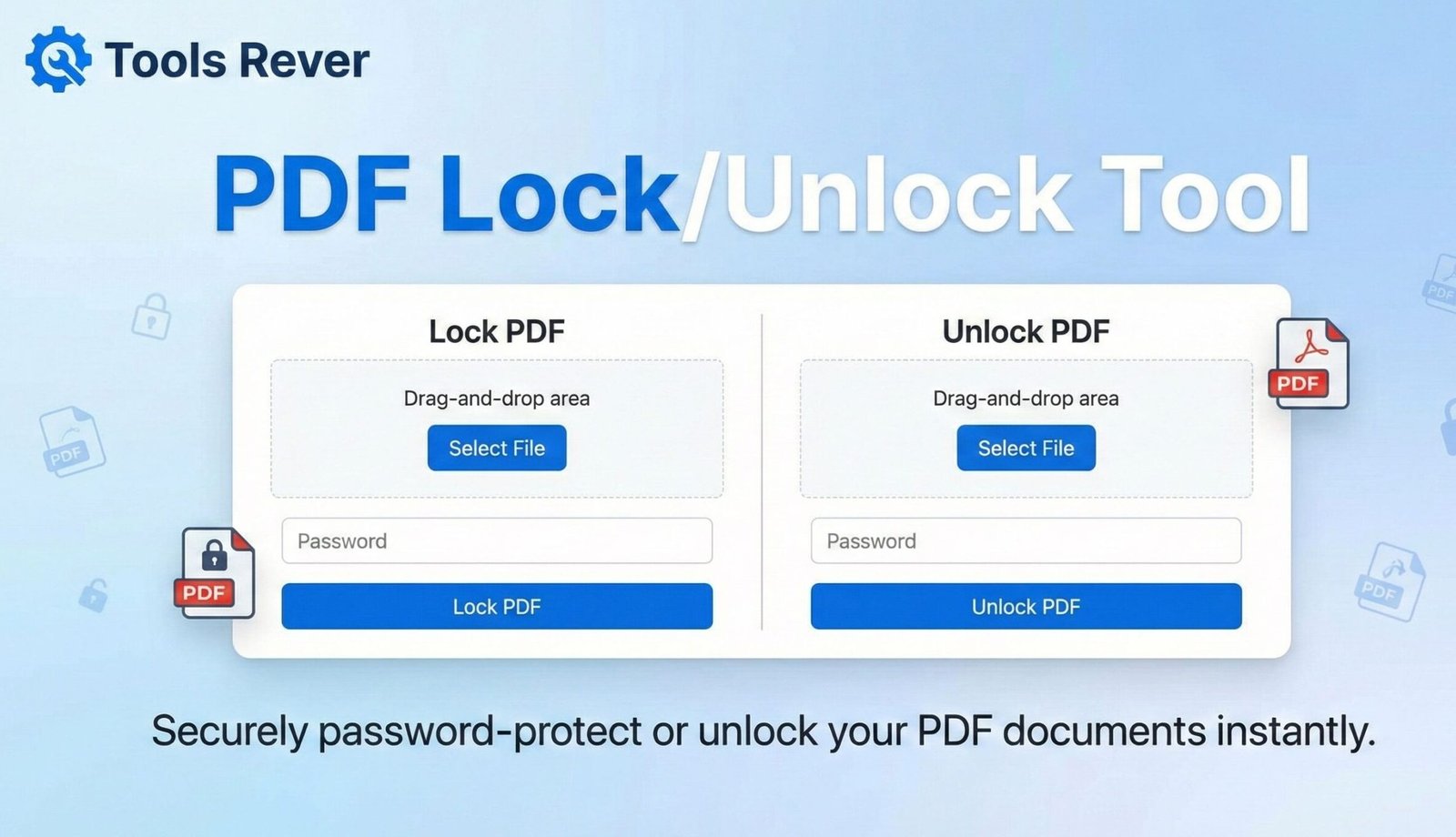
PDF Lock/Unlock Tool
Secure your PDF documents or remove existing password protection
About This Tool
Our PDF Lock/Unlock Tool allows you to add password protection to your PDF files or remove existing passwords (with proper authorization). Whether you need to secure sensitive information or regain access to a protected document, this tool provides a simple solution.
The tool offers both basic password protection and advanced permission settings to give you complete control over your PDF security.
Upload Your PDF File
Drag & drop your PDF file here or click to browse
Add Password Protection
Remove Password Protection
How to Use
To Lock a PDF:
To Unlock a PDF:
PDF Security Information
Understanding PDF Password Types
Owner Password: Provides full access to the PDF, including the ability to change security settings and permissions.
User Password: Required to open the document. Without it, the PDF cannot be viewed at all.
Security Best Practices
- Use strong, unique passwords for important documents
- Keep track of your passwords in a secure password manager
- Consider using different user and owner passwords for maximum security
- Remember that PDF security is primarily a deterrent and may not stop determined attackers
PDF Lock/Unlock Tool: Secure PDFs with Password
Lock PDFs with passwords or unlock secured files instantly! Our free online PDF Lock/Unlock tool provides military-grade encryption for document security.
PDF Lock/Unlock Tool: The Complete Solution for Document Security and Access
Have you ever needed to email a confidential contract, financial statement, or personal document but hesitated because of privacy concerns? Or received a crucial PDF file that was password-protected, leaving you unable to access the information you urgently need? In our digital world, PDF security is not just a luxury—it’s a necessity for both personal privacy and business compliance.
A PDF Lock/Unlock Tool is an essential online utility that addresses both sides of document security. This powerful tool allows you to apply military-grade encryption to protect your sensitive files with passwords while also providing a legitimate way to remove restrictions from PDFs you have the right to access but cannot open or edit. Whether you’re a business professional safeguarding intellectual property or an individual managing personal records, this tool puts complete control over document access back in your hands.
What is a PDF Lock/Unlock Tool and How Does It Work?
A PDF Lock/Unlock Tool is a comprehensive web-based application that handles two critical functions of PDF security management:
- PDF Locking: Applying encryption and access restrictions to prevent unauthorized viewing, printing, copying, or editing.
- PDF Unlocking: Removing these restrictions from PDFs when you have legitimate access but need to bypass security for editing or sharing purposes.
The technology behind these functions is sophisticated yet user-friendly:
- For Locking: The tool uses encryption algorithms (typically 128-bit or 256-bit AES) to scramble the PDF’s content. Only someone with the correct password can decrypt and view the file. It can also set user permissions that control what actions (printing, copying text) are allowed even after the document is opened.
- For Unlocking: The tool verifies your right to access the document (either by you providing the password or through other verification methods) and then creates a new, unrestricted version of the PDF.
Using our PDF Lock/Unlock Tool ensures your sensitive documents remain confidential while ensuring you never lose access to your own files due to forgotten passwords or unnecessary restrictions.
Why PDF Security is Non-Negotiable in the Digital Age
The consequences of unprotected document sharing can be severe, making PDF security tools essential for everyone.
Data Protection and Privacy Compliance
With regulations like GDPR, HIPAA, and CCPA imposing strict rules on data handling, securing documents containing personal information is legally mandatory. A single data breach from an unsecured PDF can result in massive fines and reputational damage.
Intellectual Property Protection
Businesses constantly share proposals, designs, and strategic documents. Without proper PDF protection, recipients can easily copy, modify, or redistribute your proprietary information without permission.
Document Integrity Assurance
PDF locking isn’t just about preventing viewing—it’s about maintaining document integrity. By restricting editing capabilities, you ensure the document your recipients view is exactly what you sent, without unauthorized alterations.
Controlled Access Management
Different situations require different access levels. You might want someone to view a document but not print it, or allow printing but prevent text copying. A quality PDF locking tool provides this granular control.
According to a Verizon Data Breach Investigations Report, over 80% of breaches involving hacking leverage stolen passwords or weak authentication, highlighting why document-level security is crucial.
How to PDF Lock/Unlock Tool: A Step-by-Step Security Guide
Securing your PDF with our tool is a straightforward process that takes less than a minute.
Step 1: Upload Your PDF
Navigate to our PDF Lock/Unlock Tool and select the “PDF Lock/Unlock Tool” option. Upload your file by dragging and dropping or browsing your computer.
Step 2: Set Your Security Parameters
You’ll be presented with several security options:
- Open Password: Requires a password to even open and view the document.
- Permissions Password: Restricts what users can do after opening the file.
- Restrictions: Choose which operations to disable (printing, text copying, editing, etc.).
Step 3: Create Strong Passwords
Use our password strength indicator to create robust passwords. We recommend:
- At least 12 characters
- Mix of uppercase, lowercase, numbers, and symbols
- Avoid dictionary words or personal information
Step 4: Download Your Secured PDF
Click “Protect PDF” and within seconds, you’ll receive a download link for your encrypted, password-protected PDF file. The original unprotected file remains unchanged on your computer.
How to Unlock a PDF File: Regaining Access Legitimately
When you need to remove restrictions from a PDF you have the right to access, our unlocking function provides the solution.
Step 1: Upload the Protected PDF
Select the “Unlock PDF” option and upload the password-protected or restricted file.
Step 2: Provide Authentication
If the PDF has an owner password, you’ll need to enter it to prove you have permission to remove restrictions. Our tool does not bypass open passwords without authorization.
Step 3: Process the File
Click “Unlock PDF” to remove all restrictions. The tool creates a new, unrestricted version of the document.
Step 4: Download Your Accessible PDF
Your new, fully accessible PDF will be ready for download. You can now edit, print, copy text, or share it without restrictions.
After securing your PDFs, you might need to prepare images for other documents. For perfect image sizing, use our Image Resizer tool.
Key Features of a Professional PDF Security Tool
A basic PDF locker might only add open passwords. A comprehensive tool like ours offers enterprise-level security features.
Military-Grade Encryption
Our tool uses 256-bit AES encryption, the same standard used by banks and governments worldwide to protect classified information.
Granular Permission Controls
Beyond simple viewing restrictions, you can control:
- Printing: Allow, disallow, or only allow low-resolution printing.
- Document Modification: Prevent any changes or allow only specific types like form filling or comment addition.
- Content Copying: Disable text and image extraction.
- Page Extraction: Prevent users from removing pages from the document.
Batch Processing Capability
Secure multiple PDFs simultaneously with the same security settings, saving significant time when processing large document sets.
No Watermarks or Quality Loss
Unlike some free tools, our service doesn’t add watermarks or reduce the quality of your original PDF during the locking or unlocking process.
Common Use Cases for PDF Locking and Unlocking
Business and Legal Applications
- Confidential Contracts: Send agreements to clients with viewing-only access until signed.
- Financial Reports: Protect quarterly earnings statements and internal financial data.
- HR Documents: Secure employee records, performance reviews, and salary information.
Personal and Educational Use
- Tax Documents: Protect Social Security numbers and financial information on tax returns.
- Academic Papers: Secure unpublished research or thesis documents.
- Personal Records: Lock medical records, insurance documents, and identification copies.
Creative and Intellectual Property
- Portfolio Protection: Allow potential clients to view your work but prevent unauthorized downloading or printing.
- Ebook Samples: Distribute preview chapters while protecting the full content.
- Architectural Plans: Share designs with contractors while preventing unauthorized modifications.
Understanding PDF Encryption Standards
PDF security relies on sophisticated encryption standards that have evolved over time:
- RC4 (40-bit and 128-bit): Older encryption methods that are now considered relatively weak and vulnerable to attacks.
- AES (128-bit and 256-bit): Advanced Encryption Standard used by governments and security experts worldwide. 256-bit AES is currently considered unbreakable with modern computing technology.
Our tool uses the strongest available AES-256 encryption to ensure your documents receive maximum protection against unauthorized access attempts.
Security Best Practices for PDF Protection
While our tool provides powerful security, following these practices ensures optimal protection:
- Use Strong, Unique Passwords: Avoid common words or phrases. Consider using a password manager to generate and store complex passwords.
- Share Passwords Securely: Never send passwords in the same email as the protected PDF. Use a different communication channel like phone or secure messaging apps.
- Set Appropriate Restrictions: Consider whether recipients genuinely need printing or editing capabilities for their purpose.
- Keep Original Files Secure: Remember that the unlocking process creates an unprotected copy. Always store original protected files securely.
- Update Security Regularly: Change passwords and re-secure documents periodically, especially when sharing with multiple parties over time.
Frequently Asked Questions (FAQs)
Is it legal to unlock a PDF file?
What happens if I forget the password to my locked PDF?
Are my files safe during the locking/unlocking process?
Conclusion: Take Full Control of Your Document Security Today
A PDF Lock/Unlock Tool is an indispensable utility in today’s document-driven world. It represents the perfect balance between security and accessibility, allowing you to protect sensitive information while ensuring you maintain control over your own documents. Whether you’re preventing corporate espionage, complying with privacy regulations, or simply keeping personal records confidential, this tool provides enterprise-level security capabilities to everyone, regardless of technical expertise.
Don’t leave your sensitive documents vulnerable to unauthorized access or struggle with restricted files you need to use. Ready to master PDF security? Use our free, powerful PDF Lock/Unlock Tool now and experience complete peace of mind for all your document protection and access needs!