
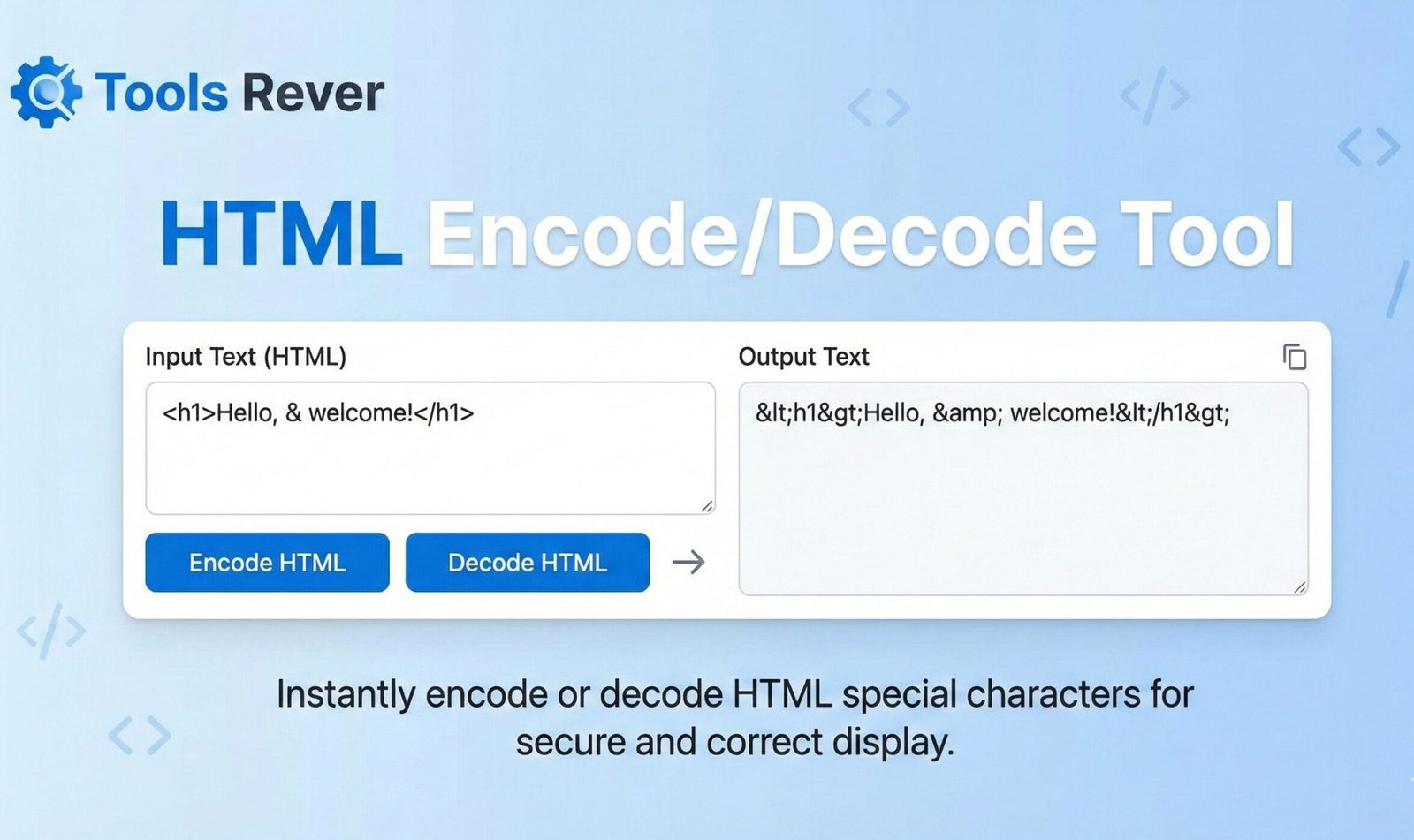
HTML Encode/Decode Tool
This HTML Encode/Decode tool helps you convert text to HTML entities and vice versa. It’s useful for ensuring special characters display correctly on web pages, preventing HTML injection, and debugging encoding issues in your web content.
How to use: Enter your text in the input box, select the operation you want to perform, and click the corresponding button. The result will appear in the output box. You can also preview how the encoded/decoded text will appear in a browser.
Common HTML Entities
Here are some commonly used HTML entities:
| Character | Entity Name | Entity Number | Description |
|---|---|---|---|
| < | < | < | Less than sign |
| > | > | > | Greater than sign |
| & | & | & | Ampersand |
| " | " | " | Double quote |
| ' | ' | ' | Single quote/apostrophe |
| |   | Non-breaking space | |
| © | © | © | Copyright symbol |
| ® | ® | ® | Registered trademark |
| ™ | ™ | ™ | Trademark symbol |
| € | € | € | Euro sign |
About HTML Encoding
HTML encoding is the process of converting special characters to their corresponding HTML entities. This is important for several reasons:
- Displaying special characters: Some characters have special meaning in HTML (like < and >) and need to be encoded to display properly.
- Preventing XSS attacks: Encoding user input helps prevent cross-site scripting (XSS) attacks by ensuring that browser doesn’t interpret the input as executable code.
- Character set compatibility: HTML entities ensure that characters display correctly regardless of the document’s character encoding.
Types of HTML Entities
HTML entities can be represented in two ways:
- Named entities: Use a name to represent the character, like < for <
- Numeric entities: Use the character’s Unicode code point, like < for <
This tool supports both encoding and decoding of HTML entities, making it easy to convert between regular text and HTML-safe text.
HTML Encode/Decode Tool: Secure Text Online
Encode HTML to prevent XSS attacks or decode HTML entities to readable text. Our free online tool handles both conversions instantly. Safe & secure.
HTML Encode/Decode Tool: The Essential Utility for Web Security and Content Management
Have you ever tried to display HTML code on a webpage, only to have it render as actual elements instead of text? Or encountered mysterious character sequences like & or < in your content? These common frustrations stem from the fundamental way HTML handles special characters. Manually converting these characters is tedious, error-prone, and poses serious security risks for web applications.
This is where an HTML Encode/Decode Tool becomes indispensable for developers, content creators, and security professionals. An HTML Encode/Decode Tool is a specialized utility that converts special characters to their corresponding HTML entities (encoding) and vice-versa (decoding). By using an HTML Encode/Decode Tool, you can secure your web forms against attacks, properly display code snippets, and ensure your content renders correctly across all platforms.
What is HTML Encoding and Decoding?
To understand the tool, you must first understand the problem it solves. HTML uses certain characters for its syntax, like angle brackets < > for tags, quotes " for attributes, and ampersands & for entities. If you want to display these characters as text on a webpage, you must replace them with HTML entities to prevent the browser from interpreting them as code.
HTML Encoding is the process of converting reserved characters into their corresponding HTML entities. For example:
<becomes<>becomes>"becomes"&becomes&
HTML Decoding is the reverse process—converting these HTML entities back into their original, readable characters.
Using our HTML Encode/Decode Tool automates this critical process with 100% accuracy, eliminating the security vulnerabilities and display errors that come with manual conversion.
Why HTML Encoding is Crucial for Web Security and Functionality
The need for proper HTML encoding extends far beyond simple formatting. It is a foundational practice for building secure and functional websites.
Preventing Cross-Site Scripting (XSS) Attacks
This is the most critical security reason for encoding. XSS is a widespread web security vulnerability that allows attackers to inject malicious client-side scripts into web pages viewed by other users. According to the Open Web Application Security Project (OWASP), XSS consistently ranks among the top 10 web security risks. When you encode user input before displaying it, you neutralize potentially dangerous scripts by converting them into harmless text.
Displaying Code Snippets on Webpages
Blogs, tutorials, and documentation sites need to show HTML, CSS, and JavaScript code without the browser executing it. Encoding is the only way to ensure code examples are displayed correctly as text.
Ensuring Data Integrity Across Systems
When transferring data between different systems (like a database and a web template), special characters can corrupt the data or break the application. Encoding ensures data is transmitted in a safe, neutral format.
Handling International and Special Characters
HTML entities allow you to display characters that aren’t easily typed on a keyboard or that have specific meanings in different languages, such as © for © or € for €.
How to Use Our Online HTML Encode/Decode Tool
Our tool is built for speed and simplicity. You can secure your text or decode your content in just three steps.
- Input Your Text: Paste the text you want to encode or decode into the large input box. For encoding, this would be raw text with special characters. For decoding, this would be text full of HTML entities.
- Choose Your Action:
- Click “Encode” to convert special characters to HTML entities.
- Click “Decode” to convert HTML entities back to standard characters.
- Copy the Result: Your converted text will instantly appear in the output box. You can then copy it for immediate use in your code, CMS, or application.
The entire process is seamless and handles even large blocks of text in milliseconds.
Key Features of a Professional HTML Encoding Tool
A basic tool might handle a few characters. A robust tool, like the one we provide, offers comprehensive coverage and useful features.
Comprehensive Character Set Support
Our tool encodes all reserved HTML characters, including the less common ones like the apostrophe (') which becomes ' and the non-breaking space () which becomes .
Bidirectional Conversion
The ability to instantly switch between encoding and decoding in the same interface is a massive workflow improvement. You don’t need two separate tools.
Real-Time Preview
Some advanced tools show you a live preview of how the encoded or decoded text will look when rendered by a browser, giving you complete confidence in the result.
Bulk Text Processing
Whether you’re encoding a single line or an entire article, the tool should handle it with equal efficiency, preserving line breaks and formatting throughout the process.
Just as an HTML Encode/Decode Tool secures your text, ensuring your images are the right size secures your layout. For that, you can use our Image Resizer tool.
Practical Use Cases and Real-World Examples
This tool has universal application across web development, content management, and data processing.
For Web Developers: Securing User Input
This is the most critical use case. Any data that comes from a user—via a contact form, comment section, or user profile—must be encoded before being displayed to other users.
Example: A Blog Comment System
- User Input:
Great post! <script>alert('XSS');</script> - Encoded Output (Safe to Display):
Great post! <script>alert('XSS');</script>
The encoded version displays the entire string as harmless text, preventing the malicious script from running.
For Content Writers and Bloggers: Displaying Code
Technical writers constantly need to show code examples within their articles.
Example: Writing a CSS Tutorial
- What you want to show:
p { color: red; } - What you must write (Encoded):
<p> { color: red; }</p>
This ensures the code example is displayed correctly instead of being interpreted as a paragraph tag.
For Data Analysts: Processing Web-Scraped Data
Data scraped from websites often contains HTML entities that need to be decoded for analysis in tools like Excel or Python.
Example: Scraped Product Description
- Scraped Data:
Mountain Bike & Accessory Kit - Decoded Data (Clean for Analysis):
Mountain Bike & Accessory Kit
A Step-by-Step Guide: Securing a User Profile Page
Let’s walk through a complete example to demonstrate the tool’s critical role in security.
Scenario: You are building a social media site where users can set a bio. A malicious user tries to inject a script.
- The Attack: The user sets their bio to:
Nice to meet you! <img src="x" onerror="stealCookies()"> - The Vulnerability: Without encoding, your site displays this bio raw. The browser sees the
<img>tag and tries to load it. When it fails (becausesrc="x"is invalid), it executes theonerrorscript, potentially stealing other users’ cookies. - The Solution with Our Tool:
- Before saving the bio to the database, you paste it into our HTML Encode/Decode Tool.
- You click “Encode.”
- You get the safe version:
Nice to meet you! <img src="x" onerror="stealCookies()"> - You save this encoded version to the database.
- The Result: When any user views this bio, the browser displays the entire string as plain text. The attack is completely neutralized.
The Technical Foundation: Understanding Character Encoding
HTML encoding is part of a broader concept of character encoding. The modern web standard is UTF-8 (Unicode Transformation Format – 8-bit), which can represent every character in the Unicode character set.
As defined by the World Wide Web Consortium (W3C), using the correct character encoding is essential for ensuring that text is rendered consistently across different browsers and devices. HTML entities provide a reliable, backward-compatible way to represent characters that might otherwise cause parsing errors or security issues, regardless of the page’s encoding.
Frequently Asked Questions (FAQ)
What’s the difference between HTML encoding and URL encoding?
Should I encode data before storing it in the database or before displaying it?
Does encoding affect my website’s SEO?
Conclusion: Build Secure, Professional Websites with Confidence
An HTML Encode/Decode Tool is far more than a simple text converter; it is a critical instrument in your web development and security arsenal. It empowers you to defend against one of the most common web vulnerabilities, display content with perfect accuracy, and handle data with professional integrity. By automating a process that is both tedious and critically important, this tool saves you from catastrophic security flaws and frustrating display errors.
Stop risking your website’s security with manual character replacement. Embrace the precision and safety of automated encoding. Ready to secure your content and display your code flawlessly? Use our free, instant HTML Encode/Decode Tool now and ensure your web projects are both functional and secure!