
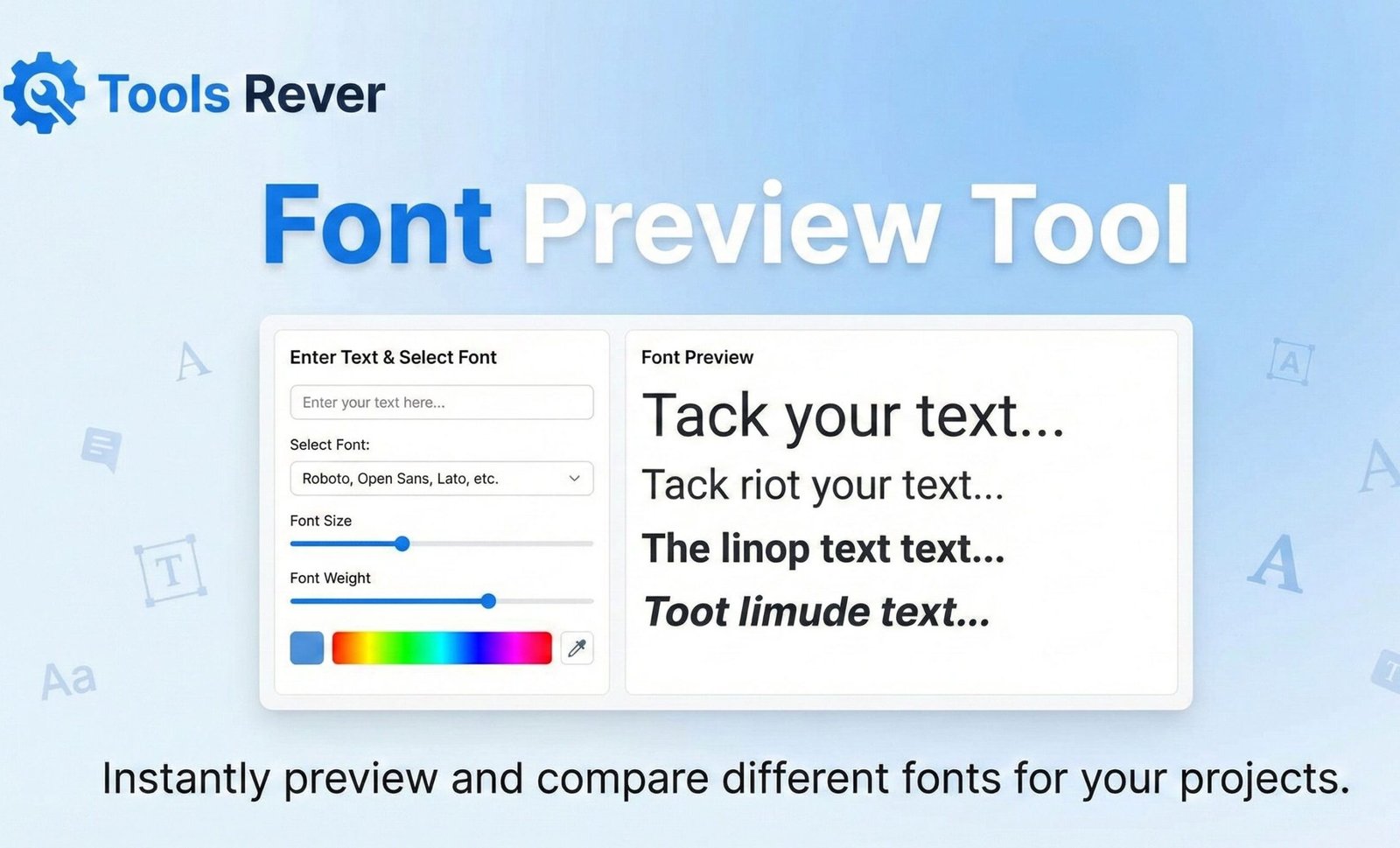
Font Preview Tool
About this tool: Browse, preview and test different Google Fonts for your website. This tool provides a live preview of how text will look with various fonts, sizes, weights, and styles.
How to use: Search for fonts by name or filter by category, then select a font from the list. Adjust text properties like size, weight, and color to see how they look. Copy the generated HTML and CSS code to use in your projects.
Loading fonts…
Font Family: Roboto
Category: Sans Serif
Available Weights: 100, 300, 400, 500, 700, 900
Available Styles: Normal, Italic
<!-- HTML -->
<link href="https://fonts.googleapis.com/css2?family=Roboto:wght@400&display=swap" rel="stylesheet">

/* CSS */
.my-text {
  font-family: 'Roboto', sans-serif;
  font-size: 24px;
  font-weight: 400;
  color: #333333;
}
Font Preview Tool: Test Fonts Online Instantly
Preview 1000+ fonts with your own text! Our free Font Preview Tool helps designers and developers choose the perfect typeface for any project. No download needed.
Font Preview Tool: Choose the Perfect Typeface with Confidence and Speed
Have you ever spent hours scrolling through hundreds of fonts, only to finally choose one that looks wrong when you see it in your actual design? This common frustration plagues designers, developers, and content creators who understand that typography is more than just letters—it’s the voice of your project. Manually testing fonts by downloading and installing them is an inefficient and time-consuming process that clogs your system and slows your workflow.
This is where a Font Preview Tool becomes an indispensable asset. A Font Preview Tool is an online utility that allows you to instantly visualize any text in thousands of different typefaces directly in your browser. By using a Font Preview Tool, you can make informed typographic decisions, ensure visual harmony, and dramatically accelerate your creative process without ever installing a single font file.
What is a Font Preview Tool and How Does It Work?
A Font Preview Tool is a web-based application that acts as a dynamic testing ground for typography. It provides a live, interactive interface where you can type your custom text and see it rendered in a vast library of fonts in real-time.
The technology behind these tools is sophisticated yet user-friendly. They typically leverage:
- Web Font Libraries: Access to massive collections of fonts from providers like Google Fonts, Adobe Fonts, and other open-source repositories.
- Client-Side Rendering: Your web browser handles the rendering of the text in the selected font, providing an instant visual result without needing to reload the page.
- Customizable Parameters: Advanced tools allow you to adjust size, color, spacing, and background to simulate real-world conditions.
Using our Font Preview Tool eliminates the guesswork from font selection. It provides a accurate, immediate preview, ensuring the font you choose performs perfectly in context.
Why Typography Matters: The Power of the Right Font
Choosing a font is one of the most critical design decisions you can make. The right typeface doesn’t just convey a message; it evokes an emotion and establishes brand identity.
Studies from the MIT Media Lab have shown that typography can significantly affect user performance, mood, and perception of content. Key considerations include:
- Readability: The ease with which a reader can recognize and process words and sentences.
- Tone and Personality: A serif font like Times New Roman conveys tradition and authority, while a sans-serif like Helvetica feels modern and clean.
- Brand Consistency: Consistent typography is a pillar of strong brand identity, making your content instantly recognizable.
A Font Preview Tool empowers you to evaluate these factors quickly and effectively, ensuring your typographic choices align with your project’s goals.
How to Use Our Online Font Preview Tool
Our tool is designed for maximum efficiency and creative freedom. You can go from an idea to a perfect font choice in just a few steps.
- Enter Your Preview Text: In the main text input box, type the specific words you want to preview. Avoid just using “Lorem Ipsum.” Use real headlines, brand names, or key phrases to see how the font handles your actual content.
- Adjust the Settings (Optional):
- Font Size: Slide to increase or decrease the display size.
- Font Color: Use the color picker to test how the font looks in your brand’s colors.
- Background Color: Change the canvas color to test contrast and legibility.
- Browse and Filter Fonts: Scroll through the organized list of fonts. You can often filter by category (Serif, Sans-Serif, Display, Handwriting) or search for a specific font by name.
- Preview Instantly: As you click on different font names, your custom text will update in real-time. No waiting, no page refreshes.
- Select and Implement: Once you find the perfect font, note its name. You can then easily download it or get the code to embed it in your website or design software.
Key Features of a Powerful Font Preview Tool
A basic tool might show you a font. A professional tool, like the one we provide, offers a suite of features for in-depth analysis.
Massive, Categorized Font Library
Access to a vast and well-organized library is crucial. Our tool provides hundreds of free-to-use fonts, neatly sorted into logical categories, saving you from the overwhelm of an unorganized list.
Real-Time Custom Text Preview
The ability to use your own text is non-negotiable. It allows you to see how specific character combinations, ligatures, and spacing work in a particular typeface.
Advanced Typographic Controls
Fine-tune your preview with controls for:
- Font Size: Test legibility at both large and small sizes.
- Letter Spacing (Tracking): Adjust the overall spacing between characters.
- Line Height (Leading): Modify the space between lines of text for better readability.
Side-by-Side Comparison
Some advanced tools allow you to compare two or more fonts simultaneously. This is invaluable for selecting a pairing for headings and body text, ensuring they complement rather than clash with each other.
Just as a Font Preview Tool ensures your text looks perfect, ensuring your images are the right size is crucial for web design. For that, you can use our Image Resizer tool.
Who Needs a Font Preview Tool? (And Why)
The applications for this tool are vast, spanning numerous creative and technical fields.
For Graphic and UI/UX Designers
Designers use the tool to:
- Create mood boards and visual concepts for clients.
- Quickly test headline and body font pairings for websites, apps, and print materials.
- Ensure chosen fonts are legible and accessible across different devices and screen sizes.
For Web Developers and Content Creators
Developers rely on font previewers to:
- Choose web-safe fonts that will render consistently across all browsers.
- Generate the necessary code snippets (like Google Fonts import links) after selecting a font.
- Test how user-generated content will look in the site’s chosen typography.
For Marketers and Brand Managers
Marketing professionals use the tool to:
- Maintain brand consistency by previewing marketing copy in the official brand typeface.
- Test the visual impact of different fonts in advertising headlines and social media graphics.
- Ensure that typography in presentations aligns with the company’s visual identity.
For Students and Academics
Students can use the tool to:
- Find appropriate and legible fonts for essays, theses, and academic posters.
- Explore typographic styles for design and media-related courses.
A Step-by-Step Guide: Choosing a Font for a Logo
Let’s walk through a practical example to see the tool’s power in action.
Scenario: You are designing a logo for a new artisanal coffee shop called “Brew & Bloom.”
- Enter Preview Text: You go to our Font Preview Tool and type “Brew & Bloom” into the text box.
- Set the Initial Parameters: You set a large font size to simulate a logo’s display.
- Browse by Category: You filter the fonts to show “Handwriting” and “Serif” categories, as you’re looking for something with an organic, elegant feel.
- Test and Refine: You scroll through the options, instantly seeing how “Brew & Bloom” looks in each one. You notice that some fonts handle the ampersand (&) beautifully, while others do not.
- Make the Final Choice: After testing dozens of fonts, you find a elegant serif font that gives the name a classic, trustworthy, yet creative feel. You have found your perfect logo font without ever leaving your browser.
Understanding Font Licensing and Usage
A crucial aspect of using any font preview tool is understanding the licensing of the fonts you select. Our tool primarily features fonts from the Google Fonts library, which are generally open-source and free for both personal and commercial use.
However, it is always your responsibility to:
- Check the License: Always verify the specific license for the font you choose, even if it’s from a free library.
- Understand Commercial Use: Ensure the license permits your intended use, especially for logos, products, or widespread distribution.
- Credit When Required: Some free font licenses require attribution to the creator.
A professional Font Preview Tool will provide clear links to the license information for each typeface.
Frequently Asked Questions (FAQ)
Are the fonts in the preview tool free to use?
Can I download the fonts directly from your tool?
Why does the font look different in my design software?
Conclusion: Elevate Your Designs with Perfect Typography
A Font Preview Tool is more than a convenience; it is a critical component of the modern designer’s and developer’s toolkit. It bridges the gap between abstract font names and their real-world application, empowering you to make confident, informed typographic decisions that enhance readability, convey the right emotion, and strengthen your brand identity.
Stop downloading and installing countless fonts on a hunch. Stop wasting time on typographic guesswork. Ready to find your perfect typeface? Use our free, powerful Font Preview Tool now and experience the speed and clarity of instant, real-time font testing for your next project!