
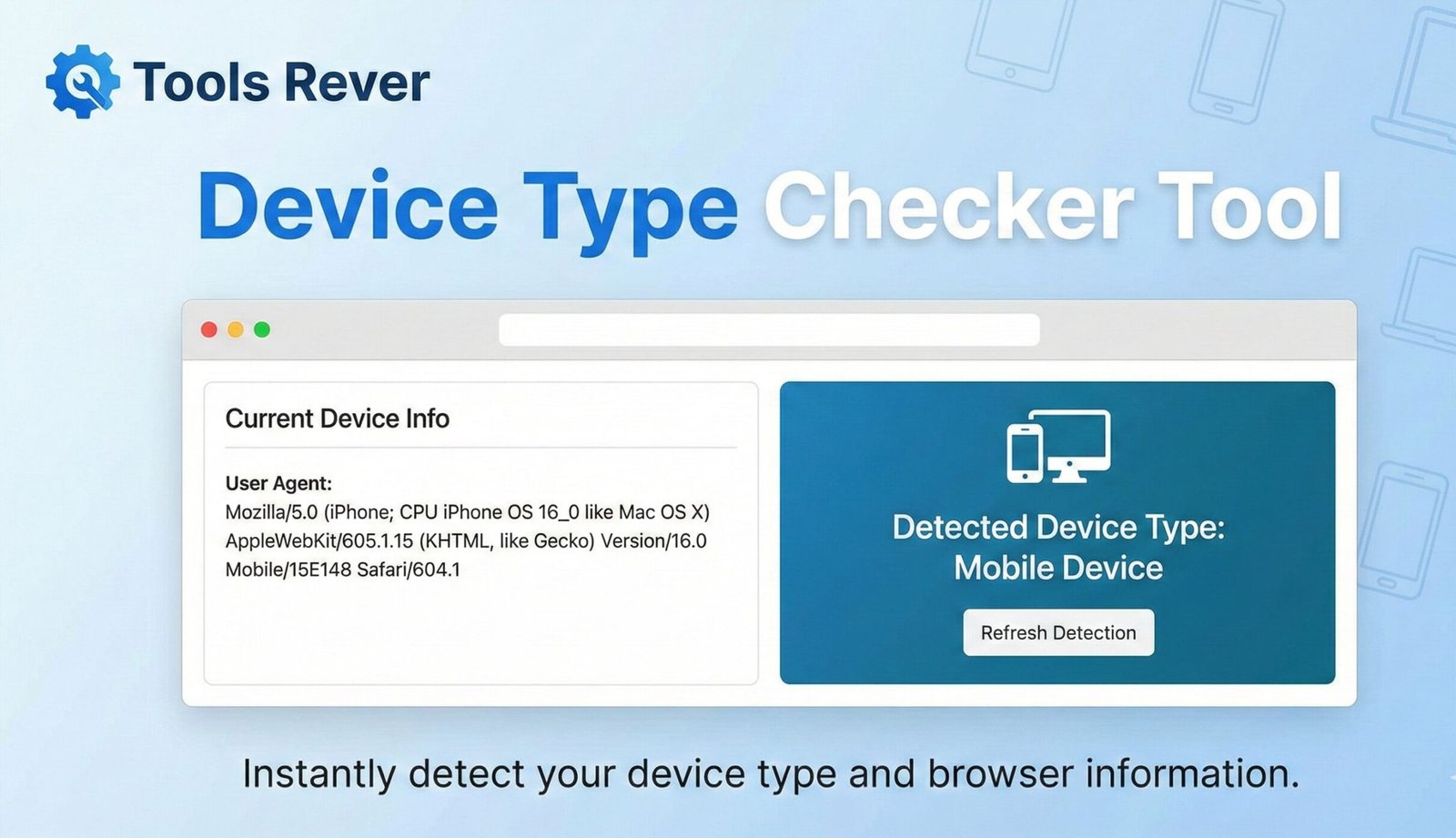
Device Type Checker
This tool analyzes your current device and browser to determine what type of device you’re using (desktop, mobile, tablet), along with detailed specifications about your system and browser capabilities.
How to use: Simply view this page and your device information will be automatically detected and displayed. Click “Refresh Data” if you want to update the information.
Device Type Checker: What Device Am I Using? – Online Tool
Identify your device instantly! Our free Device Type Checker detects your device type, browser, OS, screen resolution & more. Essential for developers & users.
Device Type Checker: Discover Exactly What Device and Browser You’re Using
Have you ever visited a website that looked broken or functioned poorly on your device, but worked perfectly on your friend’s phone or computer? Or have you needed to provide technical support to someone but didn’t know their exact browser version or operating system? In our multi-device world, understanding the specific technical environment you’re working in is the first step to solving countless digital problems. A Device Type Checker is an essential online diagnostic tool that provides an instant, comprehensive snapshot of your current device and browser configuration. This powerful utility reveals everything from your device type and operating system to your browser version and screen resolution, empowering both everyday users and professional developers to optimize their digital experience.
What is a Device Type Checker and How Does It Work?
A Device Type Checker is a web-based tool that analyzes the technical signals your device sends to every website you visit. When your browser requests a webpage, it automatically transmits a wealth of information in the form of HTTP headers and JavaScript properties. This data, known as the User Agent string and device characteristics, is what websites use to determine how to display their content properly.
The tool works by:
- Request Analysis: When you load the Device Type Checker page, your browser sends its standard request headers.
- Data Parsing: The tool’s JavaScript engine parses the User Agent string—a complex text string that identifies your browser, operating system, and device type.
- Feature Detection: It uses additional JavaScript APIs to detect real-time device capabilities like screen resolution, color depth, and supported technologies.
- Report Generation: All this technical data is compiled into a clean, easy-to-understand report displayed directly on the page.
Using our Device Type Checker provides immediate insight into your digital environment without requiring any technical knowledge or installation.
Why Knowing Your Device Information is Crucial Today
We live in a multi-screen world where the same person might use a desktop computer, a tablet, a smartphone, and a smart TV all in the same day. This device fragmentation makes understanding your specific setup more important than ever.
For Everyday Users and Troubleshooting
- Technical Support: When seeking help for a website or app issue, providing your exact device and browser information helps support teams diagnose and fix problems faster.
- Compatibility Checking: Before installing new software or accessing certain web services, you can verify that your device meets the minimum system requirements.
- Online Shopping: Knowing your exact device model is essential when shopping for compatible accessories like cases, screen protectors, or chargers.
For Web Developers and Designers
- Responsive Design Testing: Developers use this information to ensure websites render correctly across thousands of different device and browser combinations.
- Bug Reproduction: Identifying the exact environment where a bug occurs is the first step toward fixing it.
- Performance Optimization: Understanding the capabilities of user devices helps developers optimize website speed and functionality.
For Digital Marketers and Analysts
- Audience Insights: Knowing what devices your audience uses helps tailor marketing campaigns and user experiences.
- Conversion Rate Optimization: Different devices often have different conversion patterns, and understanding these can significantly impact marketing ROI.
According to StatCounter, mobile devices (phones and tablets) now account for over 55% of global web traffic, making device detection more critical than ever for businesses.
What Information Does a Device Type Checker Reveal?
A comprehensive Device Type Checker provides a detailed breakdown of your digital fingerprint. Here’s what you can expect to discover:
Device Information
- Device Type: Whether you’re using a desktop, tablet, smartphone, or smart TV.
- Device Model: The specific make and model (e.g., iPhone 15 Pro, Samsung Galaxy S24, iPad Air).
- Device Vendor: The manufacturer (Apple, Samsung, Google, etc.).
Browser Information
- Browser Name: The specific browser you’re using (Chrome, Safari, Firefox, Edge, etc.).
- Browser Version: The exact version number, which is crucial for troubleshooting compatibility issues.
- User Agent String: The complete technical string that identifies your browser and device to websites.
Operating System Details
- OS Platform: The operating system name (Windows, macOS, iOS, Android, Linux).
- OS Version: The specific version number (e.g., Windows 11, iOS 17, Android 14).
Display and Capabilities
- Screen Resolution: The exact dimensions of your display in pixels (e.g., 1920×1080).
- Color Depth: The number of bits used to represent the color of a single pixel.
- Viewport Size: The actual visible area available for webpage content.
- Pixel Ratio: The ratio between physical pixels and device-independent pixels, important for high-resolution displays.
Network and Location
- IP Address: Your public internet address (often included in comprehensive checkers).
- Language: Your browser’s preferred language setting.
How to Use Our Device Type Checker: A Simple Step-by-Step Guide
Using our tool is incredibly straightforward—the information appears automatically when you visit the page.
Step 1: Access the Tool
Navigate to our Device Type Checker from the device you want to analyze. This could be your phone, tablet, laptop, or desktop computer.
Step 2: Let the Tool Work Automatically
The moment the page loads, our tool begins analyzing your device. There’s no button to click or information to input. The analysis happens in real-time.
Step 3: Review Your Detailed Report
Within seconds, you’ll see a comprehensive breakdown of your device information. A typical result might look like this:
- Device Type: Smartphone
- Device Model: iPhone 15 Pro
- Browser: Safari 17.2
- Operating System: iOS 17.2.1
- Screen Resolution: 1179 x 2556 pixels
- Viewport Size: 390 x 844 pixels
- Pixel Ratio: 3
- Language: English (US)
Step 4: Use Your Information
You can now use this information for troubleshooting, provide it to technical support, or simply satisfy your curiosity about your device’s capabilities.
Just as a Device Type Checker helps you understand your device’s capabilities, ensuring your images are properly optimized for those devices is crucial. For that, you can use our Image Resizer tool.
Understanding User Agent Strings: The Technology Behind Device Detection
The User Agent string is the cornerstone of device detection technology. It’s a text string that your browser sends to every website you visit, identifying itself and its capabilities.
A typical User Agent string looks like this:Mozilla/5.0 (iPhone; CPU iPhone OS 17_2_1 like Mac OS X) AppleWebKit/605.1.15 (KHTML, like Gecko) Version/17.2 Mobile/15E148 Safari/604.1
While it looks complex, each part conveys specific information:
- Mozilla/5.0: A legacy identifier for compatibility.
- (iPhone; CPU iPhone OS 17_2_1 like Mac OS X): Indicates an iPhone running iOS 17.2.1.
- AppleWebKit/605.1.15: The rendering engine used.
- Version/17.2 Mobile/15E148 Safari/604.1: The browser version and build information.
Our Device Type Checker parses this complex string and presents it in a human-readable format, saving you from having to decode it manually.
Common Problems Solved by a Device Type Checker
This tool provides immediate solutions to numerous everyday digital frustrations.
Website Compatibility Issues
When a website doesn’t display or function correctly, the first step is to identify your exact browser and device configuration. This information is essential for web developers to fix compatibility problems.
Software Installation Problems
Many software applications have specific system requirements. A Device Type Checker helps you verify that your device meets these requirements before attempting installation.
Technical Support Efficiency
Instead of back-and-forth emails trying to describe your device, you can provide a complete snapshot of your environment with a single click, dramatically speeding up the resolution process.
Responsive Design Verification
Web designers can quickly check how their sites render on different devices by using the Device Type Checker on each target device and comparing the results.
The Evolution of Device Detection: From Desktop to Multi-Screen World
Device detection has evolved significantly from the early days of the internet. In the 1990s, web developers primarily needed to distinguish between different desktop browsers like Netscape Navigator and Internet Explorer. Today, the landscape is infinitely more complex.
The rise of smartphones in the late 2000s, followed by tablets and now IoT devices, has created an ecosystem where websites must adapt to thousands of different screen sizes, capabilities, and interaction methods (touch vs. mouse).
Modern device detection doesn’t just identify the device—it helps create adaptive experiences that work seamlessly whether users are on a smartwatch with a 2-inch screen or an 8K desktop monitor. This adaptive approach is crucial since Google’s research shows that 53% of mobile site visitors leave a page that takes longer than three seconds to load.
Frequently Asked Questions (FAQs)
Is using a Device Type Checker safe? Does it collect my personal data?
Why does the detected device model sometimes show as “unknown”?
What’s the difference between screen resolution and viewport size?
Conclusion: Understand Your Digital Environment Instantly
In our complex multi-device ecosystem, guessing about your technical setup is no longer an option. A Device Type Checker provides immediate clarity about your device, browser, and capabilities, empowering you to solve problems faster, communicate more effectively with support teams, and understand why certain websites behave the way they do on your specific device. For developers, it’s an indispensable tool for creating better digital experiences. For everyday users, it’s a window into the technical heart of the devices they use every day.
Stop wondering and start knowing exactly what device you’re using. Ready to uncover your complete device profile? Use our free, instant Device Type Checker tool now and gain valuable insights into your device, browser, and operating system in a single click!