
Color Picker Tool
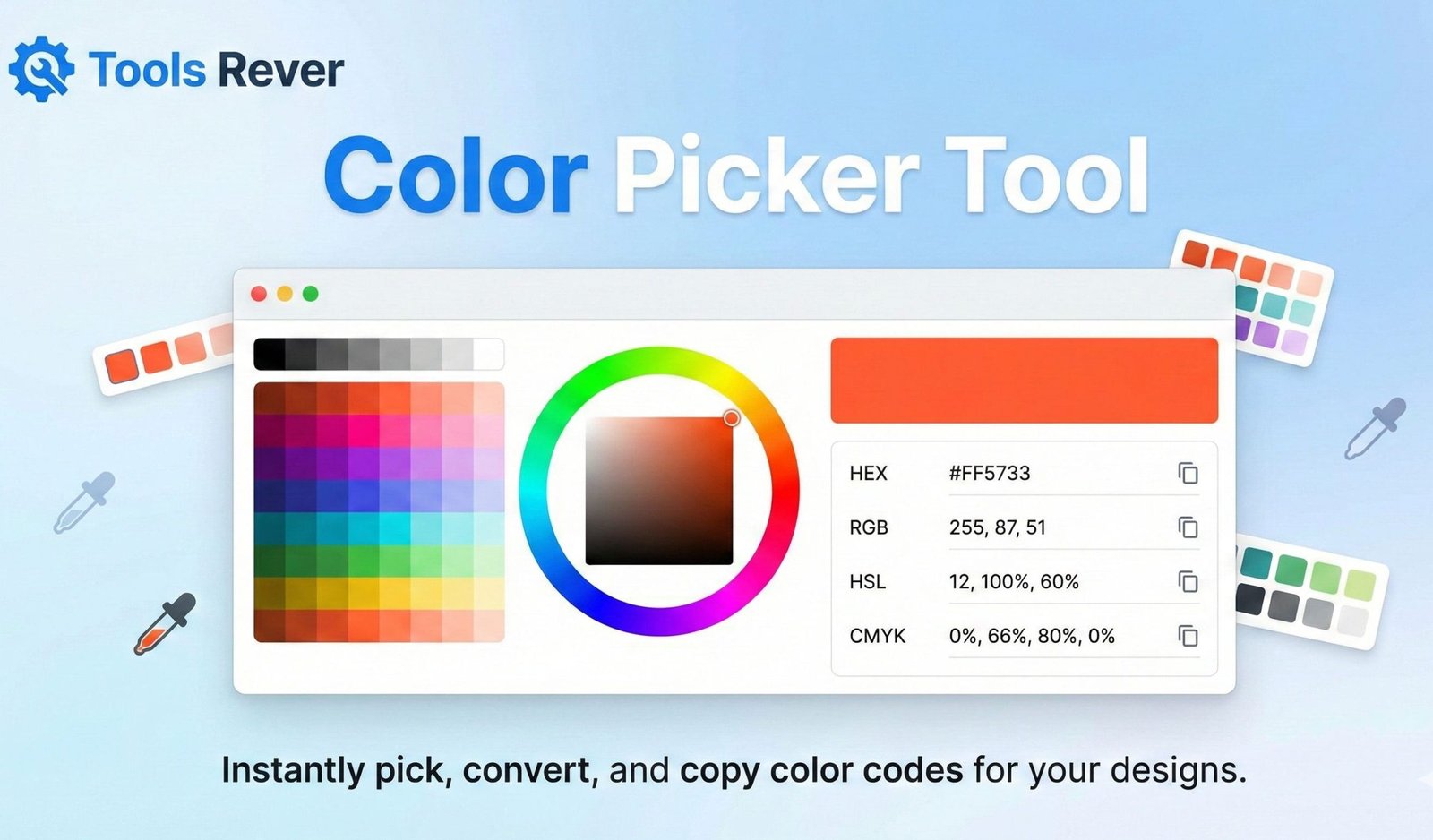
This Color Picker Tool helps you select and manage colors for your web design projects. Choose colors using the sliders or color input, view different color formats (HEX, RGB, HSL), explore color harmonies, and save your favorite colors for future reference.
How to use: Adjust the RGB sliders or use the color input field to select a color. Click on any color value to copy it to your clipboard. Explore complementary and analogous colors, and save your favorites by clicking the “Save Color” button.
Color Picker Tool: Get HEX, RGB & HSL Codes Online
Find the perfect color instantly! Our free Color Picker Tool helps you identify any color code from images or webpages. Get HEX, RGB, and HSL values.
Color : Find, Capture, and Use Any Color with Precision
Have you ever seen a perfect shade of blue on a website and wondered how to use it in your own design? Or struggled to match colors between your logo and website because you didn’t have the exact color codes? Finding and replicating specific colors has long been a challenge for designers, developers, and digital creators.
A Color Picker Tool is the essential solution to this universal problem. This versatile online utility allows you to identify any color you see on your screen, providing its precise numerical values in multiple formats like HEX, RGB, and HSL. Whether you’re building a website, creating digital art, or maintaining brand consistency, mastering a color picker transforms how you work with color, saving you time and ensuring pixel-perfect color matching across all your projects.
What is a Color Picker Tool and How Does It Work?
A Color Picker Tool, sometimes called an eyedropper tool, is a digital instrument that samples colors from anywhere on your screen and converts them into standardized color codes. It acts as a digital magnifying glass for color, giving you the exact formula needed to recreate that color in any application.
The technology works through a sophisticated process:
- Pixel Sampling: When you activate the tool and hover over a pixel on your screen, it reads the color information from that specific point.
- Color Value Extraction: The tool captures the red, green, and blue (RGB) values that compose that pixel’s color.
- Code Conversion: It instantly converts these RGB values into various color coding formats that designers and developers use.
- Value Display: The tool presents these color codes in an easy-to-copy format for immediate use.
Using our Color Picker Tool eliminates the guesswork from color selection, providing mathematical precision to what was once a subjective visual process.
Why Every Digital Creator Needs a Color Picker Tool
In the digital world, colors aren’t just visual elements—they’re data. Having the correct color codes is essential for professional work.
Perfect Brand Consistency
Maintaining consistent colors across all platforms—website, social media, print materials—is crucial for brand recognition. Research from the Loyola University Maryland found that color increases brand recognition by up to 80%. A color picker ensures your blues, reds, and grays remain identical everywhere they appear.
Efficient Design Workflow
Manually trying to match colors by eye is incredibly time-consuming and often inaccurate. With a color picker, you can instantly capture colors from inspiration images, client logos, or competitor websites and implement them immediately in your design software.
Developer-Designer Collaboration
When developers receive designs with unspecified colors, it creates back-and-forth communication that slows projects. A color picker allows developers to extract exact values directly from design mockups, ensuring what gets built matches the designer’s vision perfectly.
Accessibility Compliance
As discussed in our article on the Color Contrast Checker, accessibility requires precise color values. A color picker helps you extract and test colors to ensure they meet WCAG contrast standards.
UnderstandingColor Picker Tool Models: HEX, RGB, HSL, and CMYK
A robust Color Picker Tool provides codes in multiple formats. Understanding these models helps you use the right one for each situation.
HEX Color Codes (#RRGGBB)
This is the standard for web design. HEX codes are six-digit codes representing the red, green, and blue components of a color in hexadecimal format.
- Format: # followed by six characters (0-9, A-F)
- Example: Pure red is
#FF0000 - Best For: Web development, CSS, HTML, and digital design
RGB Color Picker Tool Values (Red, Green, Blue)
This model represents colors as combinations of red, green, and blue light, each ranging from 0 to 255.
- Format: rgb(255, 255, 255)
- Example: Pure blue is
rgb(0, 0, 255) - Best For: Digital displays, web design, and UI/UX design
HSL Color Values (Hue, Saturation, Lightness)
This model represents colors in a way that aligns more closely with how humans perceive color.
- Format: hsl(0, 100%, 50%)
- Example: Bright red is
hsl(0, 100%, 50%) - Best For: Creating color variations and more intuitive color adjustments
CMYK Color Values (Cyan, Magenta, Yellow, Key/Black)
This subtractive color model is used for printing. While our online tool focuses on digital formats, understanding CMYK is important for comprehensive color work.
- Format: CMYK percentages
- Example: A rich purple might be
cmyk(45%, 85%, 0%, 0%) - Best For: Print design, packaging, and physical marketing materials
How to Use Our Color Picker Tool: A Step-by-Step Guide
Our tool is designed for both beginners and professionals. Here’s how to capture your first color in under 30 seconds.
Step 1: Access the Tool
Navigate to our Color Picker Tool.
Step 2: Upload an Image or Use Screen Picker
Depending on the tool’s capabilities:
- Upload Method: Drag and drop an image file or click to upload. The tool will display your image with a picker cursor.
- Screen Picker Method: Click the “Pick Color from Screen” button. The tool will typically freeze your screen and let you click anywhere to sample a color.
Step 3: Select Your Color
Hover over the exact pixel you want to sample and click to capture the color.
Step 4: Copy Your Color Codes
The tool will instantly display the color in all major formats. You’ll see something like:
- HEX:
#4A90E2 - RGB:
rgb(74, 144, 226) - HSL:
hsl(212, 73%, 59%)
Step 5: Use Your Color
Copy the code you need (most web designers use HEX) and paste it directly into your design software, code editor, or style guide.
Advanced Color Picker Features for Professional Work
Beyond basic color sampling, sophisticated color pickers offer features that enhance your creative workflow.
Color Palette Generation
Some tools automatically generate complementary color palettes (monochromatic, analogous, triadic) based on your selected color, helping you build harmonious color schemes quickly.
Color History
The tool remembers your recently picked colors, making it easy to reference them without resampling.
Color Format Conversion
Instantly convert between HEX, RGB, HSL, and sometimes even CMYK formats with a single click.
Accessibility Checking
Some advanced pickers integrate contrast checking, showing you how your selected color pairs with white or black text for readability.
Just as a Color Picker Tool helps you extract precise colors, our Image Resizer tool ensures your visual content maintains perfect proportions across all platforms.
Real-World Applications: Who Uses Color Pickers and Why?
Web Designers and Developers
- Matching client brand colors from existing logos or marketing materials
- Extracting colors from design mockups created in tools like Figma or Adobe XD
- Creating consistent color schemes across entire websites
Digital Marketers and Social Media Managers
- Maintaining brand consistency across all digital channels
- Creating on-brand social media graphics and advertisements
- Analyzing competitor color schemes and strategies
Graphic Designers and Digital Artists
- Sampling colors from reference images for illustrations
- Creating harmonious color palettes for digital artwork
- Matching colors between different design elements
Interior Designers and Architects
- Capturing colors from material samples or inspiration photos
- Creating digital mood boards with precise color matching
- Communicating exact color specifications to clients and contractors
Color Theory Basics: Making Informed Color Choices
While a color picker gives you the technical values, understanding basic color theory helps you make better aesthetic decisions.
The Color Wheel
Understanding primary, secondary, and tertiary colors helps you create balanced combinations.
Color Harmony Formulas
- Complementary: Colors opposite each other on the wheel (high contrast)
- Analogous: Colors next to each other (harmonious)
- Triadic: Three colors evenly spaced (vibrant and balanced)
Color Psychology
Different colors evoke different emotions. Blues often convey trust and calm, while reds can signal energy or urgency. Consider your brand message when selecting colors.
Browser-Based vs. Desktop Color Pickers
Our online tool offers significant advantages over traditional desktop alternatives.
Online Color Pickers (Like Ours)
- No Installation Required: Access from any device with a browser
- Cross-Platform Compatibility: Works on Windows, Mac, Linux, and Chrome OS
- Always Updated: You automatically get the latest features and improvements
- Zero System Resources: Doesn’t slow down your computer
Desktop Color Pickers
- System Integration: May offer deeper integration with your operating system
- Offline Access: Can work without an internet connection
- Advanced Features: Sometimes include more sophisticated palette management
For most users, a robust online color picker provides all the functionality needed for daily design and development work.
Common Color Picking Mistakes to Avoid
Sampling Compressed Images
Low-quality JPEG images can have color artifacts. Try to sample from high-quality source images when possible.
Ignoring Color Profiles
Different devices and software may interpret colors slightly differently. For critical brand work, verify colors across multiple devices.
Only Using HEX Codes
While HEX is standard for web work, understanding RGB and HSL can give you more flexibility in creating color variations.
Forgetting About Accessibility
A beautiful color is useless if people can’t read text over it. Always check contrast ratios, especially for text elements.
Frequently Asked Questions (FAQs)
Can I use the Color Picker Tool on any image or website?
What’s the difference between HEX and RGB color codes?
Is the color I pick on my screen the same as it will appear in print?
Conclusion: Master Color with Precision and Confidence
A Color Picker Tool is more than a simple utility—it’s a bridge between your visual inspiration and technical execution. It empowers you to capture the exact colors that catch your eye and translate them into precise, actionable codes that can be replicated across all your digital and print projects. In a world where color consistency builds brand recognition and aesthetic appeal drives engagement, this tool is indispensable for anyone who works with color professionally or personally.
Stop approximating colors and start capturing them with mathematical precision. Ready to find the perfect color for your next project? Use our free, powerful Color Picker Tool now and transform how you identify, capture, and work with colors across all your creative endeavors!