
Word Counter
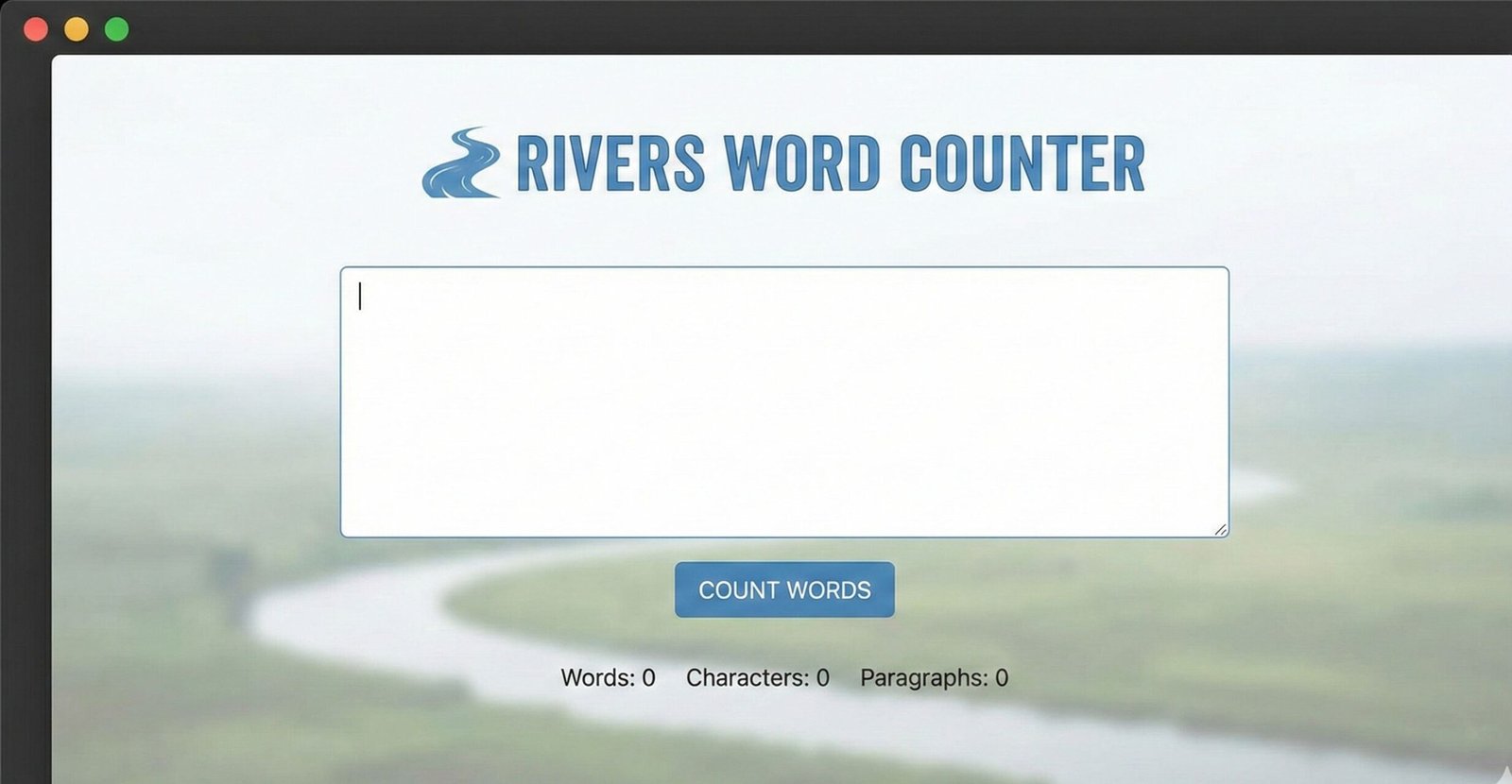
This tool counts the number of words, characters, sentences, and paragraphs in your text. Simply paste your text in the box below and see the stats update in real-time.
Perfect for essays, articles, social media posts, or any content where word count matters.
Free Word Counter Tool | Count Words & Characters Instantly
Our free Word Counter tool analyzes your text in real-time. Get accurate word count, character count, reading time, and keyword density for better writing.
Master Your Writing with a Powerful Word Counter Tool
Are you struggling to meet the strict word count for a college essay, a blog post, or a social media caption? Perhaps you’re crafting a professional report and need to ensure it’s concise and impactful. In any writing scenario, knowing your exact length is crucial. A Word Counter is an essential digital tool that provides immediate, accurate analysis of your text. This comprehensive guide will explore the importance of word count, how a Word Counter works, and how it can help everyone from students to professionals write more effectively and meet their goals with precision.
What is a Word Counter?
A Word Counter is a simple yet powerful utility that calculates various elements within a given body of text. At its most basic, it tallies the total number of words. However, modern tools like ours offer much more.
They provide a detailed textual analysis. This includes character count (with and without spaces), sentence count, paragraph count, and reading time estimates. This data gives you a complete picture of your writing’s structure and scope. It transforms a subjective feeling about length into objective, actionable data.
Why is Word Count So Important?
Word count is far more than just a number. It serves as a critical benchmark across numerous fields and applications.
For Academic Success
Universities and professors set strict word limits for essays, research papers, and dissertations. Adhering to these limits is often mandatory. Going significantly over or under can result in grade penalties. A Word Counter helps students stay on track during the drafting and editing process.
For Professional and Business Communication
In the professional world, brevity and clarity are valued. Reports, proposals, and emails often need to be a specific length to be effective. For instance, a one-page executive summary might need to be under 500 words. Using a word counter ensures your communication is concise and respects the reader’s time.
For Content Marketing and SEO
Blog posts, articles, and website copy have ideal word counts for search engine optimization (SEO). Comprehensive, long-form content (typically 1,500+ words) often ranks better on Google, as noted by industry leaders like Backlinko. A Word Counter is indispensable for content creators aiming to hit these targets and improve their online visibility.
For Social Media Management
Platforms like Twitter (X) have hard character limits. Crafting the perfect post for LinkedIn, Instagram, or Facebook often requires keeping text brief and scannable. A character counter ensures your message fits and engages your audience effectively.
How to Use Our Free Word Counter Tool
Our tool is designed for maximum simplicity and speed. You can get a full analysis of your text in seconds.
- Paste or Type Your Text: Simply copy your text from any document, website, or email and paste it into the large text box provided. Alternatively, you can start typing directly into the box.
- Instant Analysis: The moment your text is entered, our Word Counter will automatically and instantly calculate all the key metrics. There is no need to press a “calculate” or “submit” button.
- Review Your Results: You will see a clear display of your statistics, including:
- Word Count
- Character Count (with and without spaces)
- Sentence Count
- Paragraph Count
- Estimated Reading Time
- Refine and Edit: Use the real-time feedback to edit your text. Watch the numbers update as you shorten sentences, add details, or trim unnecessary fluff to meet your target.
For other essential digital tools, check out our free <a href=”www.toolsriver.online/image-resizer” target=”_blank”>Image Resizer</a> to perfectly format visuals for your documents and blogs.
Beyond the Basics: Key Metrics Our Word Counter Provides
Understanding what each metric means will help you become a better writer.
Word Count: The Fundamental Measure
This is the total number of words in your text. It’s the primary measure for most writing assignments and publishing guidelines.
Character Count (With and Without Spaces)
This is critical for any platform with strict character limits.
- Character Count (with spaces): Essential for Twitter (X), SMS messages, and many online forms.
- Character Count (without spaces): Often used in academic or professional settings where pure text length is measured.
Paragraph and Sentence Count
These metrics help you assess the structure and readability of your writing.
- A very high sentence count per paragraph can indicate dense, hard-to-read text.
- A very low paragraph count can suggest underdeveloped ideas.
- Balancing these creates a more engaging and scannable layout for the reader.
Estimated Reading Time
This feature calculates how long it would take an average adult to read your text aloud. It’s a valuable metric for bloggers and content marketers. Displaying a reading time on your blog posts can increase engagement by setting reader expectations. The average reading speed is generally considered to be about 200-250 words per minute.
Practical Applications: Who Needs a Word Counter?
Virtually anyone who writes can benefit from this tool.
- Students: Ensuring essays and theses meet required length criteria.
- Writers and Authors: Keeping chapters and articles within publisher guidelines.
- SEO Specialists and Bloggers: Optimizing content length for search engines and user engagement.
- Social Media Managers: Crafting perfect posts that fit platform limits.
- Academic Researchers: Adhering to strict word limits for journal submissions and abstracts.
- Professionals: Writing clear, concise reports, presentations, and proposals.
- Translators: Charging clients accurately based on word count, the industry standard.
Word Count Best Practices for Different Formats
While rules can be flexible, here are general word count guidelines for common formats.
- Academic Essays:
- High School: 500-1,000 words
- Undergraduate: 1,500-5,000 words
- Graduate/Master’s: 5,000-20,000+ words
- Blog Posts and Articles:
- Standard Blog Post: 1,000-1,500 words
- Comprehensive “Pillar” Content: 2,000-3,000+ words
- According to a <a href=”https://www.merriam-webster.com/grammar/word-count” target=”_blank”>Merriam-Webster discussion on writing length</a>, conciseness is key, but thoroughness is valued.
- Professional Documents:
- Executive Summary: 250-500 words
- Business Proposal: Varies widely, but sections should be concise.
- Cover Letter: 250-400 words
- Creative Writing:
- Short Story: 1,000-7,500 words
- Novella: 20,000-50,000 words
- Novel: 70,000-100,000+ words
Frequently Asked Questions (FAQs)
How accurate is your Word Counter tool?
Does the tool save my text?
Why is character count with and without spaces important?
Conclusion: Write with Confidence and Precision
A word count is more than a simple statistic; it’s a guidepost for effective communication. Whether you’re a student aiming for an “A,” a marketer driving traffic, or a professional making a case, the length of your writing matters. Our free Word Counter tool removes the guesswork, giving you the instant data you need to write with purpose, meet guidelines, and engage your audience effectively.
Stop guessing and start knowing. Use our free Word Counter tool today to analyze your text, refine your message, and elevate the quality of everything you write
Use this when explaining that “content depth” ranks better than just hitting a specific number.