
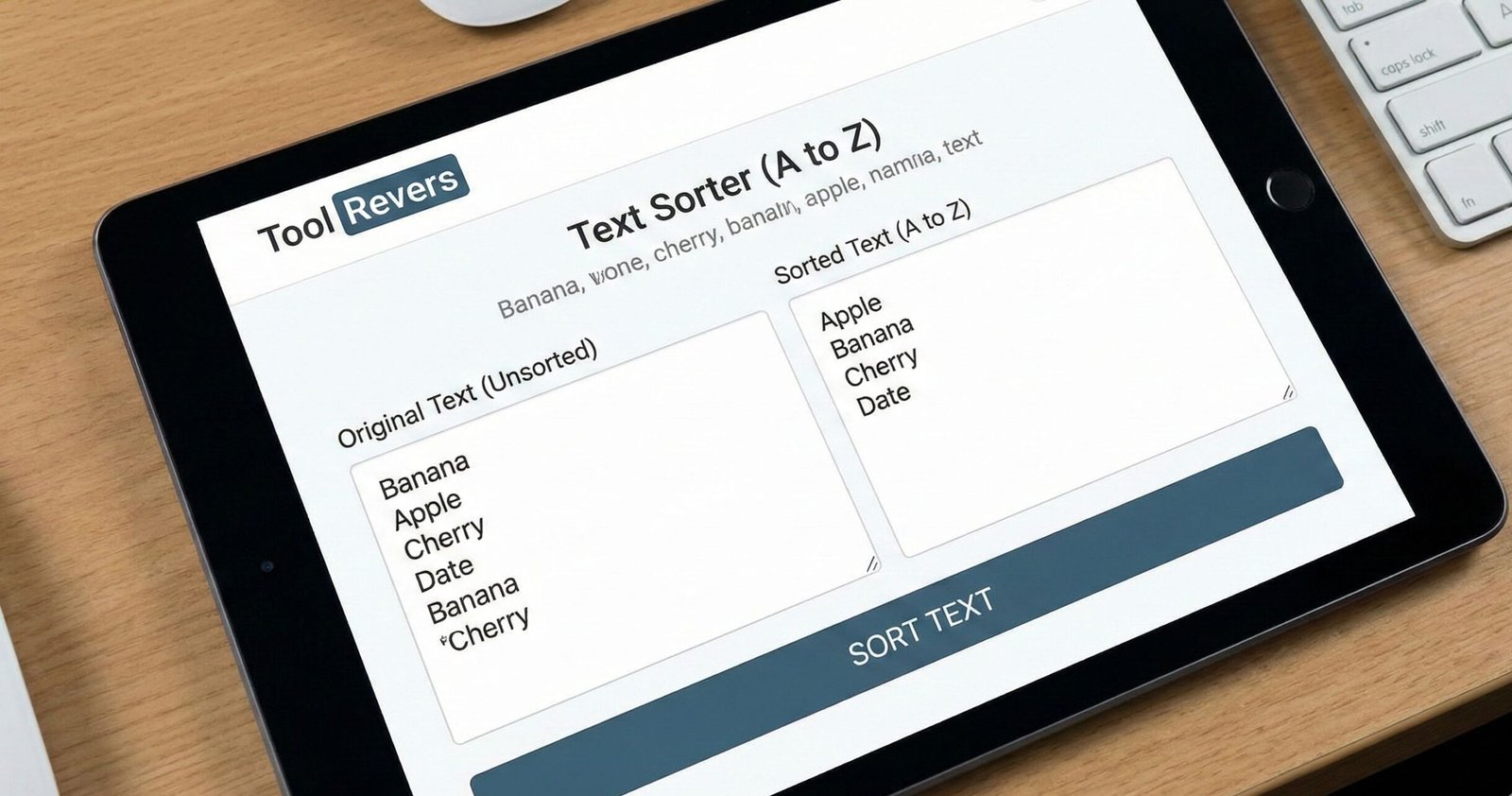
Text Sorter (A to Z)
This tool sorts text alphabetically (A to Z) or numerically. Each line is treated as a separate item for sorting.
Perfect for organizing lists, creating alphabetical indices, or sorting data.
Result:
Text Sorter A to Z: Alphabetize Lists Online Free
Sort any list alphabetically in seconds! Our free Text Sorter organizes lists A-Z, Z-A, removes duplicates, and handles case sensitivity. Perfect for students & pros.
Text Sorter (A to Z): Instantly Organize and Alphabetize Any List
Do you have a jumbled list of names, items, or ideas that needs immediate order? Manually sorting text alphabetically is a tedious, time-consuming task that drains productivity and introduces errors. Whether you're a student organizing research, a project manager cleaning up a task list, or a developer preparing data, a Text Sorter (A to Z) is the ultimate tool for bringing instant structure to chaos. A Text Sorter (A to Z) is an online utility that automatically arranges your lines of text into perfect alphabetical or reverse alphabetical order with a single click. By using a Text Sorter, you can transform messy, unstructured data into a clean, professional, and easily navigable list, saving you valuable time and ensuring impeccable organization.
What is a Text Sorter and How Does It Work?
A Text Sorter is a programmable tool designed to apply sorting algorithms to plain text. It takes your input—a list of words, phrases, or other strings of text—processes it according to specific rules, and outputs a reordered version.
The core logic is based on comparing the Unicode values of characters. The tool starts by comparing the first character of each line. If they are the same, it moves to the second character, and so on, until it finds a difference and can determine which item comes first in the chosen sequence.
Using our Text Sorter (A to Z) tool eliminates the risk of human error that comes with manual alphabetization. It handles hundreds or even thousands of lines in milliseconds, a task that could take a person hours to complete accurately.
Why Alphabetizing Lists is Crucial for Efficiency
The simple act of putting things in Text Sorter (A to Z) order has profound benefits for both comprehension and workflow. It's a foundational principle of data management.
Dramatically Improved Readability and Scanability
A sorted list allows the human eye to find information quickly. Think of a book index or a contact list. An unsorted version would be practically useless. Order creates clarity.
Faster Data Retrieval and Access
In a sorted list, you can use techniques like a binary search to find an item incredibly fast. This is a key principle in computer science that also applies to how humans scan organized information.
Simplified Duplicate Identification and Removal
When a list is in order, duplicate entries naturally line up next to each other, making them trivial to spot and remove. Many text sorters, including ours, can automate this deduplication process.
Establishing a Professional Standard
Presenting sorted lists in reports, inventories, or directories reflects a high level of care and professionalism. It shows attention to detail and respect for the end-user's time.
How to Use Our Online Text Sorter Tool: A Step-by-Step Guide Text Sorter (A to Z)
Our tool is built for simplicity and power. You can go from a messy list to a perfectly organized one in just a few seconds.
- Paste Your Text: Copy your unsorted list from any source (a Word document, an email, a spreadsheet) and paste it into the main input box of the Text Sorter (A to Z) tool. Each line should be a separate item.
- Choose Your Sorting Method:
- A to Z (Ascending): Sorts your list in standard alphabetical order.
- Z to A (Descending): Sorts your list in reverse alphabetical order.
- Configure Advanced Options (Optional):
- Ignore Case: Check this to treat "apple," "Apple," and "APPLE" as the same word.
- Remove Duplicates: Check this to automatically delete any repeating lines in your list.
- Click "Text Sorter (A to Z)": Initiate the sorting process with a single click.
- Copy Your Sorted List: Your beautifully organized list will appear in the output box. You can then copy it for immediate use.
Key Features of a Powerful Text Sorter
A basic tool sorts alphabetically. A powerful tool, like the one we provide, offers a suite of features for handling real-world complexity.
Ascending Text Sorter (A to Z) and Descending (Z to A) Sorting
Flexibility is key. Sometimes you need a standard A-Z list (like a bibliography). Other times, a Z-A sort (like listing countries from Zambia to Afghanistan) is more useful.
Case Sensitivity Handling
The words "ant," "Ant," and "ANT" have different Unicode values. A case-sensitive sort will group all capitalized words first, then lowercase. The "Ignore Case" feature ensures true alphabetical order, which is what most users need.
Automatic Duplicate Removal
This is a massive time-saver. Instead of sorting and then manually scanning for duplicates, the tool does both steps simultaneously, delivering a clean, unique set of items.
Line-by-Line and Paragraph Sorting
The tool can sort individual lines or, in some modes, treat entire paragraphs as single units, sorting them based on the first character of the paragraph.
Just as a Text Sorter (A to Z) brings order to your lists, ensuring your images are perfectly sized brings order to your visual content. For that, you can use our Image Resizer tool.
Practical Use Cases: Who Needs a Text Sorter and Why?
The applications for this tool are nearly endless, touching almost every profession and personal task.
For Students and Academics
- Organizing Research Sources: Alphabetize your bibliography or works cited page in seconds, ensuring it meets academic formatting guidelines (APA, MLA, Chicago).
- Studying Vocabulary: Create a list of key terms for an exam and sort them A-Z to create a structured study guide.
For Business Professionals and Administrators
- Managing Contact Lists: Clean and sort customer, client, or employee lists for easy lookup in directories or for mail merges.
- Inventory Management: Alphabetize inventory item lists to make stock-taking and searching much more efficient.
- Preparing Meeting Agendas: Sort discussion topics alphabetically to ensure a neutral, organized structure.
For Programmers and Data Analysts
- Data Preprocessing: Clean and sort datasets before importing them into applications or databases. Sorting is often the first step in data analysis.
- Configuring Lists: Sort configuration files, environment variables, or code arrays for better readability and maintenance.
For Writers and Content Creators
- Organizing Ideas: Brainstorm a list of article topics, book chapters, or keywords and then sort them to identify patterns and structure your content plan.
- Editing and Proofreading: Sometimes, sorting the sentences of a paragraph alphabetically (a technique used by some editors) can help identify repetitive sentence structures.
A Real-World Example: From Chaos to Order
Let's take a practical example. Imagine you are planning a grocery trip with a list scrawled on a notepad.
Your Unsorted Input:
text
Apples
pasta
Milk
Cheese
bananas
pasta
apples
Cereal
Process:
- You paste the list into the tool.
- You select "A to Z" sorting.
- You check both "Ignore Case" and "Remove Duplicates."
- You click "Sort Text."
Your Sorted, Cleaned Output:
text
Apples
bananas
Cereal
Cheese
Milk
pasta
The list is now perfectly organized, duplicates are removed, and the case is preserved from the first instance, making it easy to read and shop from.
The Science of Sorting: Understanding the Algorithms Text Sorter (A to Z)
While our tool abstracts the complexity, it's powered by efficient sorting algorithms. For small to medium-sized lists, it likely uses an algorithm like Quicksort or Merge Sort.
These are "divide and conquer" algorithms that are incredibly efficient for sorting. According to educational resources from institutions like Khan Academy, a well-implemented Quicksort can have an average time complexity of O(n log n), meaning it can sort a list of 1,000 items with only about 10,000 operations, making it blazingly fast for the user.
Advanced Techniques: Beyond Basic A to Z Sorting
Once you've mastered basic alphabetization, you can use the tool for more advanced organization.
Sorting by Last Name
If you have a list of full names (e.g., "John Smith"), you can use the Text Sorter, but it will sort by first name. To sort by last name, you would first need to restructure your list to be "Smith, John" using a find/replace function in a text editor, then sort.
Handling Numbers and Special Characters
The tool sorts based on character codes. This means numbers (0-9) will come before letters (A-Z). Special characters (like !, @, #) also have their own place in the sort order, typically appearing before numbers.
Frequently Asked Questions (FAQ)
How does the tool handle words with uppercase and lowercase letters?
Can I sort a list that is separated by commas instead of line breaks?
What is the maximum amount of text I can sort at once?
Conclusion: Bring Instant Order to Your Textual Data
A Text Sorter (A to Z) is a testament to the power of simple tools to solve everyday problems with stunning efficiency. It transforms a tedious, manual task into an instantaneous, flawless operation. Whether you're organizing data for clarity, preparing it for analysis, or simply bringing order to your thoughts, this tool is an indispensable part of your digital toolkit.
Stop wasting time manually rearranging lists. Embrace the speed and accuracy of automation. Ready to organize your world? Use our free, powerful Text Sorter tool now and experience the satisfaction of turning chaos into perfect A-Z order with a single click!
how text collation works