
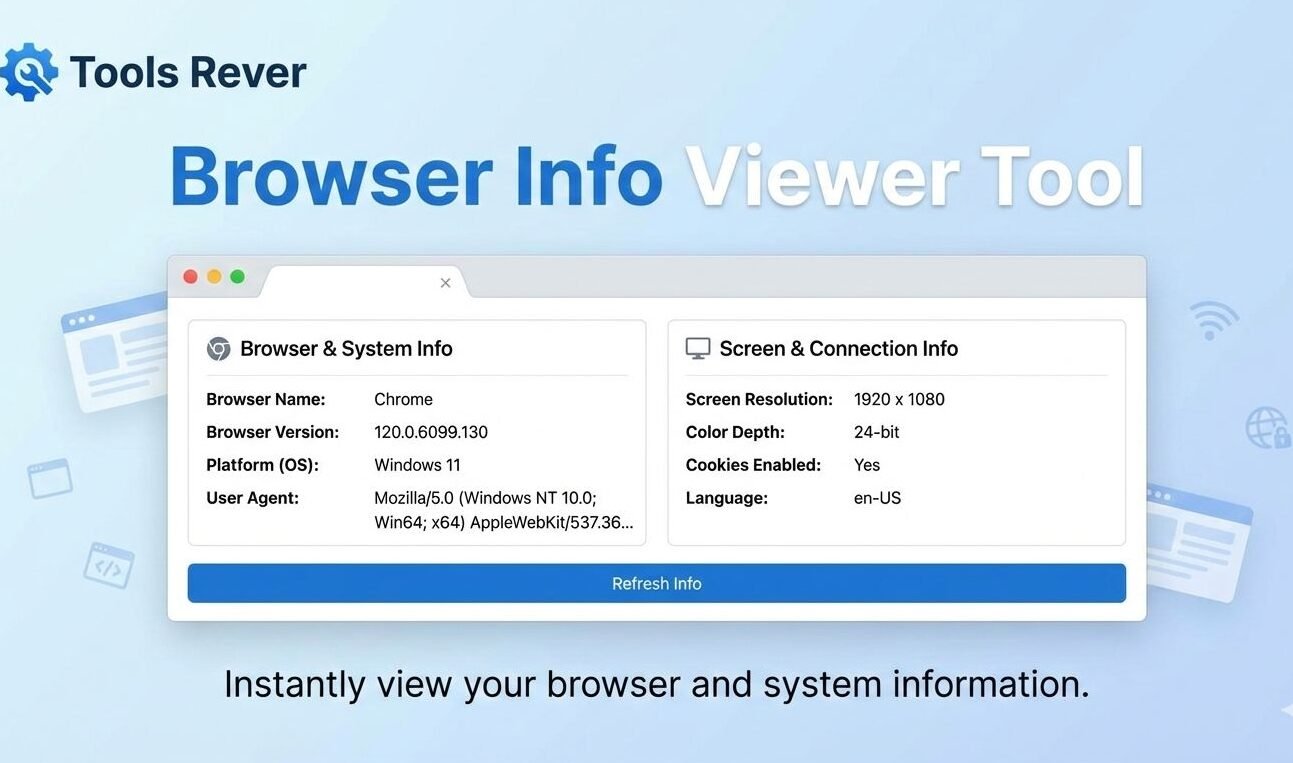
Browser Info Viewer
This tool displays detailed information about your web browser, including its name, version, supported features, and system capabilities. It helps web developers understand browser compatibility and users diagnose potential browser issues.
How to use: Simply view this page and your browser information will be automatically detected and displayed. The information is organized into categories for easy reference.
Browser Info Viewer: Check Your Browser & System Details
Instantly detect your browser type, version, operating system, and screen resolution. Our free Browser Info Viewer helps with troubleshooting and web development.
Browser Info Viewer: Uncover the Complete Technical Profile of Your Web Browser
Have you ever encountered a website that doesn’t display correctly, only to be asked, “What browser are you using?” by tech support? Or have you needed to know your exact screen resolution for a design project but couldn’t find the information quickly? Understanding your browser’s technical specifications is crucial for troubleshooting, web development, and ensuring optimal online experiences.
A Browser Info Viewer is an essential diagnostic tool that provides instant, comprehensive information about your web browser and system environment. This powerful utility reveals everything from your browser type and version to your operating system, screen dimensions, and supported features—all with a single click. For developers, designers, and everyday users alike, having immediate access to this technical profile eliminates guesswork and streamlines problem-solving.
What is a Browser Info Viewer and How Does It Work?
A Browser Info Viewer is a web-based tool that extracts and displays detailed technical information about your current browsing environment. It accesses the wealth of data that your browser automatically shares with websites but presents it in an organized, human-readable format.
The technology operates through sophisticated detection methods:
- User Agent Parsing: Analyzes the Browser Info Viewer user agent string to identify browser type, version, and operating system
- JavaScript Interrogation: Uses JavaScript to detect screen dimensions, color depth, and installed plugins
- Feature Detection: Tests for support of specific web technologies like cookies, localStorage, and modern APIs
- Real-Time Analysis: Continuously monitors and updates information as you change browser settings or window size
Using our Browser Info Viewer tool provides immediate insights that would otherwise require technical expertise to uncover manually.
Why Knowing Your Browser Info Viewer Information Matters
Your browser’s technical specifications impact everything from website compatibility to security and performance. Understanding these details provides numerous practical benefits.
Troubleshooting Website Issues
When a website behaves unexpectedly, support teams need your browser details to replicate and fix the problem. Having this information readily available speeds up resolution times dramatically.
Web Development and Testing
Developers use browser information to ensure their websites work correctly across different browsers, versions, and screen sizes—a practice known as cross-browser testing.
Security and Privacy Awareness
Understanding what information your browser reveals helps you make informed decisions about privacy settings and security configurations.
Optimal User Experience
Websites can use browser capabilities to deliver enhanced experiences, such as serving higher resolution images to devices that support them or simplifying layouts for mobile screens.
According to W3Counter’s global browser statistics, the browser market is fragmented across Chrome, Safari, Firefox, and Edge, making compatibility testing essential for web professionals.
Key Information Provided by a Comprehensive Browser Viewer
A basic tool might show your browser name. A professional tool, like the one we provide, delivers a complete technical profile.
Browser Identification
- Browser Name: Chrome, Firefox, Safari, Edge, Opera, etc.
- Full Version: Exact version number (e.g., Chrome 128.0.6613.138)
- Rendering Engine: WebKit, Blink, Gecko, or Trident
- JavaScript Engine: V8, SpiderMonkey, or JavaScriptCore
Operating System Details
- OS Platform: Windows, macOS, Linux, iOS, Android
- OS Version: Specific release (e.g., Windows 11, macOS Sonoma)
- Architecture: 32-bit or 64-bit system
Display and Visual Capabilities
- Screen Resolution: Total available pixels (e.g., 1920×1080)
- Viewport Size: Current browser window dimensions
- Color Depth: Number of colors supported
- Pixel Ratio: Device pixel ratio for high-DPI displays
Network and Location Data
- Public IP Address: Your internet-facing address
- Language Preferences: Browser Info Viewer language settings
- Timezone: Current timezone offset
Feature Support Detection
- Cookie Support: Whether cookies are enabled
- JavaScript Status: If JavaScript is active
- Local Storage: HTML5 localStorage availability
- Modern APIs: Support for newer web capabilities
After checking your browser info, you might need to optimize images for your specific screen size. For perfect image dimensions, use our Image Resizer tool.
How to Use Our Browser Info Viewer: Instant Technical Analysis
Our tool requires zero technical knowledge and delivers comprehensive results in seconds.
Step 1: Access the Tool
Simply navigate to our Browser Info Viewer page. The analysis begins automatically upon page load.
Step 2: Review Your Results
Instantly view your complete browser and system profile organized into logical categories for easy understanding.
Step 3: Copy or Save Information
Use the copy function to easily share your technical details with support teams or save them for future reference.
Step 4: Compare Across Devices
Test the tool on different devices and browsers to understand how your experience varies across platforms.
Practical Applications for Different Users
For Web Developers and Designers
- Cross-Browser Testing: Verify compatibility across different browser environments
- Responsive Design Checks: Test how layouts adapt to various screen sizes
- Feature Detection: Determine which modern web features to implement
- Bug Reproduction: Replicate user-reported issues in identical environments
For IT Support Professionals
- Faster Troubleshooting: Quickly identify browser-related issues
- Configuration Verification: Check if browsers meet organizational standards
- Compatibility Assessment: Determine if older browsers need upgrading
- Security Auditing: Identify potentially vulnerable browser versions
For Everyday Internet Users
- Technical Support: Provide accurate information when seeking help
- Purchase Decisions: Check system requirements before buying software
- Privacy Awareness: Understand what websites can detect about your system
- Performance Optimization: Identify outdated browsers slowing your experience
Understanding Browser User Agents: The Technical Foundation
The user agent string is the primary method browsers use to identify themselves to websites. It contains a wealth of information in a compact format.
Example User Agent:Mozilla/5.0 (Windows NT 10.0; Win64; x64) AppleWebKit/537.36 (KHTML, like Gecko) Chrome/128.0.0.0 Safari/537.36
This tells us:
- Platform: Windows 10, 64-bit
- Layout Engine: AppleWebKit 537.36
- Browser: Chrome version 128.0.0.0
- Compatibility: Safari-like rendering for websites expecting Safari
Our Browser Info Viewer parses this complex string into understandable categories, saving you from manual interpretation.
The Evolution of Browser Detection and Modern Best Practices
Browser detection has evolved significantly from early methods to current approaches.
Historical Approach: User Agent Sniffing
Early web developers parsed user agent strings to serve different content. This became problematic as browsers evolved and user agents became increasingly complex and sometimes misleading.
Modern Approach: Feature Detection
Today’s best practice involves testing for specific feature support rather than browser identification. This ensures websites work correctly regardless of browser type or version.
Progressive Enhancement
This methodology involves building a baseline experience that works everywhere, then enhancing it for browsers that support advanced features.
Browser Market Share and Why Diversity Matters
Understanding browser distribution helps explain why compatibility testing remains important.
Global Browser Market Share (Approximate):
- Google Chrome: 65-70%
- Apple Safari: 15-20%
- Microsoft Edge: 5-8%
- Mozilla Firefox: 3-5%
- Others: 2-3%
Despite Chrome’s dominance, the remaining 30-35% represents hundreds of millions of users. Professional websites must support this diverse ecosystem.
Privacy Considerations and Browser Fingerprinting
While browser information is necessary for basic functionality, it can also be used for fingerprinting—a sophisticated tracking method.
What is Browser Fingerprinting?
This technique combines multiple data points from your browser to create a unique identifier that can track you across different websites, even with cookies disabled.
Common Fingerprinting Elements:
- Installed fonts and plugins
- Screen resolution and color depth
- Hardware concurrency
- Timezone and language settings
- Canvas and WebGL rendering fingerprints
Protecting Your Privacy:
- Use privacy-focused browsers like Firefox or Brave
- Install anti-fingerprinting extensions
- Regularly update your browser
- Disable unnecessary plugins and features
Our Browser Info Viewer helps you understand what information is exposed, empowering you to make informed privacy decisions.
Frequently Asked Questions (FAQs)
Why does my browser information matter for website compatibility?
Can websites see my personal information through browser detection?
How often should I check my browser information?
Conclusion: Take Control of Your Browsing Experience Today
A Browser Info Viewer is more than just a technical curiosity—it’s an essential tool for troubleshooting, development, and understanding your digital environment. By providing immediate access to comprehensive browser and system specifications, it eliminates guesswork and empowers you to solve problems faster, develop better websites, and make informed decisions about your browsing setup. In an era where our browsers serve as primary gateways to digital life, understanding their capabilities and limitations has never been more important.
Stop guessing about your browser’s capabilities and start knowing with certainty. Ready to uncover your complete browser profile? Use our free, instant Browser Info Viewer tool now and gain the technical insights you need for a better web experience!