
Remove Line Breaks
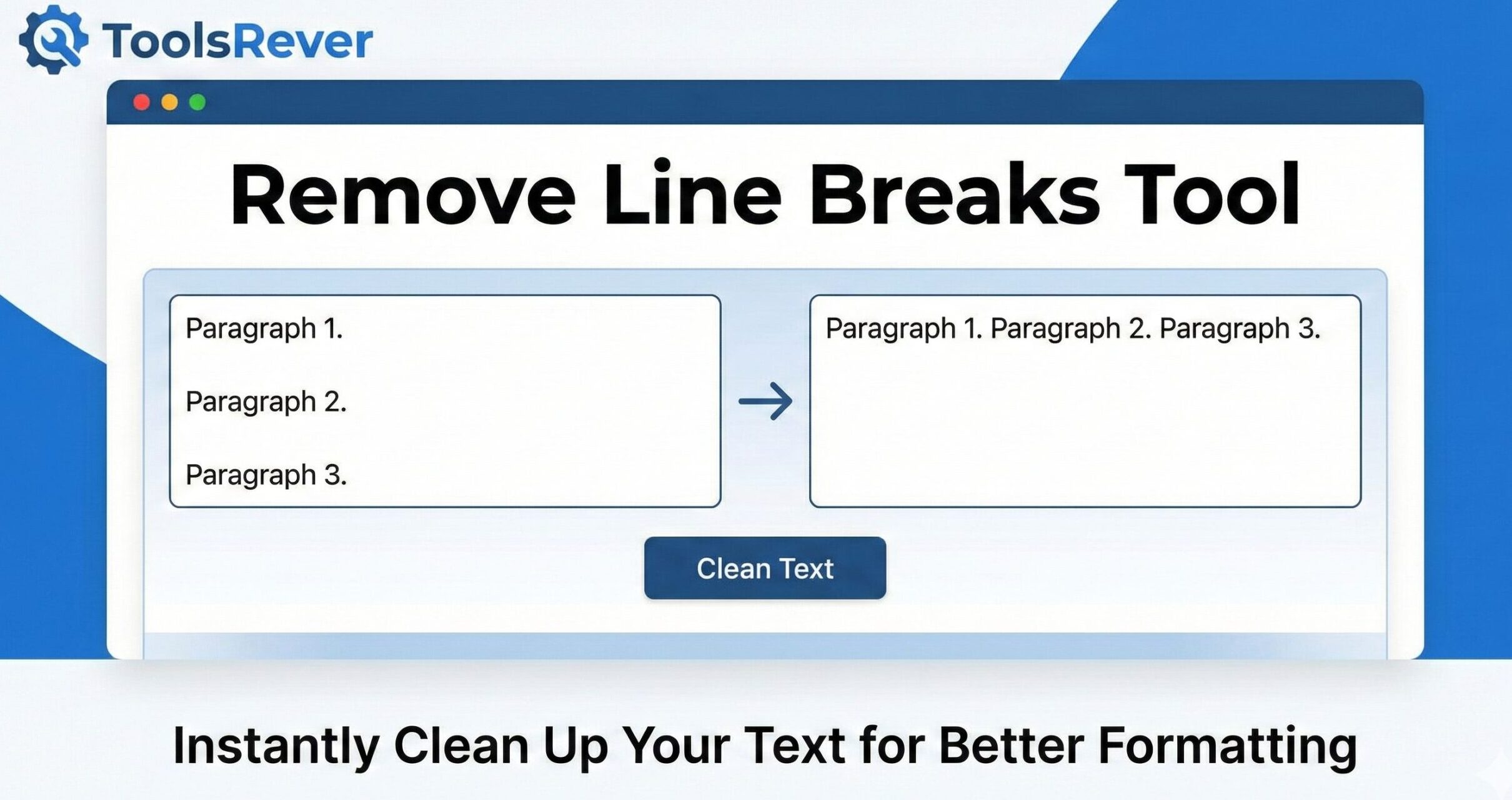
This tool removes line breaks from your text, making it flow as a single paragraph. Perfect for fixing text copied from PDFs, emails, or documents with unwanted line breaks.
You can choose how to handle line breaks and paragraph breaks with the options below.
Result:
Remove Line Breaks Online: Clean Text Instantly
Clean messy text fast! Our free tool removes line breaks and carriage returns. Perfect for formatting text for CSV, code, and social media. No registration needed.
Remove Line Breaks: How to Clean and Reformatt Messy Text in Seconds
Have you ever copied text from a PDF, email, or website, only to paste it into your document and find a chaotic mess of broken lines and random paragraph breaks? This common frustration happens when unwanted line breaks and carriage return characters carry over from the source. Manually fixing this by deleting each break is tedious, time-consuming, and prone to error.
A Remove Line Breaks tool is the simple, powerful solution to this everyday digital problem. This online utility automatically strips out unnecessary line breaks and carriage returns, transforming disjointed text into a clean, continuous paragraph or a properly formatted block. Whether you’re a programmer, writer, student, or data analyst, this tool is essential for maintaining clean and professional text formatting.
What are Remove Line Breaks and Why Do They Cause Problems?
To understand the tool, we must first understand the problem. A line break is a character or sequence of characters that signifies the end of a line and the start of a new one.
There are two primary types:
- Line Feed (LF): Common in Unix/Linux and macOS systems, represented as
\n. - Carriage Return (CR): A legacy from typewriters, often used in classic Mac OS, represented as
\r. - CR+LF: The standard for Windows systems, a combination of both (
\r\n).
These “invisible” characters are the culprits behind your formatting woes. They cause issues when:
- You copy text from a PDF into a single-line form field.
- You import a text file into a spreadsheet and the data splits across multiple rows.
- You paste code snippets and the broken lines create syntax errors.
- You’re preparing text for a social media post that requires a specific character limit.
Using our Remove Line Breaks tool automates the cleanup process, saving you from a frustrating and manual task.
How Our Online Line Break Removal Tool Works
Our tool is engineered for simplicity and efficiency. The process is straightforward and delivers results instantly.
- Paste Your Text: Copy your messy, line-broken text from its source and paste it into the input box of the tool.
- Choose Your Options (Optional): Advanced tools may allow you to choose how to handle the cleanup, such as replacing line breaks with a single space or removing them entirely.
- Execute the Cleanup: Click the “Remove Line Breaks,” “Clean Text,” or similar button.
- Get Clean Text: Your formatted, continuous text will appear in the output box, ready to be copied and used.
The entire process takes less than five seconds, regardless of the text’s length. It’s like having a dedicated text formatter at your fingertips.
Key Features of a Powerful Remove Line Breaks
A basic tool simply strips all line breaks. A robust tool, like the one we provide, offers nuanced control over the final output.
Intelligent Space Handling
A common issue with simple removers is that they can mash words together. For example, “Hello\nWorld” becomes “HelloWorld”. Our tool intelligently inserts a single space where a line break existed, producing the correct “Hello World”.
Preserve Paragraph Breaks
This is a critical advanced feature. Sometimes, you want to remove line breaks within paragraphs but keep the breaks between paragraphs. A sophisticated tool can detect double line breaks and maintain them, preserving your document’s logical structure.
Handle Multiple Line Break Types
A professional-grade tool is agnostic to the source. It seamlessly removes all types of line endings—LF (Unix/macOS), CR (Classic Mac), and CR+LF (Windows)—ensuring compatibility with text from any system.
Batch Processing Capability
The ability to clean large volumes of text at once is invaluable for data processing, cleaning up entire documents, or preparing large datasets for import into other systems.
Just as this tool cleans your text, presenting clean, well-sized visuals is equally important. For that, you can use our Image Resizer tool to perfect your graphics.
Who Needs a Line Break Remover? Essential Use Cases
The applications for this tool are surprisingly vast, touching numerous professions and everyday tasks.
For Programmers and Developers
Code is often fragile, and stray line breaks can break scripts, configuration files, and data strings.
- Use Case: Formatting long SQL queries, JSON strings, or log files that have been broken up for readability but need to be continuous to execute.
- Example: Preparing a long string of text to be stored in a single variable without causing syntax errors.
For Data Analysts and SEO Specialists
Clean data is accurate data. Line breaks are a common source of corruption in datasets.
- Use Case: Cleaning data copied from a PDF or web page before importing it into a CSV file or Excel spreadsheet. A single line break in a cell can misalign an entire data table.
- Example: Preparing meta descriptions, title tags, or product descriptions for bulk uploads via a CSV, where line breaks are not supported.
For Writers, Editors, and Students
Maintaining a clean manuscript or document is crucial for professionalism and word count accuracy.
- Use Case: Reformating text copied from an online article or an eBook that has hard line breaks at the end of each line, making it difficult to edit and flow naturally.
- Example: Cleaning up interview transcripts or research notes that were automatically formatted with line breaks.
For Social Media Managers and Marketers
Many social media and advertising platforms have strict character limits for their posts and ads.
- Use Case: Removing line breaks from a block of text to get a true character count and to reformat the text to fit a platform’s specific style.
A Step-by-Step Guide: Cleaning Text with Practical Examples
Let’s walk through a real-world scenario to see the transformative power of the tool.
Scenario: You’ve copied a product description from a PDF to paste into an e-commerce website. The source text looks like this:
Input (Messy Text with Line Breaks):
text
Our premium coffee beans are
sourced directly from sustainable
farms in Colombia. They are
roasted in small batches to
ensure maximum flavor and
aroma. Perfect for your
morning espresso or French press.
Process:
- You paste the above text into the Remove Line Breaks tool.
- You select the option to “Replace line breaks with a space.”
- You click “Clean Text.”
Output (Clean, Continuous Text):
text
Our premium coffee beans are sourced directly from sustainable farms in Colombia. They are roasted in small batches to ensure maximum flavor and aroma. Perfect for your morning espresso or French press.
The result is a single, flowing paragraph ready for use on any website or in any document.
The Technical Side: Understanding Control Characters
When you use a Remove Line Breaks tool, you are interacting with the fundamental building blocks of digital text. The line break characters (LF, CR) are part of a group known as “control characters” or “whitespace characters” in the ASCII and Unicode standards.
The Unicode Consortium, which maintains the global text standard, defines these characters to ensure consistent behavior across different operating systems and software applications. A robust tool doesn’t just do a simple “find and replace”; it understands the Unicode standard to correctly handle text from any language or system, including complex scripts.
Beyond Basic Removal: Advanced Text Formatting Tools
While a line break remover is incredibly useful, it is part of a broader ecosystem of text transformation utilities. Knowing these related tools can help you solve any text formatting challenge.
- Text to Lowercase/UPPERCASE: Converts the case of your entire text block.
- Trim Whitespace: Removes extra spaces from the beginning and end of lines or the entire text block.
- Find and Replace: A more advanced tool for swapping any character sequence for another.
- Word Counter: Analyzes your text for word count, character count, and keyword density.
Our tool is specialized to do one job—removing line breaks—with maximum efficiency and control.
Frequently Asked Questions (FAQs)
What’s the difference between removing line breaks and removing paragraph breaks?
Will this tool delete my text or change any words?
Can I use this tool to clean text for a CSV file?
Conclusion: Streamline Your Workflow with Perfect Text Formatting
In a world driven by digital communication and data, clean text is not a luxury—it’s a necessity. Unwanted line breaks are a persistent, low-level nuisance that can derail projects, corrupt data, and create a poor professional impression. A Remove Line Breaks tool is a focused, powerful utility that eradicates this problem with surgical precision. It embodies the principle that the best tools are those that perform a single task flawlessly, saving you time and preserving your sanity.
Stop manually editing text line by line. Embrace the efficiency of automation. Ready to clean your text instantly? Use our free, powerful Remove Line Breaks tool now and transform messy, broken text into perfectly formatted content in a single click!