
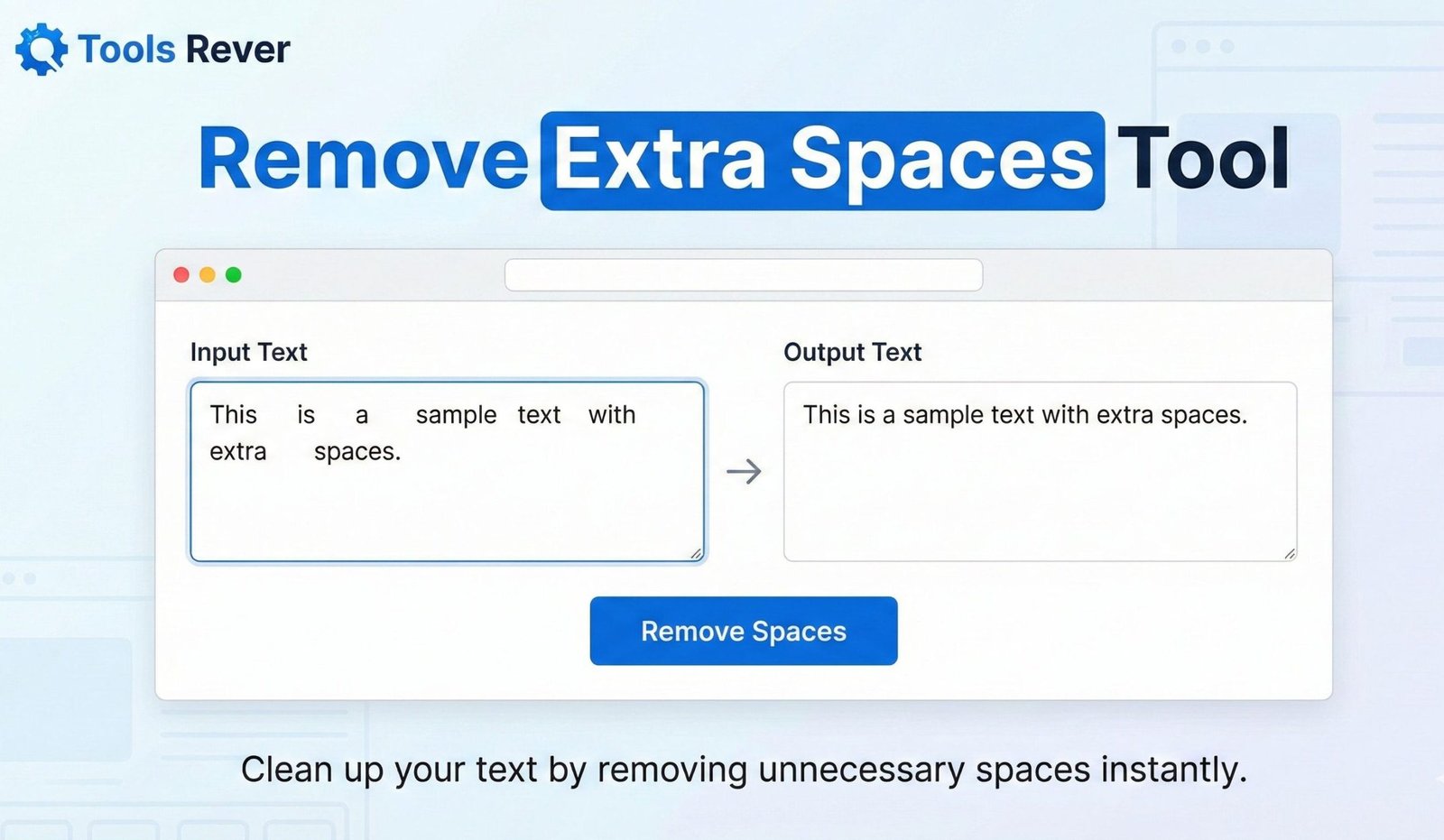
Remove Extra Spaces
This tool removes extra spaces from your text. It’s perfect for cleaning up text copied from various sources that may contain inconsistent spacing.
Choose from different options to control how spaces are handled.
Result:
Remove Extra Spaces: Clean Text Online Instantly
Fix messy formatting fast! Our free tool removes extra spaces between words and lines. Perfect for writers, coders, and data entry. Clean your text in one click.
Remove Extra Spaces: The Ultimate Solution for Perfectly Formatted Text
Have you ever copied text from a PDF, website, or document only to find it littered with erratic spaces, tabs, and line breaks? This inconsistent formatting looks unprofessional, breaks code, and disrupts the flow of your writing. Manually hunting down and deleting these extra spaces is a tedious, time-consuming, and error-prone process. This is where a Remove Extra Spaces tool becomes an essential utility for writers, programmers, data analysts, and anyone who works with text
. A Remove Extra Spaces tool is an online cleaner that automatically scans your text and eliminates unwanted spaces, tabs, and empty lines, delivering clean, standardized, and professional-looking content in seconds. By using a Remove Extra Spaces tool, you can ensure your documents, code, and data are perfectly formatted, saving you from the frustration of manual editing and its inherent inaccuracies.
What is a Remove Extra Spaces Tool and How Does It Work?
A Remove Extra Spaces tool is a text processing utility that uses programmed logic to identify and correct whitespace inconsistencies. It operates on a set of rules to distinguish necessary spaces from superfluous ones.
The core function is both simple and intelligent:
- Input: You paste your messy text into the tool.
- Analysis & Processing: The tool parses the text, character by character.
- Rule Application: It applies rules like "reduce multiple consecutive spaces between words to a single space" and "remove all leading and trailing spaces."
- Output: It generates a new, clean version of your text with optimal spacing.
Using our Remove Extra Spaces tool automates a mundane but critical editing task. It guarantees a level of consistency that is nearly impossible to achieve manually, especially with large blocks of text.
The Hidden Problems Caused by Extra Spaces
Whitespace errors are more than just a visual annoyance; they can have real-world consequences for productivity and functionality.
In Programming and Development
Extra spaces can break code or cause unexpected behavior. In languages like Python, indentation is syntactically significant. In SQL queries, unexpected spaces can cause errors. In JSON or XML configuration files, extra whitespace can make files harder to read and parse, even if they don't cause outright failures.
In Data Analysis and Spreadsheets
When working with CSV files or database imports, extra spaces in data fields are a primary cause of processing errors. "New York" and "New York " (with a trailing space) are treated as two distinct cities by most systems, leading to incorrect groupings, failed lookups (like VLOOKUP in Excel), and corrupted data analysis.
In Professional and Academic Writing
A document filled with inconsistent spacing looks sloppy and unprofessional. It can distract the reader, undermine your credibility, and often lead to penalties in academic settings where formatting is rigorously assessed. It also causes issues with word counts, as some counters may interpret double spaces as word separators.
How to Use Our Online Space Removal Tool
Our tool is designed for maximum ease of use. You can clean your text in just three simple steps.
- Paste Your Text: Copy the text with unwanted spaces from your source (e.g., a PDF, a website, an email) and paste it into the main input box of our tool.
- Select Your Cleaning Options: Our tool offers precise control. You can choose to:
- Remove Leading/Trailing Spaces: Strip spaces from the start and end of each line.
- Remove Extra Spaces Between Words: Condense multiple spaces down to a single space.
- Remove All Line Breaks: Create a single, continuous paragraph.
- Remove Empty Lines: Delete any lines that contain only whitespace.
- Click "Clean Text": Initiate the process with a single click.
- Copy the Clean Result: Your perfectly formatted text will appear in the output box, ready to be copied and used.
Key Features of a Powerful Text Space Cleaner
A basic tool might just trim spaces. A powerful tool, like the one we provide, offers a suite of features for handling complex cleaning scenarios.
1. Selective Space Removal
The ability to choose what kind of spaces to remove is crucial. You may want to keep paragraph breaks but remove extra spaces between words, or vice-versa. Granular control ensures you get the exact output you need.
2. Tab Character Removal
Tabs are another form of whitespace that can cause misalignment, especially when moving text between different editors. A robust cleaner can convert tabs to spaces or remove them entirely.
3. Real-Time Preview
Some advanced tools show you a preview of the changes before you apply them, allowing you to confirm the settings are correct. This prevents accidentally over-cleaning your text.
4. Line Break Normalization
This feature can standardize line breaks between different operating systems (e.g., converting Windows CRLF to Unix LF), which is particularly useful for developers.
Just as a Remove Extra Spaces tool cleans your text, ensuring your images are the right size cleans up your visual layout. For that, you can use our Image Resizer tool.
Practical Use Cases and Real-World Examples
This tool has universal application across many fields and tasks.
For Content Writers and Editors
Cleaning text copied from unreliable sources before placing it in a CMS like WordPress. This ensures the published article has a consistent, professional typographical appearance without manual reformatting.
Example Input (from a PDF):
text
The quick brown fox jumps over the lazy dog. It was a sight to see.
Output after using the tool:
text
The quick brown fox jumps over the lazy dog. It was a sight to see.
For Software Developers
Cleaning user-generated input from forms or API responses before processing it, preventing bugs and security issues related to unexpected whitespace.
For Data Analysts and Excel Users
Preparing data imported from external systems for analysis in a spreadsheet. Removing trailing spaces from product SKUs or customer names is a critical step before performing VLOOKUPs or creating PivotTables.
Example Input (CSV Data):
text
"UserID ", "FirstName", "LastName "
"101 ", "John ", "Doe "
"102", "Jane", "Smith"
Output after cleaning:
text
"UserID", "FirstName", "LastName"
"101", "John", "Doe"
"102", "Jane", "Smith"
For Students and Researchers
Formatting citations and references pulled from online libraries, ensuring they adhere to strict academic style guides without manual tweaking.
A Step-by-Step Guide to Cleaning a Complex Text
Let's walk through a more complex example to see the tool's power.
Your Input (Messy Text with Multiple Issues):
text
  The first paragraph has uneven spacing.   It also has a trailing space.
And a leading space on this line.

This line has too many returns after it.


This paragraph    has    many    internal   spaces.
Process:
- You paste the text into the Remove Extra Spaces tool.
- You select all options: "Remove Leading/Trailing Spaces," "Remove Extra Spaces Between Words," and "Remove Empty Lines."
- You click "Clean Text."
Your Cleaned Output:
text
The first paragraph has uneven spacing. It also has a trailing space.
And a leading space on this line.
This line has too many returns after it.
This paragraph has many internal spaces.
The text is now compact, consistent, and professionally formatted.
The Importance of Whitespace in Typography
While we remove extra spaces, it's vital to understand that whitespace itself is a critical element of good design. Proper use of whitespace (also called negative space) improves readability, comprehension, and creates a balanced, elegant layout.
As noted by the Nielsen Norman Group, ample whitespace between lines of text and around text blocks can increase comprehension by up to 20%. The goal of a space removal tool is not to eliminate necessary whitespace but to remove the inconsistent and unnecessary whitespace that harms readability and functionality.
Frequently Asked Questions (FAQ)
Will this tool remove the single, necessary spaces between my words?
Can I remove spaces from a specific part of my text and not the whole thing?
What's the difference between a space, a tab, and a non-breaking space?
Conclusion: Achieve Flawless Text Formatting in a Single Click
In a digital world where presentation and precision matter, consistently formatted text is a hallmark of quality. A Remove Extra Spaces tool is a simple yet profoundly powerful utility that elevates your writing, safeguards your code, and ensures the integrity of your data. It automates a tedious task with 100% accuracy, freeing you to focus on the content itself rather than its messy formatting.
Stop wasting time manually editing text. Embrace the efficiency and precision of automation. Ready to clean your text? Use our free, powerful Remove Extra Spaces tool now and transform messy, inconsistent text into perfectly formatted content in seconds!