
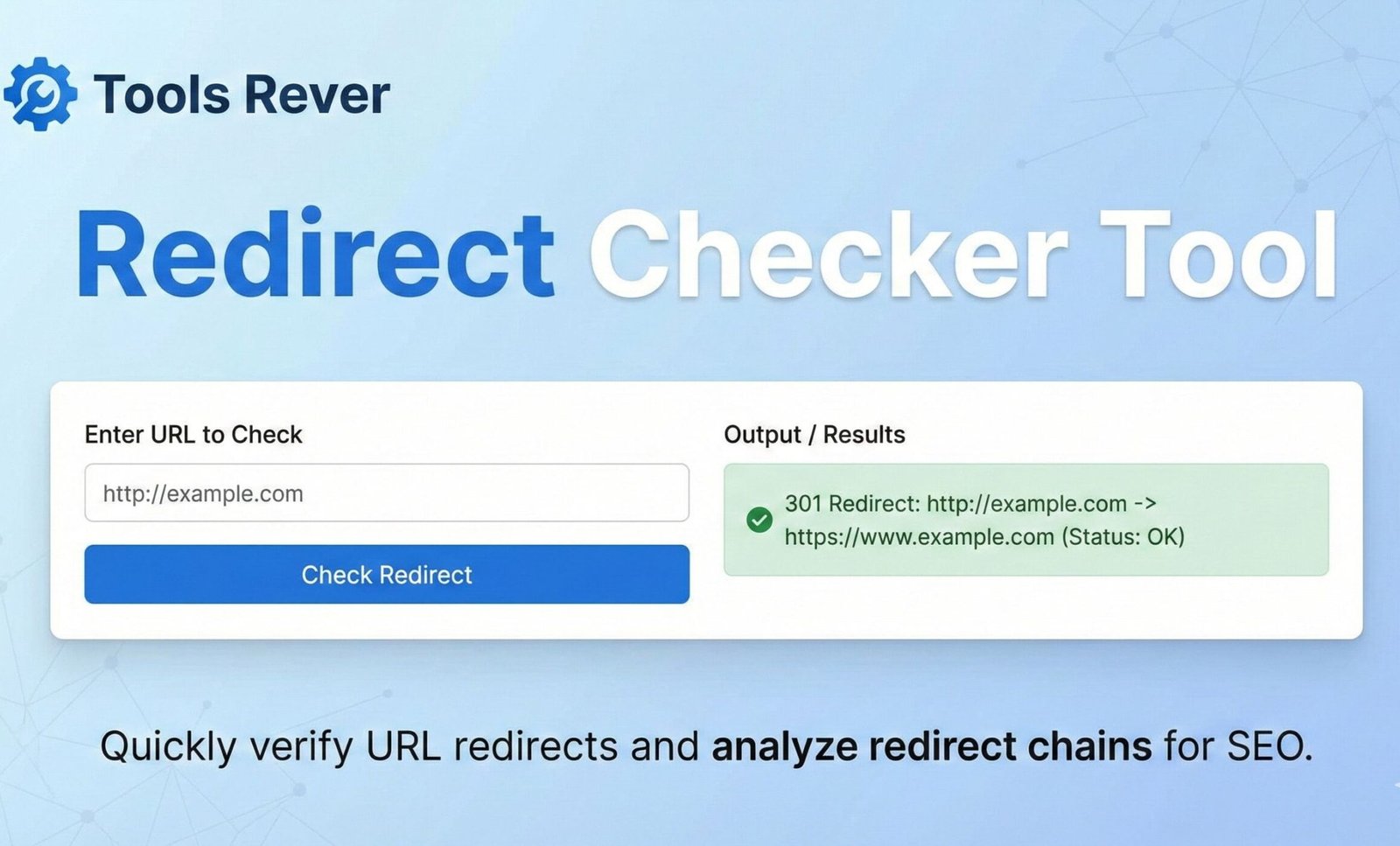
Redirect Checker
This tool helps you analyze URL redirects and verify that your website redirects are working correctly. Check HTTP status codes, redirect chains, and final destination URLs to ensure optimal user experience and SEO performance.
How to use: Enter one URL per line and click “Check Redirects” to trace the full redirect path. The tool will show you each step in the redirect chain along with relevant HTTP status codes.
Note: This is a demonstration tool that simulates redirect analysis. For comprehensive redirect checking, consider using dedicated SEO tools like Screaming Frog or server-side scripts.
Analyzing redirects… This may take a moment.
Redirect Analysis Results
Redirect Checker Tool: Trace & Analyze URL Redirects
Debug URL chains instantly! Our free Redirect Checker traces 301/302 redirects, finds broken links, and improves SEO. Analyze any URL in seconds.
Redirect Checker: Your Essential Tool for SEO and Website Health
Have you ever clicked a link and wondered why it takes forever to load, or worse, ends up on the wrong page? Behind the scenes, that link might be trapped in a complex "redirect chain"—a series of hops from one URL to another before reaching the final destination. For website owners, marketers, and SEO professionals, these hidden redirects can silently sabotage page speed, dilute search engine rankings, and create a frustrating user experience.
A Redirect Checker is a critical diagnostic tool that unveils this hidden journey. It allows you to trace the complete path of any URL, identifying every hop, analyzing the HTTP status codes, and pinpointing performance bottlenecks or errors that could be harming your site's health and visibility.
What is a Redirect Checker and How Does It Work?
A Redirect Checker is a specialized online utility that simulates a web browser's request to a given URL but stops to report on every step of the process instead of just loading the final page. It follows the trail of HTTP redirects, documenting each one to give you a clear picture of the URL's path.
The tool operates on a fundamental web protocol level:
- Input: You provide the starting URL you want to analyze.
- Initial Request: The tool sends an HTTP request to the URL, but instead of automatically following redirects, it reads the server's response code.
- Following the Trail: If the server responds with a redirect status code (like 301 or 302) and a
Locationheader, the tool follows that new URL and repeats the process. - Output: It compiles a detailed report showing every URL in the chain, the HTTP status code for each step, and the total load time.
Using our Redirect Checker tool provides immediate transparency, transforming a hidden technical process into actionable data that anyone can understand.
Why Redirect Management is Crucial for Your Website
Ignoring redirects is not an option for a professionally managed website. Their impact is profound and multifaceted.
The Critical Impact on SEO
Search engines like Google crawl the web by following links, including redirects. How you implement them directly influences your search rankings.
- Link Equity Flow: A 301 redirect passes most of the "link juice" or ranking power from the old URL to the new one. A long chain can dilute this equity, weakening the SEO value passed to the final page.
- Crawl Budget Waste: Search engines have a limited "crawl budget" for each site. Long, inefficient redirect chains force bots to waste time on multiple requests instead of discovering and indexing important content.
- Indexing Confusion: Poorly implemented redirects can confuse search engines, potentially leading to the wrong page being indexed or valuable content being overlooked.
The Direct Effect on User Experience (UX)
Website visitors are impatient. Studies by Google have shown that as page load time goes from 1 second to 10 seconds, the probability of a user bouncing increases by 123%. Every hop in a redirect chain adds latency, slowing down the page load and increasing frustration.
Technical Maintenance and Security
Redirects are essential for website migrations, rebranding, and fixing broken links. A Redirect Checker helps you:
- Verify Correct Implementation: Ensure that your old URLs are correctly pointing to their new, relevant counterparts.
- Identify Broken Redirects: Find redirects that lead to 404 (Not Found) or other error pages, creating dead ends for users and bots.
- Uncover Security Risks: Detect malicious redirects that might have been injected into your site, sending users to spam or phishing pages.
Understanding HTTP Status Codes: The Language of Redirects
A Redirect Checker's report is filled with HTTP status codes. Understanding these is key to interpreting the results.
301 Moved Permanently
This is the most important redirect for SEO. It tells search engines that the page has moved forever and that all link equity should be passed to the new URL. It is cached by browsers, making subsequent visits faster.
- When to Use: Permanent site structure changes, domain migrations, and consolidating duplicate content.
302 Found (Temporary Redirect)
This indicates a temporary move. Search engines will not pass the full link equity and will keep the original URL in their index.
- When to Use: A/B testing, temporary promotions, or when a page is down for maintenance.
307 Temporary Redirect
A modern equivalent of the 302, with a stricter requirement that the request method (e.g., POST, GET) must not change when the redirected request is made.
Meta Refresh
This is a client-side redirect implemented in the HTML of a page. It is generally slower than a server-side redirect (301/302) and is not recommended for SEO-critical redirects. A good Redirect Checker will detect these.
How to Use Our Redirect Checker: A Step-by-Step Guide
Our tool is designed for simplicity and power. You can diagnose any URL in under 30 seconds.
Step 1: Access the Tool
Navigate to our Redirect Checker tool.
Step 2: Enter the URL
Paste the URL you want to analyze into the input field. This could be a shortened link, an old blog post URL, or any link from your marketing campaigns.
Step 3: Initiate the Check
Click the "Check Redirect" or "Analyze URL" button.
Step 4: Analyze the Detailed Report
The tool will generate a results table. Let's analyze a hypothetical example for http://example.com/old-page:
| Step | HTTP Status Code | URL | Response Time |
|---|---|---|---|
| 1 | 301 | http://example.com/old-page | 150ms |
| 2 | 302 | https://example.com/temp-page | 200ms |
| 3 | 200 | https://example.com/final-page | 300ms |
Interpretation:
This reveals a problematic two-hop chain. The first hop is a correct 301, but it redirects to a temporary (302) page, which then finally lands on the destination. This chain is inefficient and dilutes SEO value. The ideal solution would be to update the original redirect to point directly to the final destination with a single 301.
Just as a Redirect Checker optimizes your site's structure, ensuring your visual content is properly sized is key for performance. For that, you can use our Image Resizer tool.
Common Redirect Problems and How to Fix Them
A Redirect Checker's primary value is in identifying these common issues.
Problem 1: Long Redirect Chains
A chain of multiple redirects (e.g., URL A -> URL B -> URL C -> Final URL).
- Why it's Bad: Wastes crawl budget, increases load time, and dilutes link equity.
- The Fix: Configure all intermediate URLs to redirect directly to the final destination with a 301 status code.
Problem 2: Redirect Loops
An infinite loop where URL A redirects to URL B, which redirects back to URL A.
- Why it's Bad: Makes the page completely inaccessible, resulting in a browser error.
- The Fix: Use the Redirect Checker to identify the loop and correct the configuration on one of the URLs to break the cycle.
Problem 3: Broken Redirects
A redirect that leads to a 404 (Not Found), 500 (Server Error), or other error page.
- Why it's Bad: Creates a dead end for users and search engines, leading to a poor experience and lost link equity.
- The Fix: Update the redirect to point to a valid, live page or remove it if the target no longer exists.
Problem 4: Mixed HTTP/HTRedirects
Redirecting from an HTTP page to an HTTPS page is correct. However, having an HTTPS page redirect back to HTTP is a security and SEO anti-pattern.
- The Fix: Ensure all redirects on your secure site point to other HTTPS URLs.
Advanced Redirect Checker Features
A robust tool, like the one we provide, offers more than just a basic chain analysis.
- Final URL & Status Code: Confirms the ultimate destination and ensures it returns a successful 200 OK status.
- Total Response Time: Measures the cumulative time of all hops, highlighting performance issues.
- Redirect Type Detection: Clearly labels 301, 302, meta refresh, and JavaScript redirects.
- Link Equity Preservation Analysis: Advises on the potential SEO impact of the discovered chain.
Frequently Asked Questions (FAQs)
What is the difference between a 301 and a 302 redirect?
How many redirects are too many in a chain?
Can I check a redirect without visiting the URL?
Conclusion: Take Control of Your Site's Navigation and SEO Today
Redirects are a powerful yet double-edged sword in website management. When implemented correctly, they seamlessly guide users and search engines during site changes. When implemented poorly, they create invisible barriers that harm performance, user trust, and search rankings. A Redirect Checker is the diagnostic lens that brings these hidden paths into clear view, empowering you to optimize your site's architecture with confidence.
Stop guessing about your URL structure and start analyzing it with precision. Ready to uncover the hidden paths on your website? Use our free, powerful Redirect Checker tool now to audit your links, improve your SEO, and ensure a flawless experience for every visitor!