
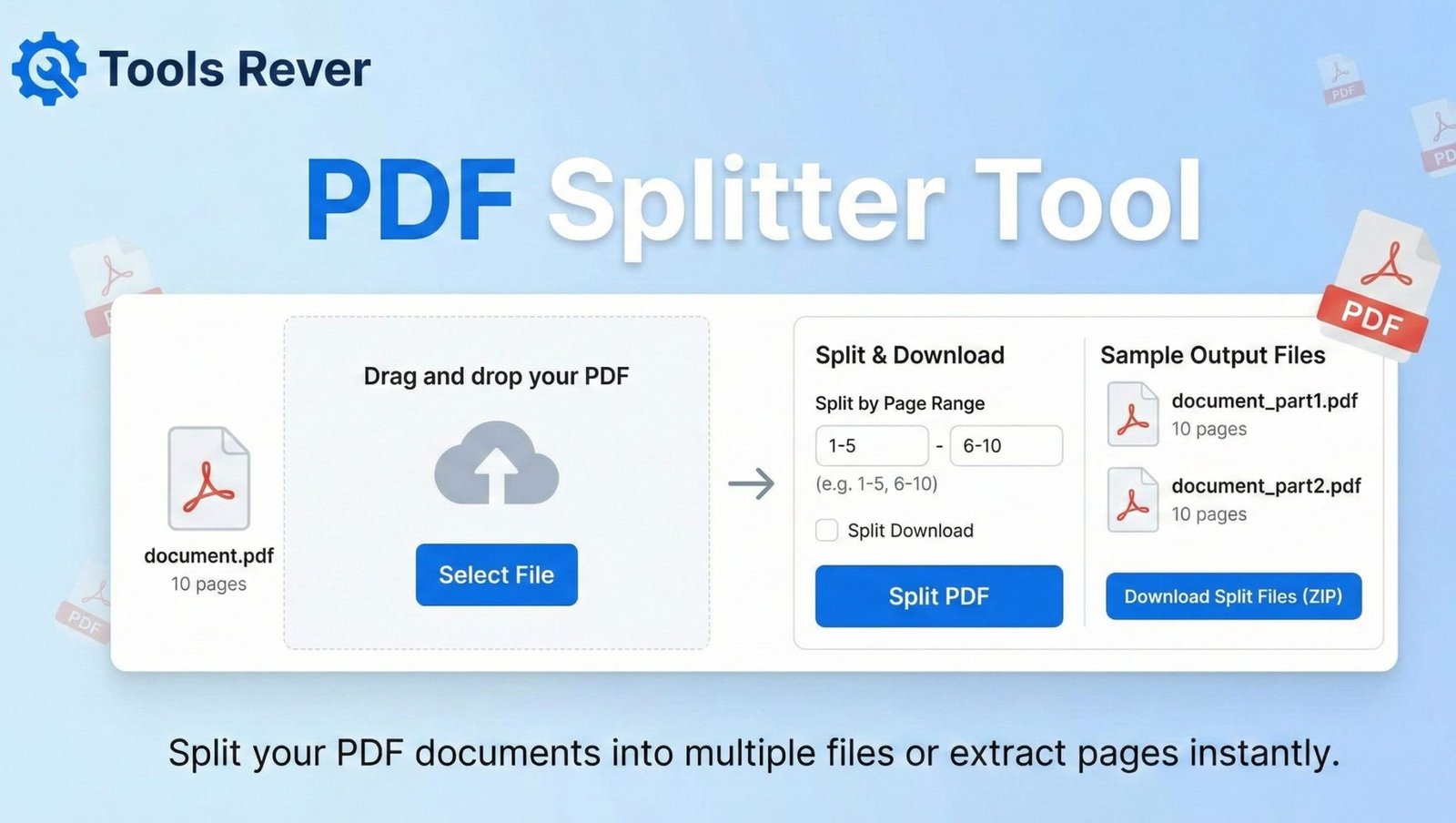
PDF Splitter
Extract pages from your PDF documents with precision
About This Tool
Our PDF Splitter allows you to divide large PDF documents into smaller files by extracting specific pages or ranges of pages. This is ideal for sharing only relevant sections of a document, reducing file sizes, or organizing content more effectively.
The tool maintains the original formatting and quality of your PDF while giving you precise control over which pages to extract.
Upload Your PDF File
Drag & drop your PDF file here or click to browse
How to Use
Features
Multiple Splitting Methods
Split by page range, specific pages, or at regular intervals
High Quality Output
Maintains original formatting, images, and text quality
Bulk Download
Download all split files as a single ZIP archive
Secure Processing
Your files are processed securely and deleted after completion
PDF Splitter: Extract Pages from PDF Files Online
Split PDF pages instantly for free! Our online PDF Splitter extracts specific pages or ranges. No installation required. Secure and easy to use.
PDF Splitter: The Ultimate Solution for Managing and Organizing Your Documents
Have you ever received a massive PDF document but only needed to share a few specific pages? Or struggled to extract a single contract page from a multi-file scan? Manually recreating documents or taking screenshots is time-consuming and produces unprofessional results. This common frustration is exactly what a PDF Splitter is designed to solve.
A PDF Splitter is an essential online tool that allows you to divide a single PDF file into multiple smaller files, extracting specific page ranges or individual pages with precision. Whether you’re a student submitting a single chapter of a thesis, a professional sharing only relevant contract sections, or an administrator organizing digital records, a PDF Splitter empowers you to work smarter by giving you complete control over your document’s structure with just a few clicks.
What is a PDF Splitter and How Does It Work?
A PDF Splitter is a web-based utility that processes Portable Document Format (PDF) files to separate them into smaller components. Unlike traditional software that requires installation, modern online splitters work directly in your browser using advanced JavaScript libraries and server-side processing.
The technology behind PDF splitting involves:
- PDF Parsing: The tool reads the complex structure of the PDF file, understanding its page tree, objects, and streams.
- Page Extraction: It identifies and isolates the specific pages or page ranges you’ve selected.
- New PDF Generation: It creates new, compliant PDF files containing only your chosen pages while preserving the original formatting, text, and images.
Using our PDF Splitter tool eliminates the need for expensive software subscriptions. It provides enterprise-level document manipulation capabilities to everyone for free.
Why Every Professional Needs a PDF Splitter in Their Toolkit
The ability to split PDFs is not just a convenience—it’s a crucial skill for efficient digital document management in today’s paperless environments.
Enhanced Professionalism and Precision
Sending a 100-page document when you only need to share 5 specific pages appears unprofessional and shows disregard for the recipient’s time. A PDF Splitter enables you to share exactly what’s needed, demonstrating organization and consideration.
Significant Time Savings
A study by the Association for Information and Image Management found that professionals spend up to 50% of their time creating, managing, and distributing documents. Extracting pages manually can take minutes per document. With a PDF Splitter, this process is reduced to seconds.
Improved File Organization
Large PDFs often contain multiple unrelated documents scanned together. Splitting them into logical, separate files makes your digital filing system more navigable and efficient.
Reduced File Sizes for Sharing
Email systems and file transfer services often have size limitations. By splitting a large PDF and sharing only relevant sections, you avoid bounce-backs and transfer delays.
Key Features of a High-Quality PDF Splitter
Not all PDF splitters are created equal. A superior tool, like the one we provide, offers a comprehensive set of features for maximum flexibility.
1. Multiple Splitting Modes
- Extract All Pages: Creates individual PDFs for every page in the document.
- Page Range Selection: Extract a continuous sequence of pages (e.g., pages 5-12).
- Custom Page Selection: Choose specific, non-consecutive pages (e.g., pages 1, 3, 7, 15).
- Odd/Even Page Extraction: Separate all odd-numbered or even-numbered pages.
2. Batch Processing Capability
Advanced splitters allow you to upload and process multiple PDF files simultaneously. This is invaluable for handling projects with numerous source documents.
3. Quality Preservation
The tool should maintain the original quality of text, vector graphics, and images without compression or degradation.
4. Security and Privacy Assurance
Since PDFs often contain sensitive information, the tool should process files securely with SSL encryption and automatic file deletion from servers after processing.
5. No Registration Requirements
The best online tools work immediately without forcing users to create accounts or provide personal information.
After splitting your PDF, you may need to prepare images for other documents. For perfect image sizing, use our Image Resizer tool.
Step-by-Step Guide: How to Split Your PDF in 4 Easy Steps
Using our PDF Splitter is designed to be intuitive and straightforward, even for first-time users.
Step 1: Upload Your PDF File
Click the “Upload” button and select the PDF file from your computer. Alternatively, drag and drop the file directly into the designated area. Our tool supports files up to 50MB in size.
Step 2: Choose Your Splitting Method
Select how you want to split your document:
- Extract all pages (creates individual files for each page)
- Page ranges (specify continuous sequences like “1-5, 8-10”)
- Custom pages (select specific pages like “1, 3, 7”)
Step 3: Review and Confirm
The tool will display a preview of your selection. Verify the pages you’ve chosen to ensure accuracy before processing.
Step 4: Download Your Split Files
Click the “Split PDF” button. The tool will process your file and provide a download link for a ZIP file containing all your new PDF documents. The original file remains unchanged.
Common Use Cases and Real-World Applications
For Business and Legal Professionals
- Contract Management: Extract specific clauses or sections to share with different departments or stakeholders.
- Proposal Preparation: Combine relevant pages from multiple existing proposals to create a customized new one.
- Financial Reporting: Separate monthly statements from quarterly or annual reports for distribution.
For Academic and Research Applications
- Thesis and Dissertation Submission: Extract specific chapters to send to advisors or for publication.
- Research Paper Compilation: Gather relevant sections from multiple papers for literature reviews.
- Course Material Distribution: Professors can split textbook chapters to share with students week by week.
For Personal and Administrative Use
- Tax Document Preparation: Separate W-2s, 1099s, and other tax forms from multi-page scans.
- Real Estate Transactions: Extract specific pages from lengthy contracts and disclosures.
- Medical Records Management: Organize test results, doctor’s notes, and treatment plans into separate files.
Understanding PDF Technology and Security
PDF (Portable Document Format) was developed by Adobe in the 1990s as a way to present documents consistently across different platforms. According to the International Organization for Standardization, PDF is now an open standard (ISO 32000) maintained by the International Organization for Standardization.
Modern PDFs can contain:
- Text and fonts
- Vector graphics and raster images
- Interactive elements and form fields
- Digital signatures and encryption
- Layers and multimedia content
A quality PDF Splitter preserves all these elements during the extraction process, ensuring your new documents maintain the functionality and appearance of the original.
Security Best Practices When Using Online PDF Tools
While our tool is designed with security in mind, following these practices ensures maximum protection for your documents:
- Check for HTTPS: Always ensure the website uses HTTPS encryption (look for the padlock icon in your browser).
- Review Privacy Policies: Understand how the service handles your files. Our tool automatically deletes uploaded files within one hour of processing.
- Avoid Sensitive Documents: When possible, avoid uploading highly confidential documents like passports, financial statements, or legal contracts to any online service.
- Scan for Watermarks: Some free services add watermarks to extracted pages. Our tool provides clean, watermark-free outputs.
Frequently Asked Questions (FAQs)
Is there a limit to the number of pages I can split at once?
Will splitting a PDF affect the quality of the content?
Are the PDF files I upload kept private and secure?
Conclusion: Take Control of Your Document Workflow Today
A PDF Splitter is more than just a utility—it’s an essential component of modern digital literacy. In a world where PDF remains the universal standard for document exchange, the ability to manipulate and organize these files efficiently separates productive professionals from those overwhelmed by digital clutter. By empowering you to extract exactly what you need from complex documents, this tool saves time, enhances professionalism, and simplifies collaboration.
Stop wrestling with cumbersome documents and start working with precision. Ready to transform how you handle PDFs? Use our free, powerful PDF Splitter tool now and experience the freedom of perfect document control at your fingertips!